



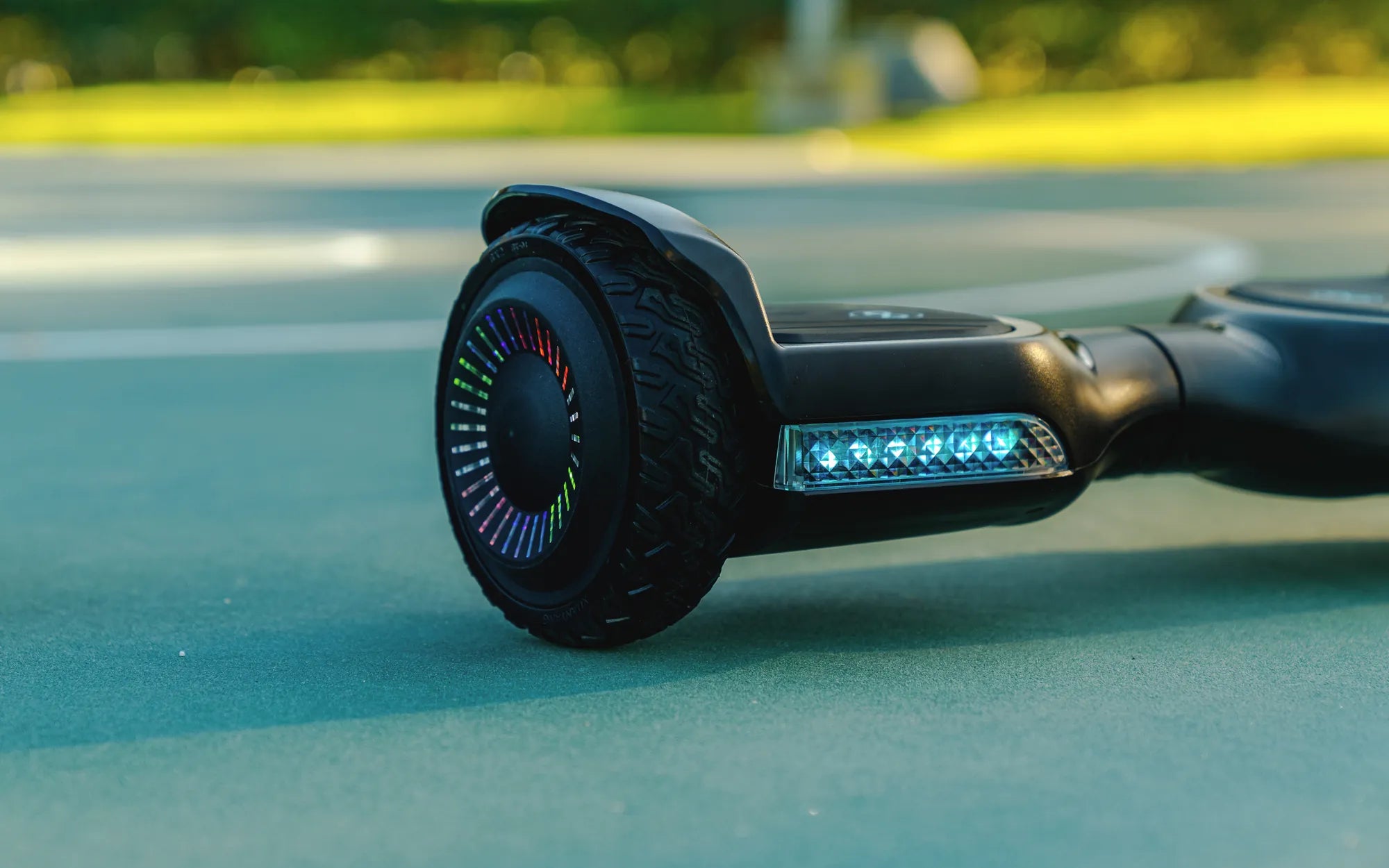
Is your hoverboard refusing to turn on unless it's plugged in? This frustrating issue can leave you stranded and wondering what went wrong. Don't worry—you're not alone. Many hoverboard owners face this problem, and the good news is that it's often fixable. Let's dive into the possible causes and solutions to get you back on the move.
Common Causes of a Hoverboard Only Turning On When Plugged In
Understanding why your hoverboard behaves this way is the first step toward fixing it. Here are the most likely culprits:
- Battery Issues: A dead or failing battery is the most common reason.
- Charging Port Problems: A damaged or loose charging port can prevent proper power flow.
- Faulty Wiring: Internal wiring issues may disrupt the connection between the battery and the board.
- Motherboard Malfunction: A damaged or defective motherboard can cause power distribution problems.
- Software Glitches: Firmware issues may interfere with the hoverboard's startup sequence.
How to Diagnose the Problem
Before attempting any fixes, it's essential to diagnose the root cause accurately. Follow these steps:
- Check the Battery: Use a multimeter to test the battery voltage. A fully charged battery should read close to its rated voltage (usually 36V or 42V). If it's significantly lower, the battery may be dead.
- Inspect the Charging Port: Look for visible damage, loose connections, or debris blocking the port.
- Examine the Wiring: Open the hoverboard (if possible) and check for loose or frayed wires.
- Test the Motherboard: Look for burnt components or unusual smells, which indicate a malfunction.
- Reset the Hoverboard: Some models have a reset button that can resolve software issues.
How to Fix a Hoverboard That Only Turns On When Plugged In
Once you've identified the problem, try these solutions:
1. Replace the Battery
If the battery is dead or failing, replacing it is often the best solution. Ensure you purchase a compatible battery with the correct voltage and capacity.
2. Repair or Replace the Charging Port
A damaged charging port may need to be resoldered or replaced entirely. If you're not comfortable with electronics, seek professional help.
3. Fix Loose or Damaged Wiring
Reconnect or replace any loose or damaged wires. Secure all connections to ensure proper power flow.
4. Address Motherboard Issues
If the motherboard is faulty, it may need to be repaired or replaced. This is a complex task best left to professionals.
5. Update or Reset the Firmware
Check for firmware updates from the manufacturer. If available, follow the instructions to update the hoverboard's software.
Preventive Measures to Avoid Future Issues
To keep your hoverboard running smoothly, follow these tips:
- Charge Properly: Avoid overcharging or leaving the hoverboard plugged in for extended periods.
- Store Correctly: Keep the hoverboard in a cool, dry place away from extreme temperatures.
- Regular Maintenance: Inspect wiring and connections periodically to catch issues early.
- Use the Right Charger: Always use the manufacturer-recommended charger to avoid damage.
If your hoverboard only turns on when plugged in, don't panic—there's usually a fix. By diagnosing the issue and following the right steps, you can restore your hoverboard's functionality and enjoy a smooth ride once again. Whether it's a simple battery replacement or a more complex motherboard repair, taking action now will save you time and frustration later.
Why Won't My Hoverboard Work? Troubleshooting Common Issues
Why Won't My Hoverboard Work? Troubleshooting Common Issues