



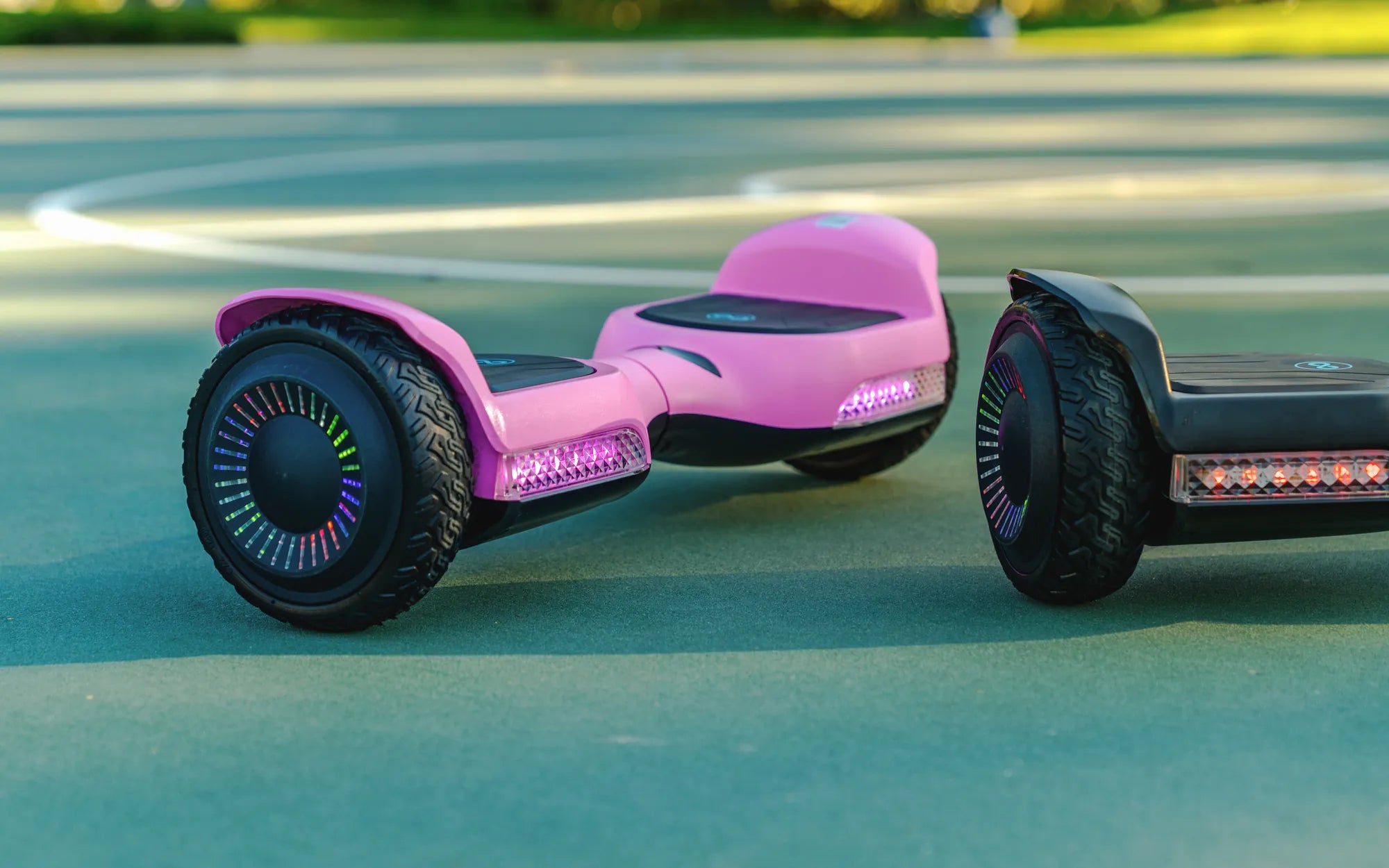
Hoverboards have become a popular mode of transportation and entertainment, but keeping them charged and ready to go requires the right charger. A 42V 2A hoverboard charger is a critical component for ensuring your device stays powered up safely and efficiently. In this guide, we’ll dive deep into what makes this charger essential, how to use it correctly, and how to avoid common pitfalls.
What Is a 42V 2A Hoverboard Charger?
A 42V 2A hoverboard charger is a power adapter designed specifically for hoverboards with a 42-volt battery system. The "2A" refers to the amperage, which determines how quickly the battery charges. This charger strikes a balance between speed and safety, ensuring your hoverboard gets the power it needs without overloading the battery.
Why Is the Right Charger Important?
Using the correct charger is crucial for several reasons:
- Battery Health: An incompatible charger can damage the battery, reducing its lifespan.
- Safety: Incorrect voltage or amperage can lead to overheating or even fires.
- Performance: A properly matched charger ensures optimal charging speed and efficiency.
Features of a High-Quality 42V 2A Hoverboard Charger
Not all chargers are created equal. Here are the key features to look for:
- Overcharge Protection: Automatically stops charging when the battery is full.
- Short-Circuit Protection: Prevents damage from electrical surges.
- Durable Build: High-quality materials ensure longevity.
- LED Indicators: Shows charging status for convenience.
How to Use Your 42V 2A Hoverboard Charger Safely
Follow these steps to ensure safe charging:
- Plug the charger into a stable power outlet.
- Connect the charger to your hoverboard’s charging port.
- Monitor the LED indicator to confirm charging has started.
- Unplug the charger once the battery is fully charged.
Common Charging Mistakes to Avoid
Even with the right charger, mistakes can happen. Avoid these common errors:
- Overcharging: Leaving the charger plugged in for too long can damage the battery.
- Using Damaged Cables: Frayed or broken wires can cause electrical hazards.
- Charging in Extreme Temperatures: High or low temperatures can affect battery performance.
Troubleshooting Your 42V 2A Hoverboard Charger
If your charger isn’t working as expected, try these fixes:
- Check the Power Outlet: Ensure the outlet is functioning properly.
- Inspect the Charging Port: Dust or debris can interfere with the connection.
- Test with Another Charger: If possible, try a different charger to isolate the issue.
How Long Does It Take to Charge a Hoverboard?
With a 42V 2A hoverboard charger, most hoverboards take between 2 to 4 hours to fully charge. However, charging times can vary based on battery capacity and usage.
Extending the Life of Your Hoverboard Battery
To maximize your hoverboard’s battery life:
- Avoid draining the battery completely before recharging.
- Store your hoverboard in a cool, dry place.
- Use only the recommended charger.
Where to Buy a Reliable 42V 2A Hoverboard Charger
When purchasing a replacement charger, look for reputable sellers and check customer reviews. Avoid cheap, unbranded chargers as they may lack safety features.
Keeping your hoverboard charged and ready doesn’t have to be a hassle. With the right 42V 2A hoverboard charger and proper care, you can enjoy smooth rides without worrying about power issues. Whether you’re a seasoned rider or a beginner, understanding your charger is the first step to a seamless hoverboard experience.
Replacement Battery for Scooter: A Complete Guide to Choosing the Right One
Battery Scooter for Girls: The Ultimate Guide to Fun and Safe Riding