



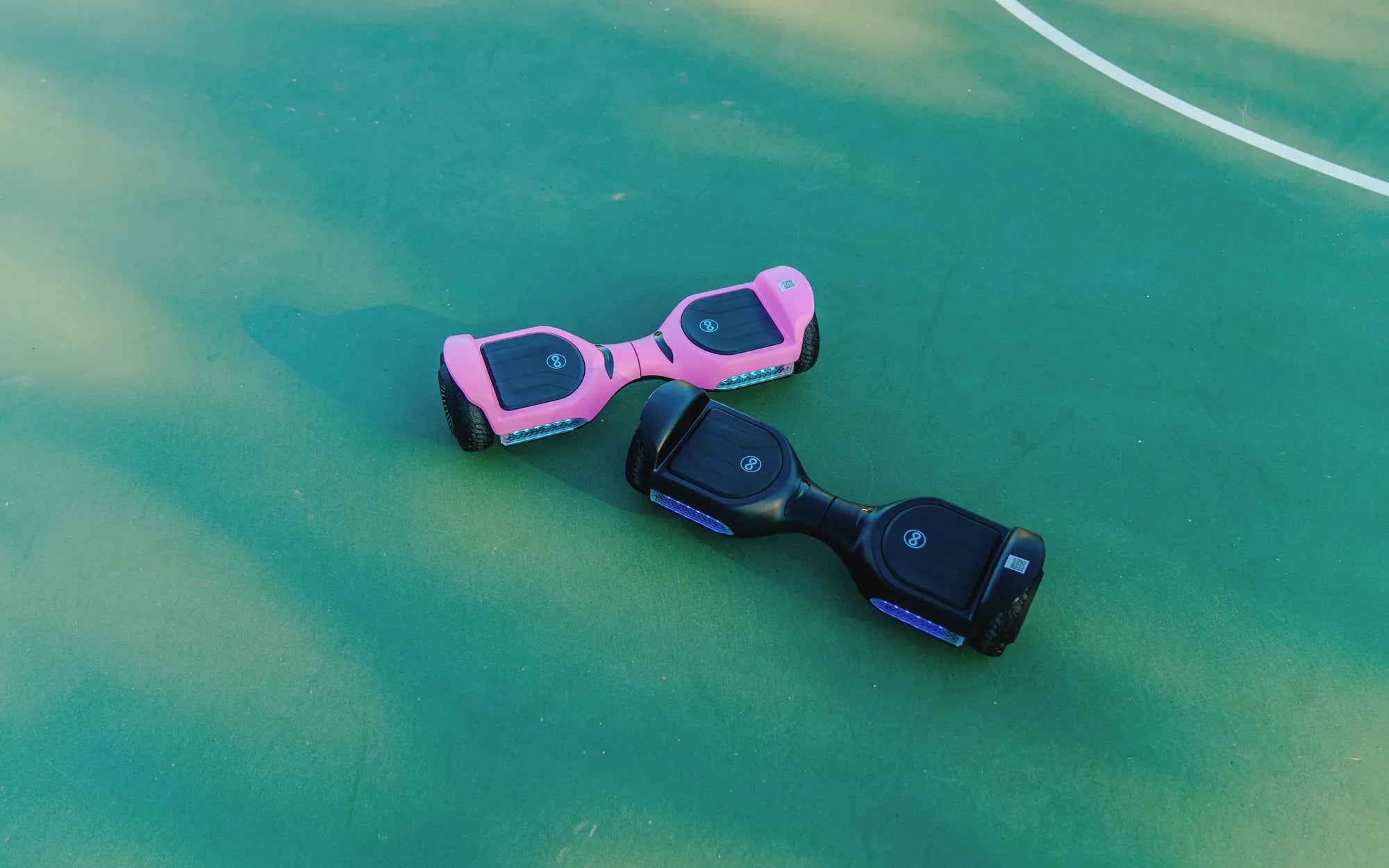
If your hoverboard is making a beeping noise, it’s not just annoying—it could be a warning sign of a deeper issue. Whether you’re a seasoned rider or a beginner, understanding the causes and solutions for this problem can save you from potential hazards. Let’s dive into the reasons behind the beeping noise and how to address it effectively.
Why Is My Hoverboard Beeping?
Hoverboards are designed with built-in safety features, and one of them is the audible beeping sound. This noise is often a signal that something isn’t functioning correctly. Here are the most common reasons:
1. Low Battery
A beeping noise often indicates that your hoverboard’s battery is running low. Most models emit a series of beeps to alert you to recharge. Ignoring this warning could lead to sudden shutdowns mid-ride, which can be dangerous.
2. Overheating
Hoverboards can overheat due to prolonged use or exposure to high temperatures. When the internal components get too hot, the device may beep to prevent damage. Allow it to cool down before resuming use.
3. Uneven Surface or Overload
If you’re riding on an uneven surface or exceeding the weight limit, the hoverboard may beep to alert you. This is a safety measure to prevent motor strain or potential accidents.
4. Firmware or Calibration Issues
Software glitches or improper calibration can trigger beeping sounds. Resetting or recalibrating your hoverboard might resolve the issue.
How to Fix a Beeping Hoverboard
Now that you know the potential causes, let’s explore how to troubleshoot and fix the problem.
1. Charge the Battery
If the beeping is due to a low battery, plug in the charger and wait until it’s fully charged. Avoid using the hoverboard while charging.
2. Cool Down the Device
Turn off the hoverboard and let it sit in a cool, shaded area for at least 30 minutes. Avoid using it until the temperature normalizes.
3. Check the Surface and Weight Limit
Ensure you’re riding on a flat, smooth surface and that you’re within the recommended weight capacity. Exceeding these limits can strain the motors and trigger beeping.
4. Recalibrate the Hoverboard
Follow the manufacturer’s instructions to recalibrate the device. This often involves turning it off, placing it on a level surface, and holding specific buttons until the lights stop flashing.
Safety Tips to Prevent Beeping Noises
Prevention is always better than cure. Here are some tips to keep your hoverboard in top condition:
- Always charge the battery fully before use.
- Avoid riding in extreme temperatures.
- Stick to smooth, even surfaces.
- Regularly inspect the hoverboard for wear and tear.
- Follow the manufacturer’s maintenance guidelines.
When to Seek Professional Help
If the beeping persists after trying these fixes, there might be a hardware issue, such as a faulty motor or damaged battery. In such cases, it’s best to consult a professional technician to avoid further damage or safety risks.
Don’t let a beeping hoverboard ruin your ride. By understanding the causes and taking the right steps, you can enjoy a smooth, safe experience every time. Stay alert, follow these tips, and keep gliding effortlessly!
Status Light on Hoverboard: What It Means and How to Troubleshoot
How Long Does a Hoverboard Segway Battery Last: A Complete Guide