



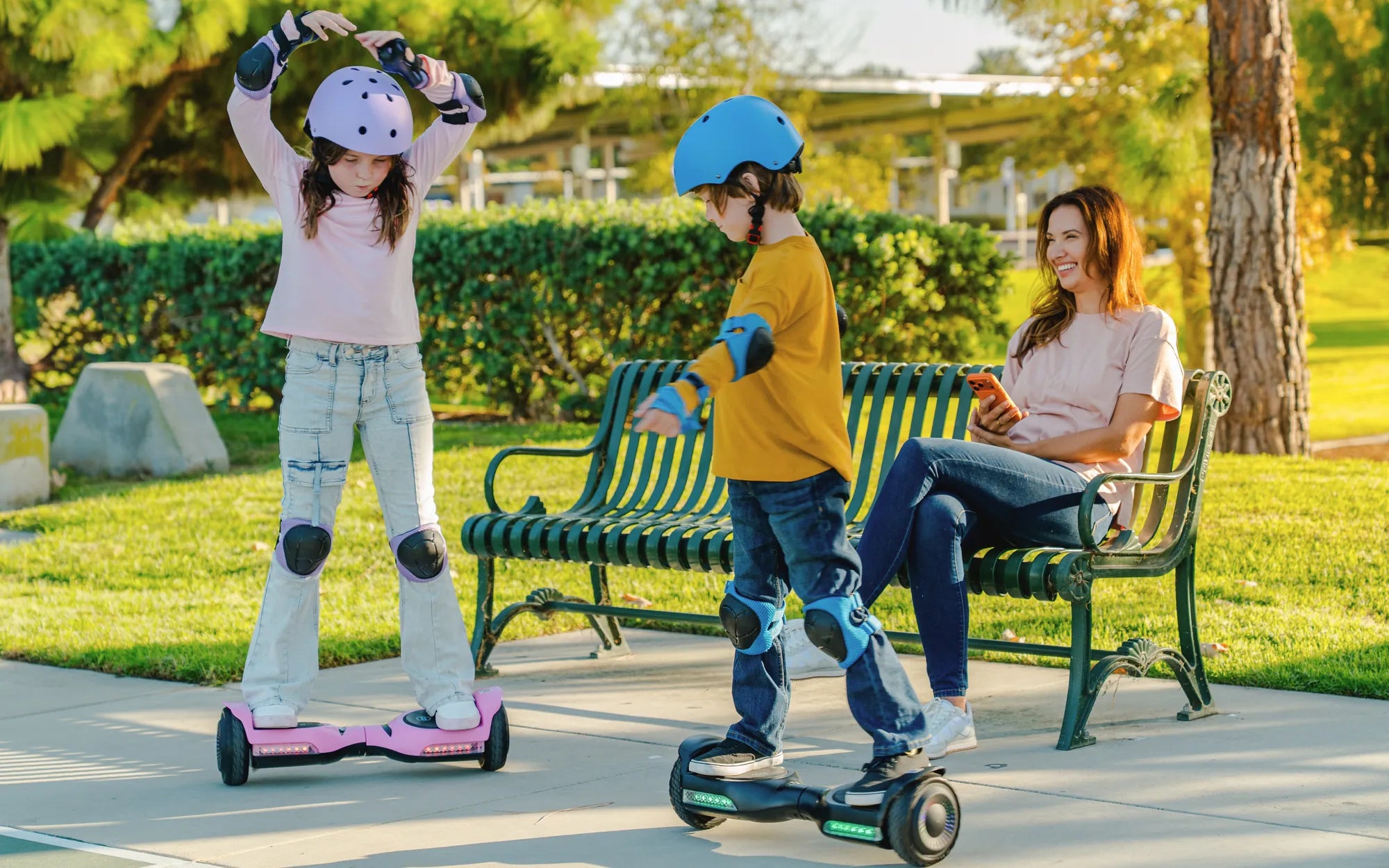
Hoverboards have become a popular mode of transportation and entertainment, but many users overlook the importance of proper charging. Knowing the best way to charge your hoverboard can extend its lifespan, improve performance, and prevent accidents. Whether you're a first-time owner or a seasoned rider, this guide will help you master the art of hoverboard charging.
Why Proper Charging Matters
Charging your hoverboard correctly is crucial for several reasons. A well-maintained battery ensures longer ride times, consistent performance, and reduces the risk of overheating or fire hazards. Many hoverboard-related accidents stem from improper charging practices, making it essential to follow manufacturer guidelines and safety precautions.
Step-by-Step Guide to Charging Your Hoverboard
1. Use the Right Charger
Always use the charger that came with your hoverboard or a certified replacement. Using incompatible chargers can damage the battery or cause overheating. Check the voltage and amperage specifications to ensure compatibility.
2. Charge in a Safe Location
Place your hoverboard on a flat, non-flammable surface while charging. Avoid charging near carpets, bedding, or other flammable materials. A cool, dry environment is ideal to prevent overheating.
3. Monitor Charging Time
Most hoverboards take 2-4 hours to fully charge. Avoid leaving it plugged in overnight or for extended periods, as overcharging can degrade the battery. Unplug the charger once the indicator light turns green.
4. Avoid Extreme Temperatures
Never charge your hoverboard in extremely hot or cold conditions. Extreme temperatures can affect battery performance and longevity. Aim for room temperature (around 20-25°C) for optimal charging.
5. Store with Partial Charge
If you won't be using your hoverboard for a while, store it with a 40-60% charge. Storing it fully charged or completely drained can harm the battery over time.
Common Charging Mistakes to Avoid
- Using third-party chargers: Cheap, uncertified chargers can cause irreversible damage.
- Ignoring warning signs: If your hoverboard gets unusually hot during charging, unplug it immediately.
- Charging immediately after use: Let the battery cool down for 15-30 minutes before plugging it in.
- Overcharging: Leaving it plugged in for days can shorten battery life.
Tips for Extending Battery Life
Follow these additional tips to keep your hoverboard's battery in top condition:
- Charge the hoverboard after every use, even if it's not fully drained.
- Avoid riding until the battery is completely dead, as deep discharges can harm lithium-ion batteries.
- Clean the charging port regularly to ensure a secure connection.
- If the battery performance drops significantly, consider replacing it instead of risking malfunctions.
Safety Precautions
Hoverboard batteries are powerful and require careful handling. Always:
- Keep the charger and hoverboard away from water or moisture.
- Never attempt to disassemble or modify the battery.
- Inspect the charger and cables for damage before use.
- Charge in a well-ventilated area to prevent heat buildup.
Mastering the best way to charge your hoverboard not only enhances your riding experience but also ensures safety and longevity. By following these guidelines, you'll enjoy smoother rides, fewer battery issues, and peace of mind knowing you're taking the right steps to protect your investment. Happy riding—and charging!
Electric Hoverboards and Hoverkarts: The Future of Personal Mobility
Best Budget Hoverboard Cart Attachment: Affordable and Practical Solutions