



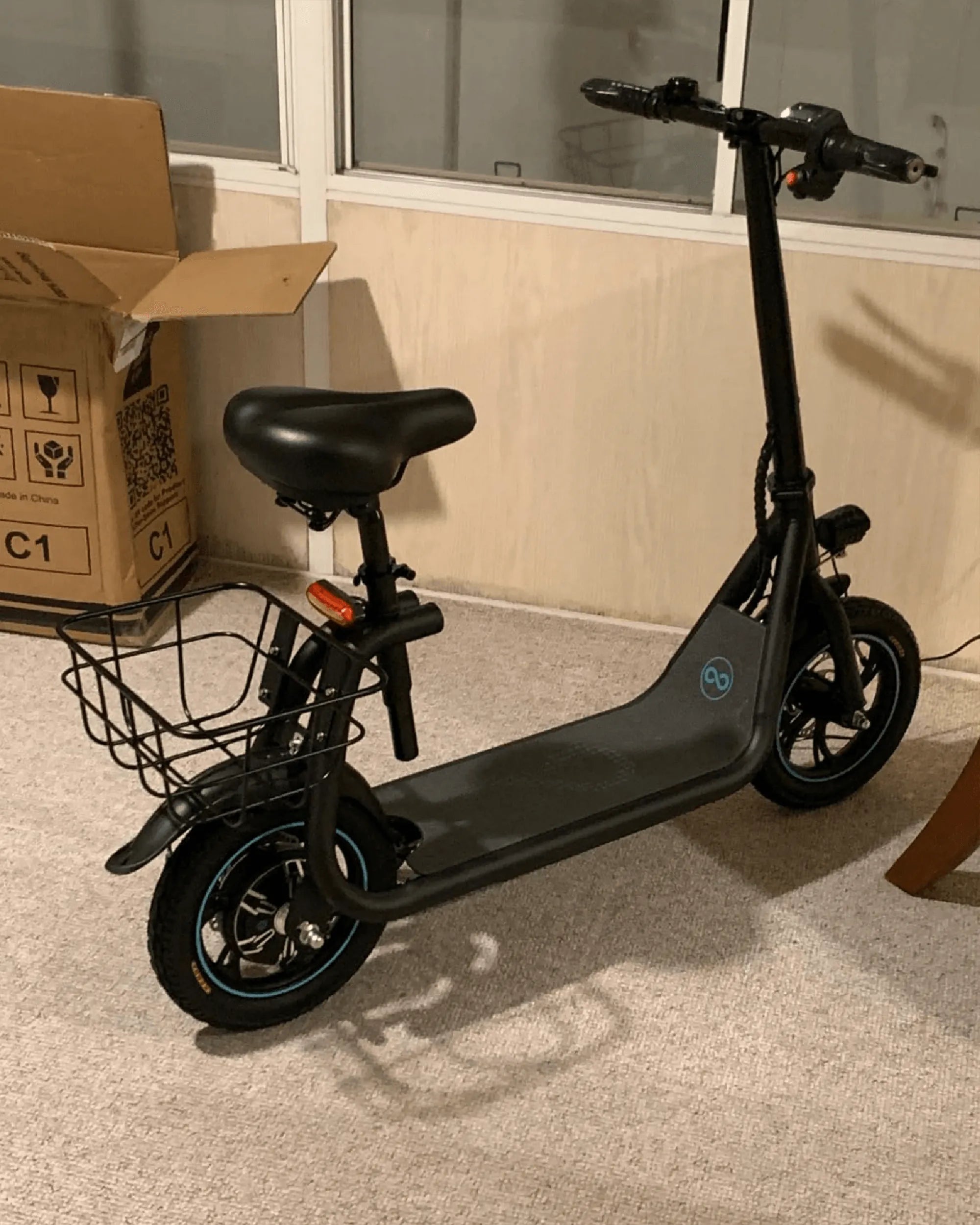
Electric scooters have become a popular mode of transportation, offering convenience and eco-friendly travel. One common question riders ask is: Can you change the speed on an electric scooter? The answer is yes, but the method depends on the scooter's design and features. In this article, we'll explore how speed adjustment works, the factors influencing it, and how to ride safely at different speeds.
How Electric Scooter Speed Can Be Adjusted
Most electric scooters come with built-in speed settings that allow riders to switch between different modes. These modes often include:
- Beginner Mode: Limits speed for safety, ideal for new riders.
- Eco Mode: Balances speed and battery efficiency.
- Sport Mode: Unlocks the scooter's maximum speed for experienced riders.
Some scooters also feature customizable speed settings via a companion app, allowing riders to fine-tune their preferred speed limits.
Factors That Affect Electric Scooter Speed
Several factors influence how fast an electric scooter can go, including:
- Motor Power: Higher wattage motors generally provide greater speed.
- Battery Capacity: A fully charged battery ensures optimal performance.
- Weight Load: Heavier riders may experience slightly reduced speeds.
- Terrain: Hills and rough surfaces can slow down the scooter.
Safety Tips for Riding at Different Speeds
Adjusting your scooter's speed is exciting, but safety should always come first. Follow these tips:
- Always wear a helmet and protective gear.
- Start slow if you're a beginner and gradually increase speed.
- Avoid high speeds in crowded or uneven areas.
- Check local laws regarding speed limits for electric scooters.
Whether you're cruising at a relaxed pace or pushing your scooter to its limits, understanding speed control enhances your riding experience. Ready to take your electric scooter adventures to the next level? Adjust your speed wisely and enjoy the ride!
Smart Balance Scooter Parts: The Ultimate Guide to Maintenance and Upgrades
Electric Scooter on Road Price in Kerala: A Comprehensive Guide