



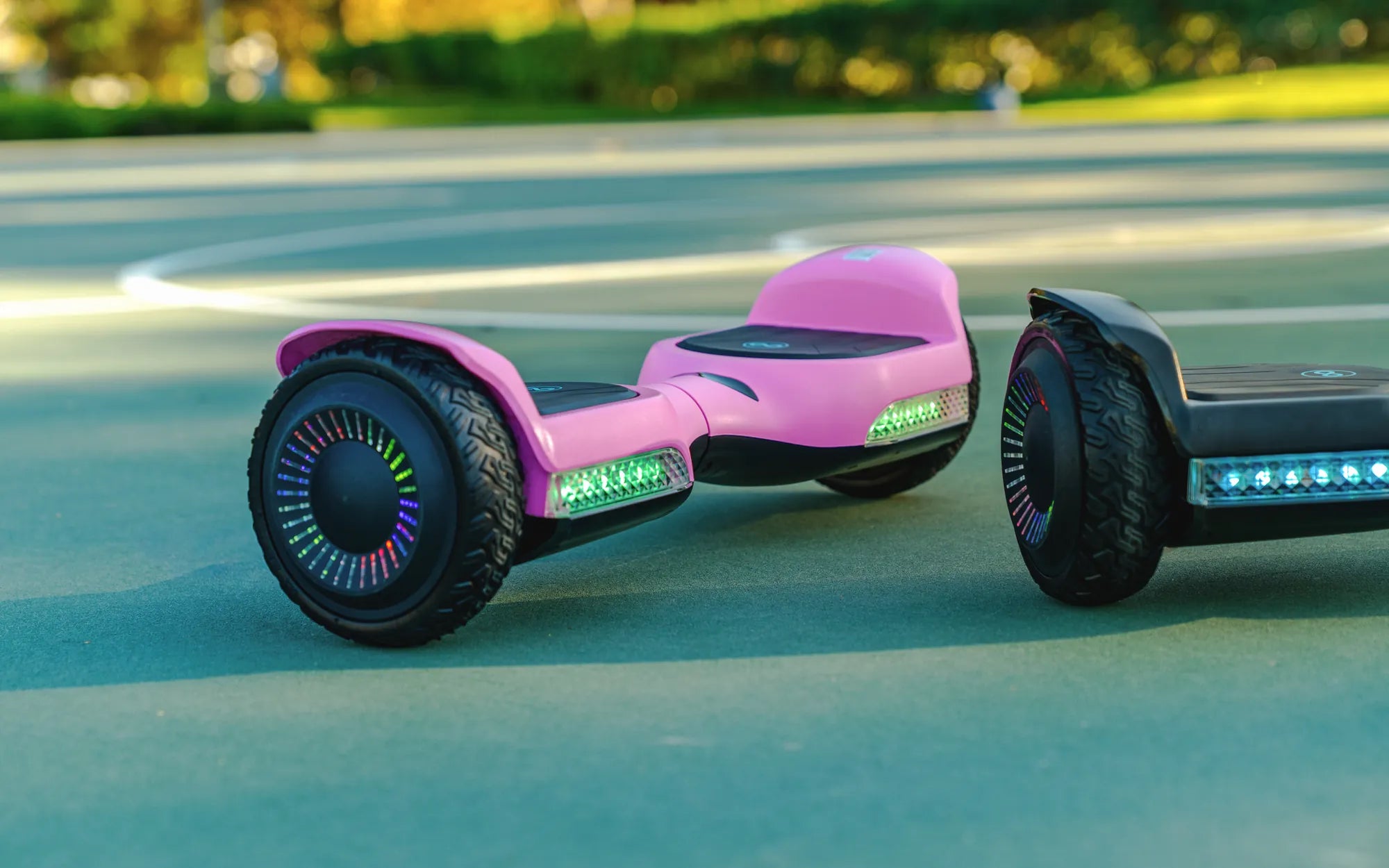
Hoverboards have become a popular mode of transportation and entertainment, but like any electronic device, they can encounter problems. Whether you're a seasoned rider or a beginner, knowing how to identify and fix common hoverboard problems can save you time and frustration. From battery issues to connectivity glitches, this guide covers everything you need to keep your hoverboard running smoothly.
Battery and Charging Issues
One of the most frequent complaints among hoverboard users is battery-related problems. If your hoverboard won't turn on or loses charge quickly, the battery might be the culprit. Always ensure the charger is properly connected and the outlet is functioning. Overcharging can also damage the battery, so unplug it once fully charged. If the battery still doesn't hold a charge, it may need replacement.
Uneven or Wobbly Riding
If your hoverboard feels unstable or tilts to one side, the issue could lie in the wheel alignment or calibration. Most hoverboards have a calibration feature—consult your manual to reset it. Uneven tire pressure can also cause wobbling, so check and adjust the air pressure if your model allows it. Worn-out tires may need replacing for a smoother ride.
Connectivity and Bluetooth Problems
Many modern hoverboards come with Bluetooth speakers or companion apps. If your device isn't pairing, ensure Bluetooth is enabled and the hoverboard is in pairing mode. Resetting the hoverboard or the connected device can often resolve connectivity issues. Interference from other electronics might also disrupt the signal, so try moving to a different location.
Overheating and Safety Concerns
Hoverboards can overheat, especially during prolonged use or in hot weather. If the device feels excessively hot, turn it off and let it cool down. Overheating can damage internal components and pose a fire risk, so never leave a charging hoverboard unattended. Regularly inspect the wiring and casing for signs of wear or damage.
Error Codes and Diagnostics
Some hoverboards display error codes when something goes wrong. These codes can indicate issues with the battery, motors, or sensors. Refer to the user manual to decode these messages and take appropriate action. Ignoring error codes can lead to further damage, so address them promptly.
Motor and Performance Issues
If your hoverboard struggles to accelerate or makes strange noises, the motor might be failing. Dirt and debris can clog the motor, so clean it regularly. If the problem persists, professional repair may be necessary. Avoid riding on rough terrain to prolong motor life.
Software and Firmware Glitches
Outdated firmware can cause performance issues. Check for updates through the manufacturer's app or website. Resetting the hoverboard to factory settings can also resolve software-related problems. Always back up your settings before performing a reset.
Hoverboards are a blast to ride, but technical hiccups can put a damper on the fun. By understanding these common hoverboard problems and their solutions, you can keep your device in top shape. Don't let minor issues ruin your ride—troubleshoot like a pro and get back to gliding effortlessly!
How Do You Charge a Hoverboard: A Complete Guide to Safe and Efficient Charging
How Many Different Brands of Hoverboard Are There? Exploring the Market