



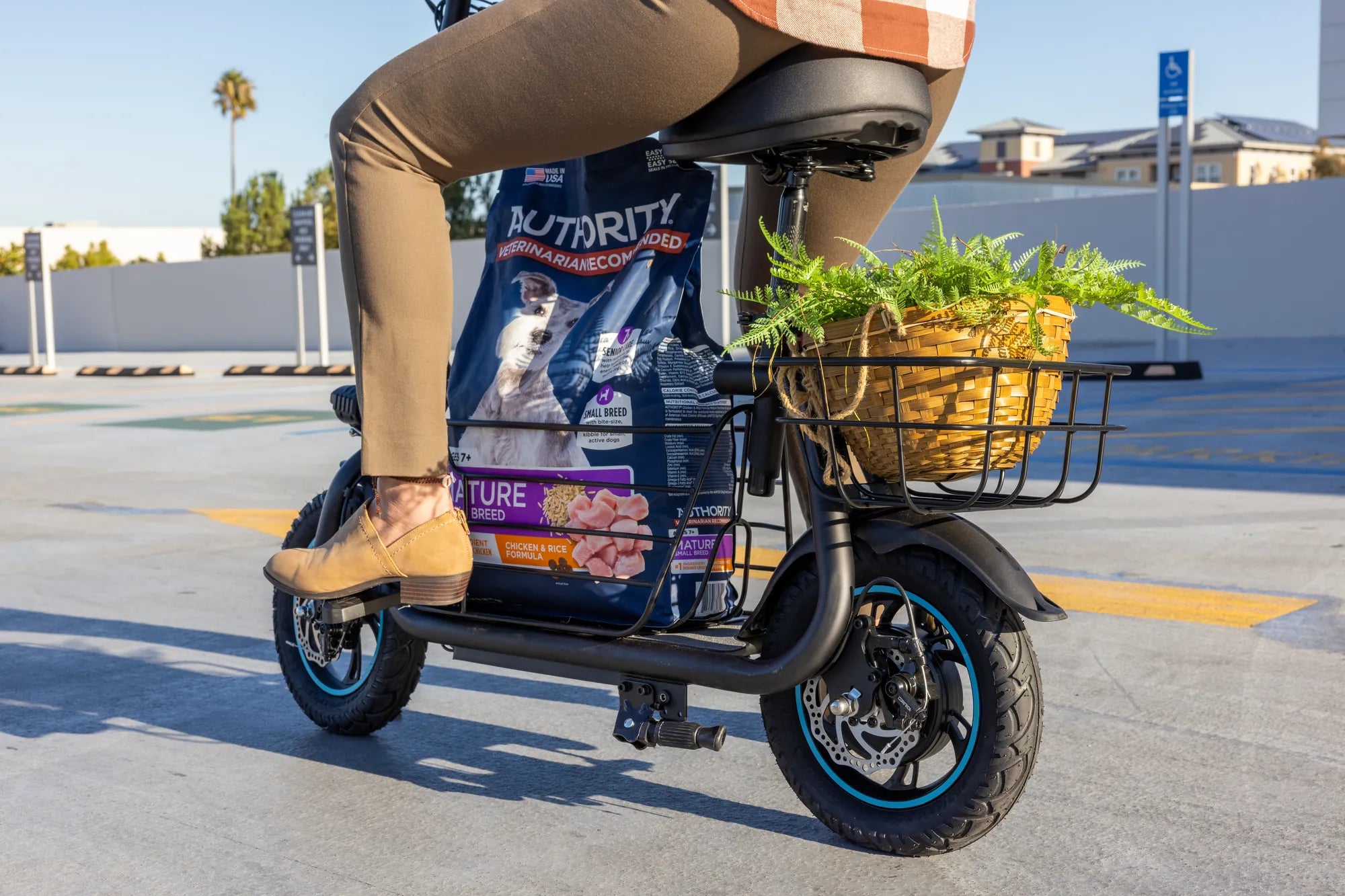
If you've ever been cruising on your electric scooter only to be halted by an ominous E9 error code, you're not alone. This pesky issue can leave riders stranded and confused, but fear not—understanding what triggers the E9 error and how to resolve it can save you time and frustration. Let's dive into the details.
What Is the E9 Error Code on an Electric Scooter?
The E9 error code typically indicates a communication problem between the scooter's controller and its display or throttle system. This error can stem from loose wiring, faulty components, or software glitches. While it may seem daunting, many cases can be resolved with simple troubleshooting.
Common Causes of the E9 Error Code
Several factors can trigger the E9 error code on your electric scooter:
- Loose or Damaged Wiring: Wires connecting the controller to the display or throttle may become loose or frayed over time.
- Faulty Throttle: A malfunctioning throttle can disrupt communication with the controller.
- Controller Issues: The controller may fail to send or receive signals properly.
- Software Glitches: Occasionally, a firmware bug can cause the error.
- Water Damage: Exposure to moisture can corrode connections and trigger errors.
How to Fix the E9 Error Code
Before panicking, try these steps to resolve the E9 error code:
1. Check Wiring Connections
Inspect all wires connecting the controller, display, and throttle. Ensure they are securely plugged in and free from damage. If you find loose connections, reseat them firmly.
2. Test the Throttle
A faulty throttle is a common culprit. Try gently wiggling the throttle while the scooter is powered on. If the error disappears intermittently, the throttle may need replacement.
3. Reset the Scooter
Turn off the scooter, wait 30 seconds, and power it back on. Sometimes, a simple reset can clear temporary glitches.
4. Update Firmware
If your scooter supports firmware updates, check for the latest version. Manufacturers often release patches to fix known bugs.
5. Inspect for Water Damage
If your scooter has been exposed to rain or spills, dry it thoroughly and check for corrosion. Use a contact cleaner to remove any residue from connectors.
Preventing the E9 Error Code
To avoid future occurrences of the E9 error code, follow these tips:
- Regularly inspect and maintain wiring connections.
- Avoid riding in heavy rain or through deep puddles.
- Keep firmware updated to the latest version.
- Store your scooter in a dry, cool place.
When to Seek Professional Help
If you've tried all the above steps and the E9 error code persists, it may indicate a deeper issue with the controller or internal components. In such cases, consulting a professional technician is advisable to avoid further damage.
Don't let the E9 error code keep you off your electric scooter for long. With these troubleshooting steps, you can diagnose and fix the issue efficiently, ensuring smooth rides ahead. Stay proactive with maintenance, and you'll minimize the chances of encountering this error again.
Best 2 Wheel Self Balancing Scooter to Buy: Top Picks for 2024
Best 2 Wheel Self Balancing Scooter to Buy: Top Picks for 2024