

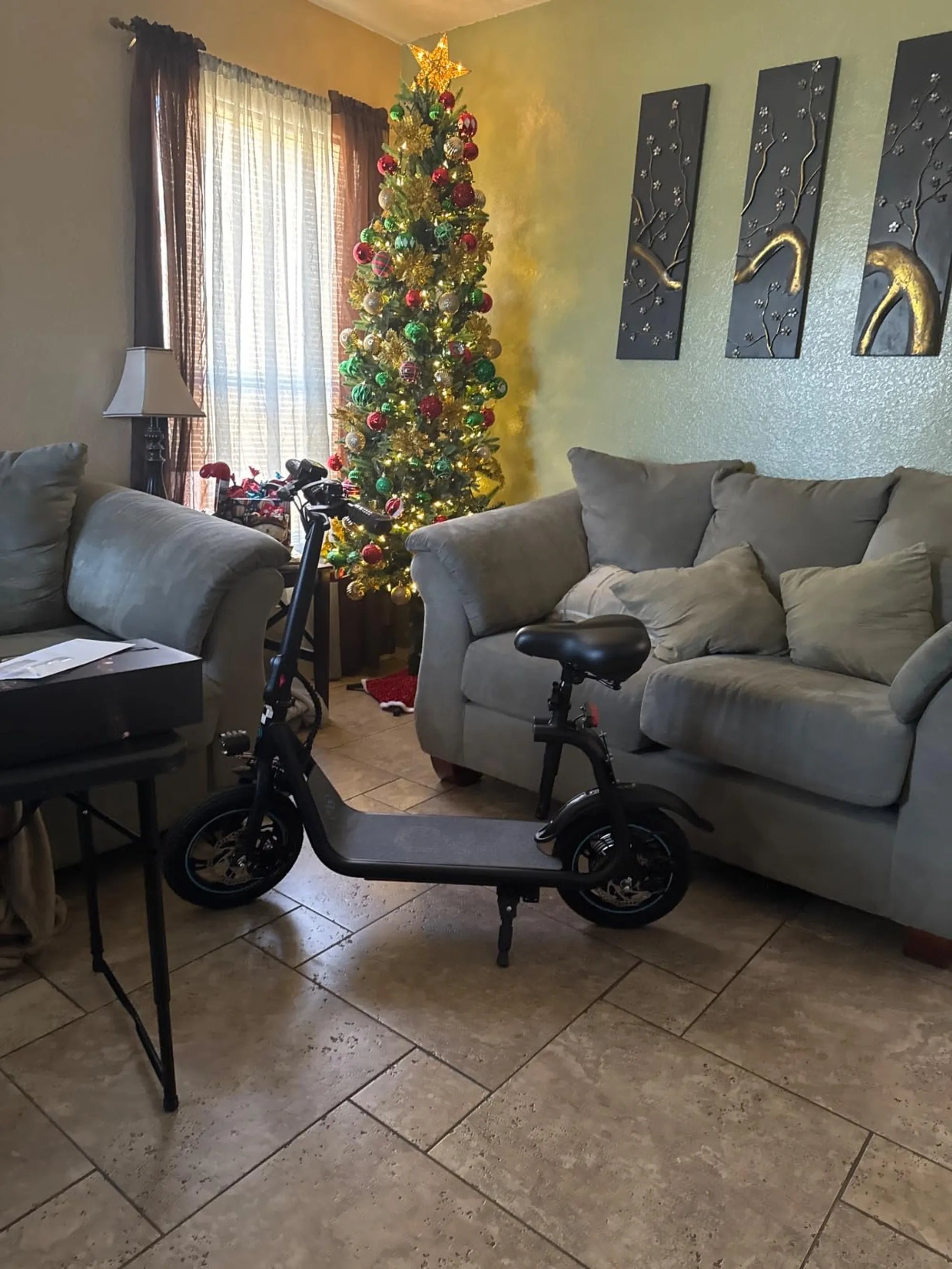
Few things are as frustrating as hopping on your electric scooter, only to find the battery won’t charge. Whether you rely on it for daily commutes or weekend adventures, a dead battery can throw a wrench in your plans. But don’t worry—this guide will walk you through the most common causes, easy fixes, and proactive steps to keep your scooter running smoothly.
Common Reasons Your Electric Scooter Battery Won’t Charge
Before diving into solutions, it’s essential to understand why your electric scooter battery might not be charging. Here are the most frequent culprits:
- Faulty Charger or Power Source: A damaged charger or unstable power outlet can prevent proper charging.
- Loose or Corroded Connections: Dirt, rust, or loose wiring can disrupt the charging process.
- Battery Degradation: Over time, batteries lose their ability to hold a charge due to wear and tear.
- Overheating or Over-Discharging: Extreme temperatures or draining the battery completely can damage it.
- Software or Firmware Issues: Some scooters have built-in systems that may malfunction and prevent charging.
How to Troubleshoot an Electric Scooter Battery That Won’t Charge
If your scooter’s battery isn’t charging, follow these steps to diagnose and fix the issue:
1. Check the Charger and Power Source
Start by ensuring the charger is working correctly. Plug it into a different outlet or test it with another compatible device if possible. Look for any visible damage to the charger’s cable or connectors.
2. Inspect the Charging Port and Connections
Examine the scooter’s charging port for dirt, debris, or corrosion. Use a soft brush or compressed air to clean it gently. Also, check the battery terminals for loose or corroded connections.
3. Test the Battery Voltage
Use a multimeter to measure the battery’s voltage. If it’s significantly lower than the rated voltage, the battery may be over-discharged or damaged. Some scooters have a built-in battery management system (BMS) that can prevent charging if the voltage is too low.
4. Reset the Scooter’s System
Turn off the scooter, disconnect the battery for a few minutes, and reconnect it. This can reset the BMS and resolve minor software glitches.
5. Look for Overheating Signs
If the battery feels excessively hot, let it cool down before attempting to charge it again. Overheating can trigger safety mechanisms that stop charging.
Preventing Future Charging Issues
To avoid recurring problems, follow these best practices for maintaining your electric scooter battery:
- Store Properly: Keep the scooter in a cool, dry place away from direct sunlight.
- Avoid Full Discharges: Try not to drain the battery completely before recharging.
- Use the Right Charger: Always use the manufacturer-recommended charger to prevent damage.
- Regular Inspections: Periodically check the battery, charger, and connections for wear or damage.
When to Seek Professional Help
If you’ve tried all the troubleshooting steps and the battery still won’t charge, it might be time to consult a professional. A certified technician can diagnose deeper issues, such as a failing BMS or a battery that needs replacement.
Don’t let a non-charging battery ruin your ride—with the right knowledge and care, you can keep your electric scooter powered up and ready to go. Whether it’s a simple fix or a sign it’s time for a new battery, taking action now will save you time and hassle down the road.
Electric Scooter Adult 300lbs: The Ultimate Guide to Heavy-Duty Rides
Electric Scooter Adult 300lbs: The Ultimate Guide to Heavy-Duty Rides