

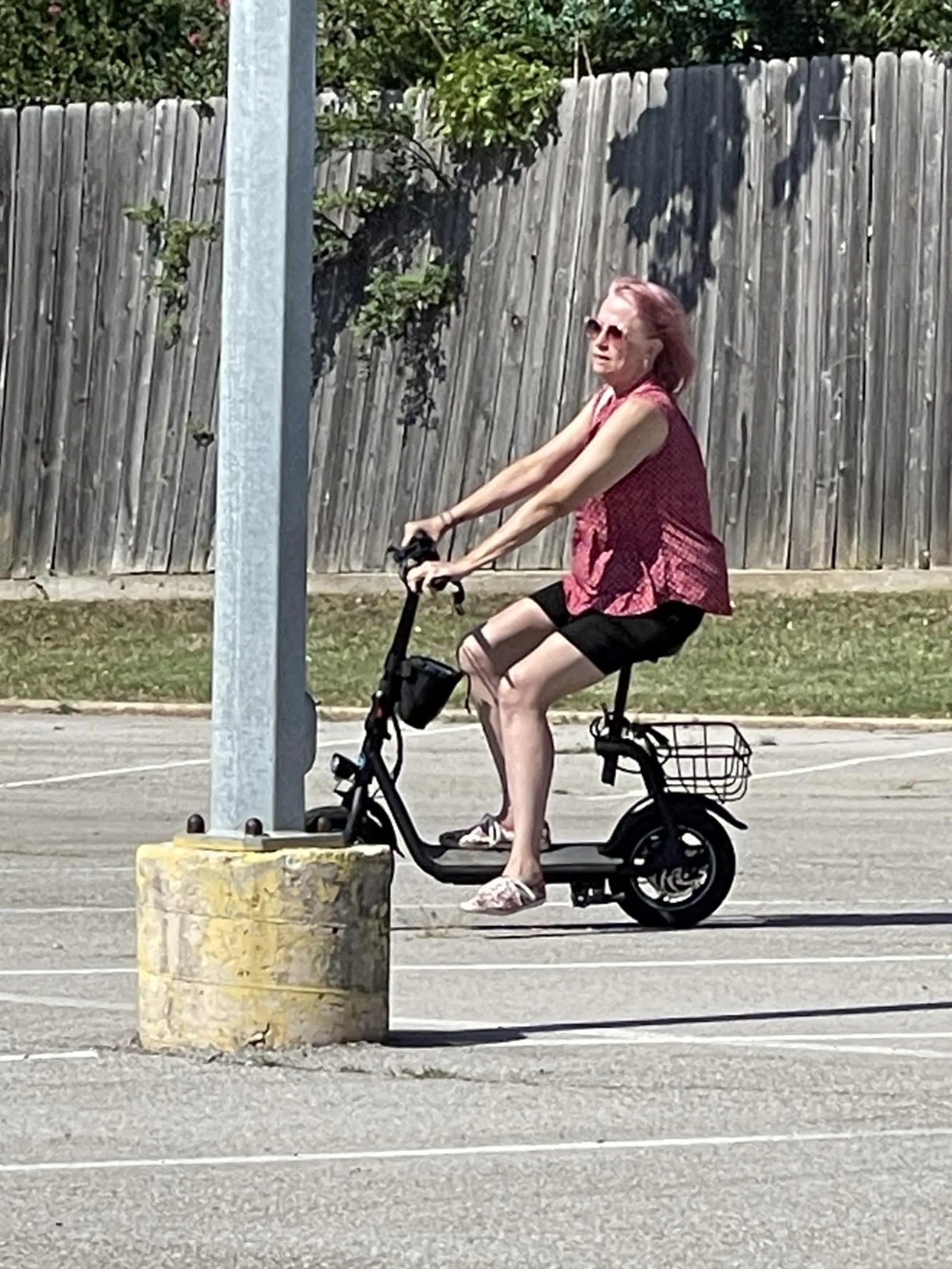
Electric scooters have become a popular mode of transportation, offering convenience, efficiency, and eco-friendly travel. But to get the most out of your ride, understanding the P settings is crucial. These settings control various aspects of your scooter's performance, from speed limits to regenerative braking. If you've ever wondered what these mysterious settings mean, you're in the right place. Let's dive into the world of electric scooter P settings and unlock their full potential.
What Are Electric Scooter P Settings?
P settings, or parameter settings, are a series of customizable options found in many electric scooters. These settings allow riders to tweak their scooter's performance to suit their preferences. Whether you want to adjust the speed, acceleration, or braking power, P settings give you the flexibility to personalize your ride.
Common P Settings and Their Meanings
While the exact P settings can vary between models, here are some of the most common ones you'll encounter:
P1: Speed Limit
This setting determines the maximum speed your scooter can reach. Lowering the P1 value can be useful for beginners or riding in crowded areas, while increasing it unlocks higher speeds for experienced riders.
P2: Acceleration Mode
P2 controls how quickly your scooter accelerates. A higher value means faster acceleration, which can be thrilling but may drain the battery faster. A lower value offers smoother, more gradual acceleration.
P3: Regenerative Braking Strength
Regenerative braking converts kinetic energy back into battery power. P3 adjusts how aggressively the scooter brakes when you release the throttle. A higher setting provides stronger braking and more energy recovery but may feel jerky.
P4: Cruise Control
This setting enables or disables cruise control, which maintains a constant speed without holding the throttle. It's great for long rides but may not be ideal in stop-and-go traffic.
P5: Display Brightness
Adjust the brightness of your scooter's display to conserve battery or improve visibility in bright sunlight.
How to Access and Change P Settings
Accessing P settings usually involves a combination of button presses on the scooter's display. Refer to your manual for specific instructions, but here's a general guide:
- Turn on the scooter and ensure it's stationary.
- Press and hold the power button along with another button (often the mode or throttle button) for a few seconds.
- Use the buttons to navigate through the P settings and adjust values as needed.
- Save changes and exit the menu.
Why P Settings Matter
Customizing P settings can significantly improve your riding experience. For example, reducing the speed limit (P1) can enhance safety for new riders, while tweaking regenerative braking (P3) can extend battery life. Understanding these settings allows you to tailor your scooter to your needs, whether you're commuting, cruising, or tackling hills.
Safety Considerations
While P settings offer great flexibility, misuse can lead to accidents or damage. Always:
- Start with conservative values and gradually adjust.
- Avoid maxing out speed or acceleration if you're not experienced.
- Be mindful of local laws regarding electric scooter speed limits.
Optimizing P Settings for Different Scenarios
Here are some recommended configurations for common riding situations:
City Commuting
Set a moderate speed limit (P1) and medium acceleration (P2) for smooth stops and starts. Enable regenerative braking (P3) to save battery during frequent braking.
Leisure Riding
Increase the speed limit (P1) and acceleration (P2) for a more dynamic ride. Disable cruise control (P4) if you prefer manual throttle control.
Hilly Terrain
Maximize regenerative braking (P3) to recover energy on descents and set a lower speed limit (P1) for better control on steep climbs.
Troubleshooting P Settings Issues
If your scooter isn't responding to P setting changes, try these steps:
- Ensure the scooter is powered on and stationary.
- Check the manual for the correct button combination.
- Reset the scooter to factory settings if needed.
Mastering your electric scooter's P settings is like unlocking a hidden level of control over your ride. Whether you're a speed enthusiast or a cautious commuter, these adjustments can make every trip smoother, safer, and more efficient. So, grab your scooter, dive into the settings, and start riding smarter today!
New Zealand Mountain Biking Tours: The Ultimate Adventure for Thrill Seekers
Electric Bike with Longest Battery Life: The Ultimate Guide to Extended Rides