



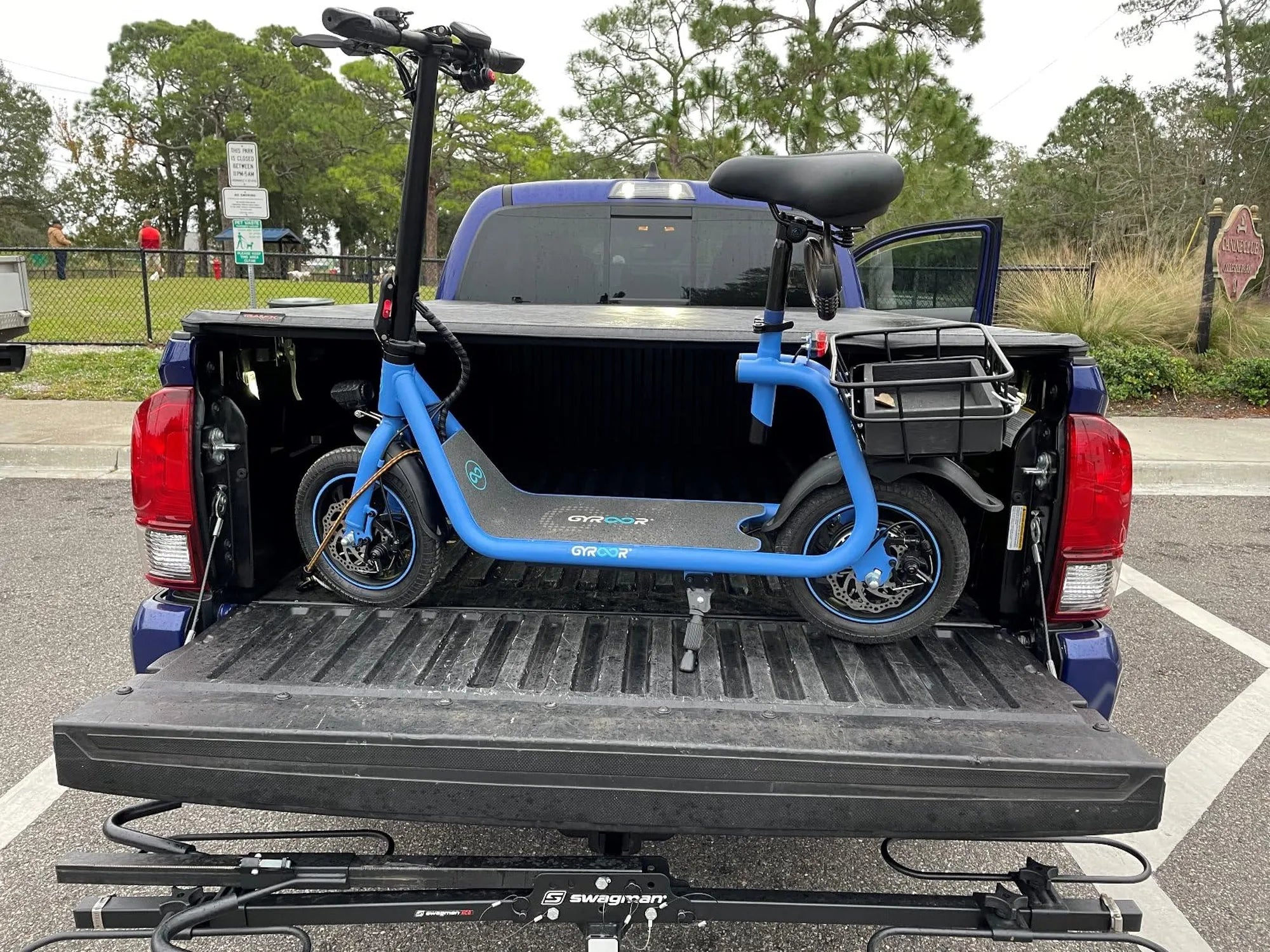
Nothing ruins your day faster than realizing your electric scooter won't charge. Whether you rely on it for commuting or just enjoy cruising around, a dead battery can leave you stranded. But before you give up and start shopping for a replacement, let's explore the possible reasons and solutions to get your scooter back in action.
Common Reasons Why Your Electric Scooter Won't Charge
Several factors could prevent your electric scooter from charging properly. Understanding these issues is the first step toward fixing them.
1. Faulty Charger or Power Source
The problem might not be with your scooter at all. A damaged charger or unstable power source could be the culprit. Check the charger's LED light (if it has one) to see if it's receiving power. Try plugging it into a different outlet or using another compatible charger to rule out this possibility.
2. Loose or Damaged Charging Port
Inspect the charging port on your scooter for any visible damage, dirt, or debris. A loose connection can prevent proper charging. Gently clean the port with compressed air and ensure the charger plugs in securely.
3. Battery Issues
Batteries degrade over time. If your scooter's battery is old or has been improperly maintained, it might not hold a charge. Look for signs of swelling, leakage, or other physical damage.
4. Blown Fuse
Many electric scooters have fuses that protect the battery from power surges. A blown fuse will stop the charging process entirely. Consult your manual to locate and inspect the fuse.
5. Software or Controller Problems
Some modern scooters have sophisticated battery management systems. A software glitch or controller malfunction could prevent charging even when all hardware components are functional.
Step-by-Step Troubleshooting Guide
Follow these steps to diagnose why your electric scooter won't charge:
- Check the basics: Ensure the power outlet works and the charger is properly connected at both ends.
- Inspect the charger: Look for frayed wires, bent pins, or other physical damage.
- Examine the charging port: Clean out any debris and check for bent or broken connectors.
- Test with another charger: If possible, try a known-working charger to isolate the problem.
- Check battery connections: Open the battery compartment (if accessible) and ensure all connections are secure.
- Look for error codes: Some scooters display error codes that can help diagnose charging issues.
DIY Fixes You Can Try at Home
Before calling a professional, try these potential solutions:
Resetting the Battery Management System
Many scooters have a reset procedure that can clear minor glitches. This often involves holding down specific buttons for several seconds while the scooter is off. Check your manual for instructions.
Cleaning Battery Terminals
Corrosion on battery terminals can interrupt the charging process. Carefully clean the contacts with a small wire brush and isopropyl alcohol.
Replacing a Blown Fuse
If you've identified a blown fuse, replacement is usually straightforward. Just make sure to use the correct type and rating specified for your scooter.
When to Seek Professional Help
While many charging issues can be resolved at home, some situations require expert attention:
- If you suspect serious battery damage (swelling, leaking, or overheating)
- When the charging port needs replacement
- If troubleshooting steps don't resolve the issue
- When dealing with complex electrical components you're not comfortable handling
Preventing Future Charging Problems
Proper maintenance can help avoid charging issues down the road:
- Always use the manufacturer-recommended charger
- Avoid exposing your scooter to extreme temperatures
- Don't leave the battery fully discharged for extended periods
- Store your scooter in a dry, clean environment
- Follow the recommended charging cycles for your battery type
Don't let a charging problem keep you off your electric scooter for long. With these troubleshooting tips and maintenance practices, you'll be back to enjoying smooth, emission-free rides in no time. Remember that regular care goes a long way in preventing most charging issues before they start.
Best Electric Scooter Brands 2025: Top Picks for the Future of Urban Mobility
Best Electric Scooter Brands 2025: Top Picks for the Future of Urban Mobility