



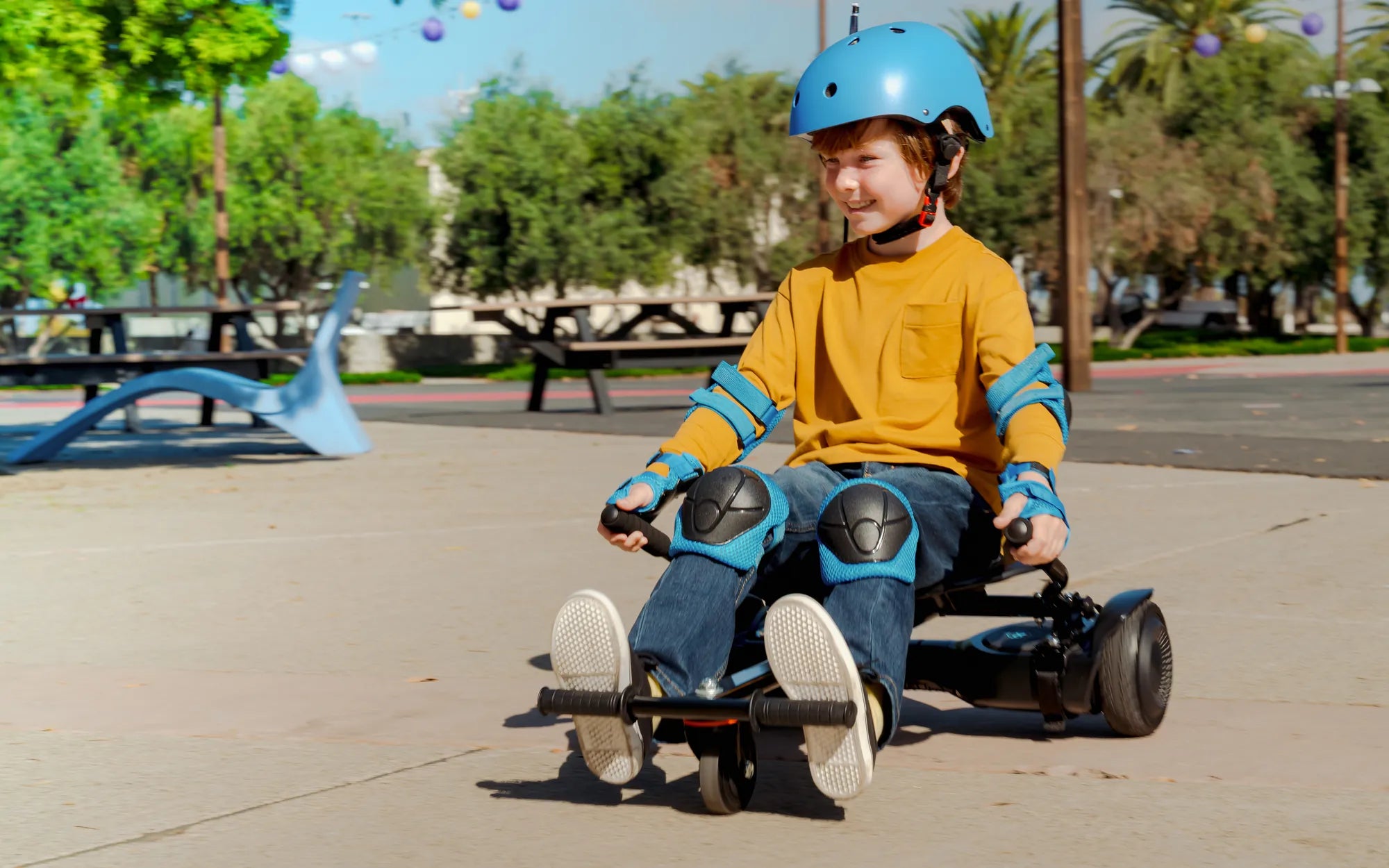
Imagine cruising down the sidewalk on your hoverboard, feeling the wind in your hair, when suddenly—half of your hoverboard stops working. One side powers down, leaving you wobbling and struggling to stay balanced. This frustrating scenario is more common than you might think, but don’t worry—we’ve got the answers you need to get back on track.
Why Half of Your Hoverboard Stops Working
When one side of your hoverboard fails, it’s usually due to one of these common issues:
- Battery Problems: If one battery cell is damaged or not charging properly, it can cause uneven power distribution.
- Motor Malfunction: A faulty motor on one side will prevent that wheel from functioning.
- Wiring Issues: Loose or damaged wires can disrupt the connection between the control board and one side of the hoverboard.
- Sensor Failure: The gyroscopic sensors that help balance the hoverboard may fail on one side.
- Software Glitches: Firmware issues can cause one side to stop responding.
How to Diagnose the Problem
Before attempting any fixes, it’s important to identify the root cause. Here’s how:
- Check the Battery: Ensure both sides are charging properly. If one side doesn’t hold a charge, the battery may need replacement.
- Inspect the Motors: Spin the wheels manually. If one feels stiff or makes unusual noises, the motor might be damaged.
- Examine the Wiring: Look for frayed or disconnected wires, especially near the wheels and control board.
- Test the Sensors: Tilt the hoverboard while powered off. If one side doesn’t respond when turned back on, the sensors may be faulty.
- Reset the Hoverboard: A factory reset can sometimes resolve software-related issues.
How to Fix a Half-Functioning Hoverboard
Once you’ve diagnosed the issue, try these solutions:
Battery Replacement
If the battery is the culprit, replacing it is often the best solution. Make sure to use a compatible battery and follow the manufacturer’s instructions.
Motor Repair or Replacement
A damaged motor may need professional repair, but if you’re handy, you can attempt to replace it yourself with the right tools.
Rewiring
If wires are loose or damaged, carefully reconnect or replace them. Use electrical tape or soldering for secure connections.
Sensor Calibration
Some hoverboards allow you to recalibrate the sensors. Refer to the user manual for specific steps.
Firmware Update
Check for firmware updates from the manufacturer. Updating the software can resolve glitches causing one side to malfunction.
Preventing Future Issues
To avoid half of your hoverboard not working again, follow these tips:
- Regular Maintenance: Clean the wheels and check wiring periodically.
- Proper Charging: Avoid overcharging and use the correct charger.
- Avoid Rough Terrain: Riding on uneven surfaces can damage motors and sensors.
- Store Properly: Keep your hoverboard in a dry, temperature-controlled environment.
Don’t let a malfunctioning hoverboard ruin your ride. With the right troubleshooting steps and preventive measures, you can keep both sides running smoothly and enjoy gliding effortlessly once again.
Good Electric Scooters Under 100: Affordable and Reliable Rides for Everyone
What Age Is a 6.5 Hoverboard For? A Complete Guide for Parents