



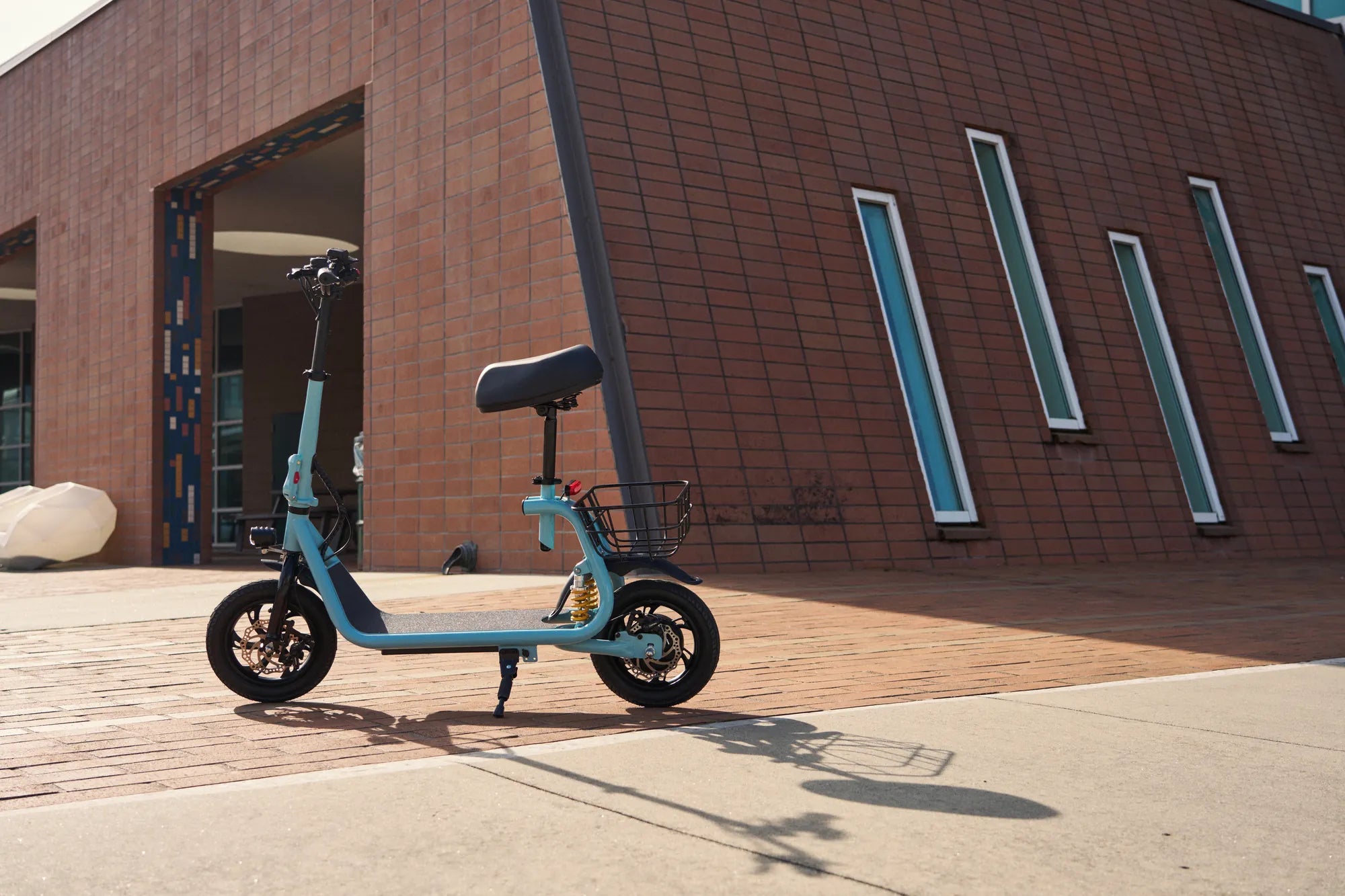
Is your electric scooter acting up? A hard reset might be the solution you need to bring it back to life. Whether it's unresponsive controls, battery issues, or software glitches, a hard reset can often resolve these problems without the need for professional help. Read on to discover how to safely and effectively perform a hard reset on your electric scooter.
What Is a Hard Reset?
A hard reset is a process that restores your electric scooter to its factory settings, clearing any temporary glitches or software errors. Unlike a soft reset, which simply reboots the system, a hard reset wipes all stored data and resets the scooter's internal components. This can be particularly useful if your scooter is experiencing persistent issues that a simple restart won't fix.
When Should You Perform a Hard Reset?
Not every problem requires a hard reset. Here are some common scenarios where a hard reset might be necessary:
- Your scooter won't turn on or respond to commands.
- The battery isn't charging properly or drains too quickly.
- The display screen is frozen or showing incorrect information.
- You're experiencing connectivity issues with the scooter's app or remote control.
How to Perform a Hard Reset on Your Electric Scooter
Follow these steps to perform a hard reset on your electric scooter:
- Turn Off the Scooter: Ensure the scooter is powered off before starting the reset process.
- Disconnect the Battery: If possible, disconnect the battery to ensure a complete reset. Wait for at least 30 seconds before reconnecting it.
- Press and Hold the Power Button: Hold down the power button for 10-15 seconds to discharge any residual power.
- Reconnect the Battery: Reattach the battery and turn the scooter back on.
- Test the Scooter: Check if the issues have been resolved by testing the scooter's functions.
Precautions to Take Before a Hard Reset
Before performing a hard reset, keep these precautions in mind:
- Back up any important data or settings if your scooter allows it.
- Ensure the scooter is on a flat, stable surface to avoid accidents.
- Wear protective gear if you're handling the battery or other electrical components.
What to Do If a Hard Reset Doesn't Work
If a hard reset doesn't resolve the issue, consider these next steps:
- Check the user manual for model-specific troubleshooting tips.
- Inspect the scooter for visible damage or loose connections.
- Contact customer support or a professional technician for further assistance.
Maintaining Your Electric Scooter to Avoid Future Issues
Regular maintenance can help prevent the need for frequent hard resets. Here are some tips:
- Keep the battery charged but avoid overcharging.
- Clean the scooter regularly to prevent dirt and debris from affecting its performance.
- Update the scooter's firmware if updates are available.
Don't let a malfunctioning electric scooter ruin your ride. A hard reset can often be the quick fix you need to get back on the road. Follow this guide to restore your scooter's performance and enjoy a smooth, hassle-free ride once again.
Balance Scooter 10 Inch Wheels: The Ultimate Guide to Smooth and Stable Rides
30 000 Electric Scooter: The Future of Urban Mobility