



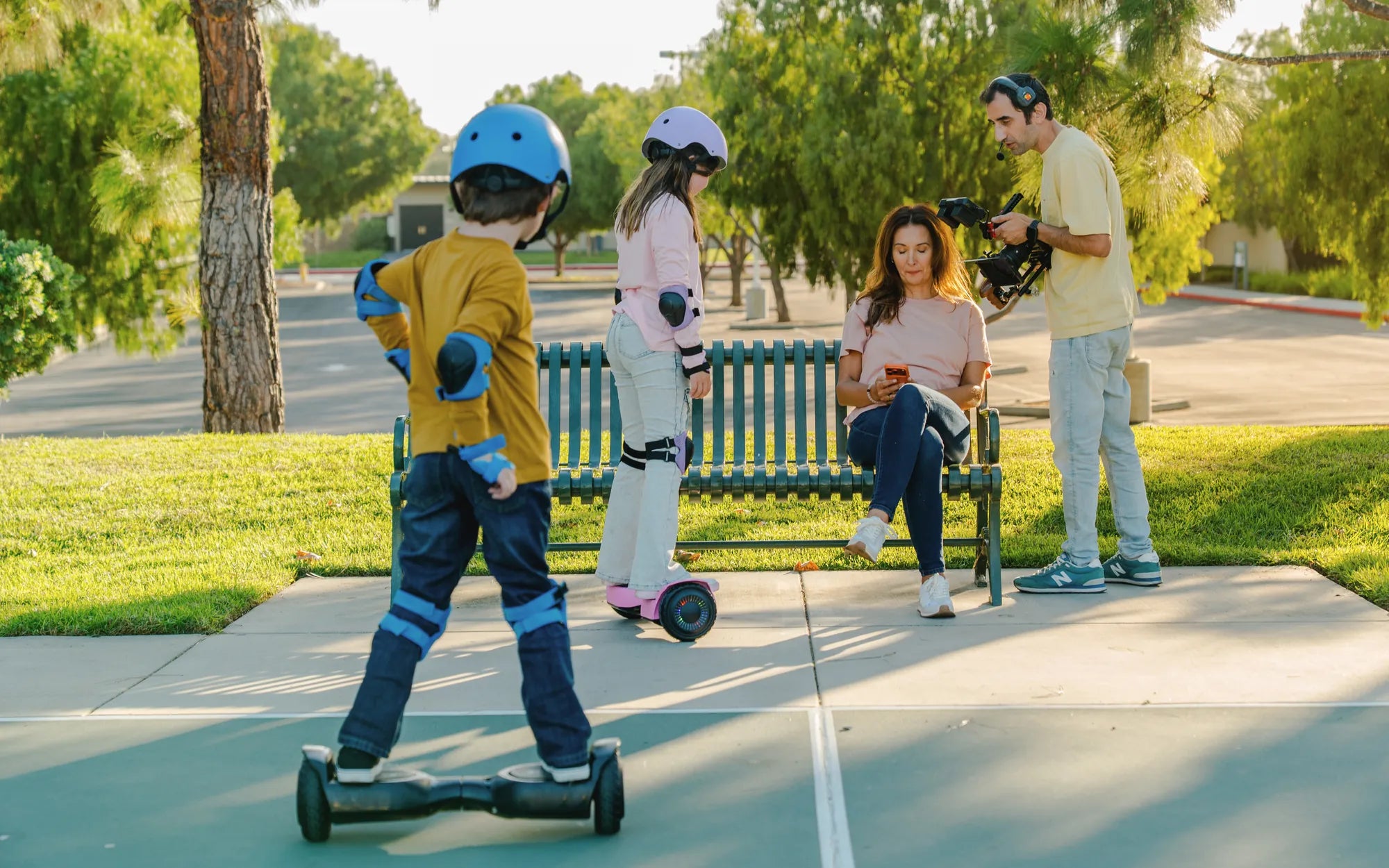
Imagine gliding effortlessly over rough terrain, conquering hills, and cruising through parks with ease—all thanks to a simple yet revolutionary hoverboard attachment wheel. This innovative accessory is changing the way riders experience their hoverboards, offering unmatched versatility and performance. Whether you're a seasoned rider or a beginner, this upgrade could be the game-changer you've been waiting for.
What Is a Hoverboard Attachment Wheel?
A hoverboard attachment wheel is an add-on accessory designed to enhance the functionality of your hoverboard. By attaching these wheels, you can transform your standard hoverboard into a more stable, all-terrain vehicle capable of handling various surfaces, from gravel to grass. The attachment typically consists of durable wheels mounted on a frame that connects to your hoverboard's existing structure.
Benefits of Using a Hoverboard Attachment Wheel
Why should you consider adding a hoverboard attachment wheel to your ride? Here are some compelling reasons:
- Improved Stability: The additional wheels provide extra balance, making it easier for beginners to learn and for experienced riders to tackle challenging terrain.
- All-Terrain Capability: Say goodbye to limitations. With attachment wheels, your hoverboard can handle dirt paths, grassy fields, and even light off-road trails.
- Enhanced Safety: The wider base reduces the risk of tipping over, especially at higher speeds or on uneven surfaces.
- Extended Battery Life: By distributing the weight more evenly, attachment wheels can reduce strain on the hoverboard's motors, potentially prolonging battery life.
How to Install a Hoverboard Attachment Wheel
Installing a hoverboard attachment wheel is a straightforward process, but it's essential to follow the steps carefully to ensure safety and performance. Here's a general guide:
- Turn off your hoverboard and ensure it's on a flat, stable surface.
- Align the attachment wheel frame with the hoverboard's axle or mounting points.
- Secure the attachment using the provided screws or clamps, ensuring a tight fit.
- Double-check all connections to avoid any loose parts during use.
- Test the hoverboard at low speeds to confirm stability before riding at full speed.
Safety Tips for Using Hoverboard Attachment Wheels
While hoverboard attachment wheels enhance performance, safety should always be a priority. Keep these tips in mind:
- Always wear protective gear, including a helmet, knee pads, and elbow pads.
- Avoid steep inclines or declines until you're comfortable with the added stability.
- Regularly inspect the attachment wheels for wear and tear, and replace them if necessary.
- Start slow and practice in a safe, open area before venturing onto more challenging terrain.
Choosing the Right Hoverboard Attachment Wheel
Not all hoverboard attachment wheels are created equal. Here are some factors to consider when selecting the right one for your needs:
- Compatibility: Ensure the attachment is designed for your hoverboard model.
- Wheel Material: Opt for durable materials like rubber or polyurethane for longevity.
- Terrain Suitability: Choose wheels with treads or grips if you plan to ride on rough surfaces.
- Ease of Installation: Look for attachments that are easy to install and remove for convenience.
The Future of Hoverboard Attachments
As hoverboard technology continues to evolve, so do the accessories designed to enhance them. Future hoverboard attachment wheels may feature smart technology, such as automatic adjustments based on terrain or integrated LED lighting for night rides. The possibilities are endless, and riders can look forward to even more innovative upgrades in the coming years.
Ready to take your hoverboard experience to the next level? A hoverboard attachment wheel is the perfect upgrade for riders seeking adventure, stability, and unmatched versatility. Don't just ride—conquer every terrain with confidence and style!
Hoverboard Making Grinding Noise: Causes, Fixes, and Prevention Tips
Hoverboard Making Grinding Noise: Causes, Fixes, and Prevention Tips