



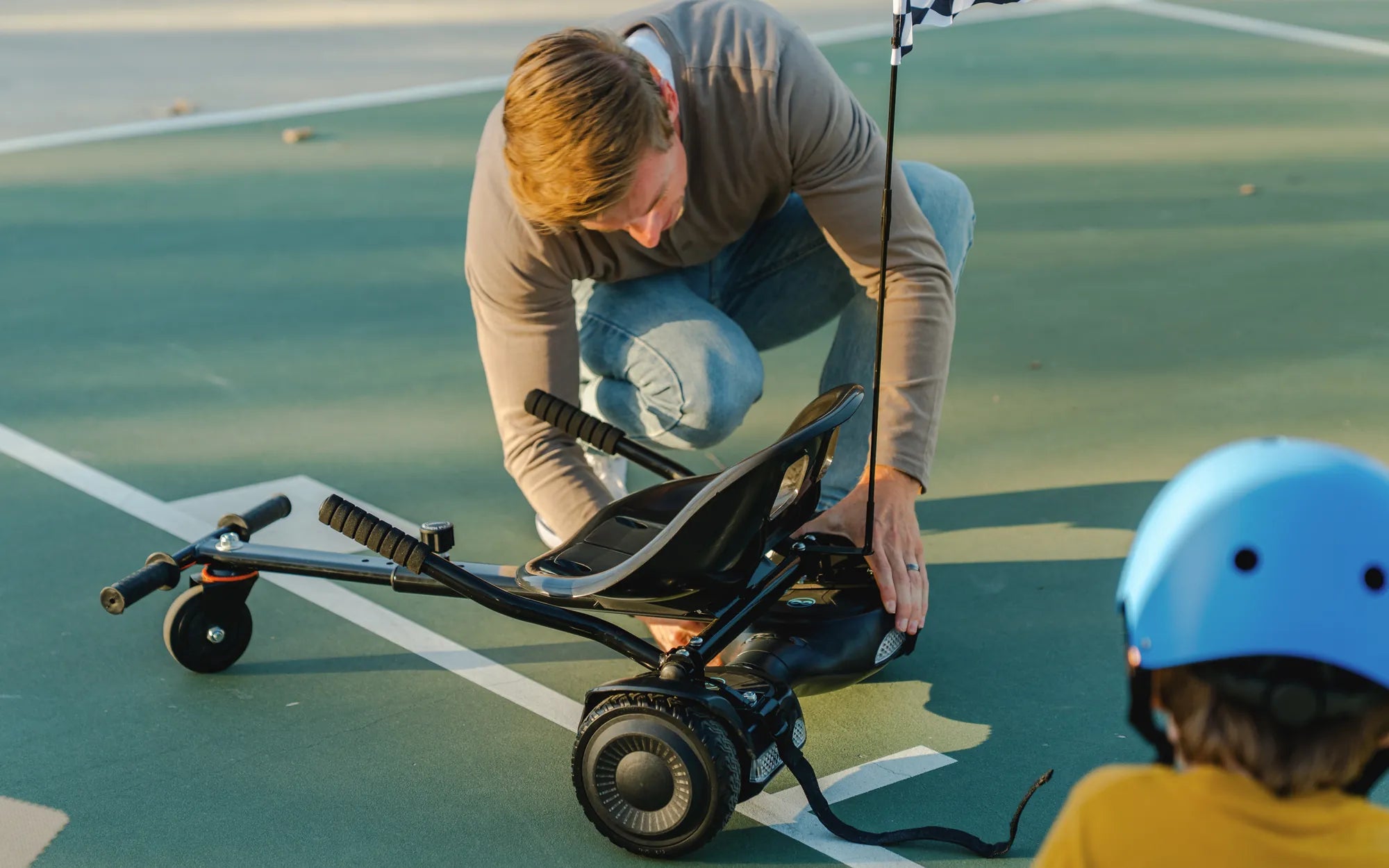
If your hoverboard battery light is flashing orange, it’s a clear sign that something isn’t right. Whether you’re a seasoned rider or a newbie, this warning can be frustrating—and even dangerous if ignored. But don’t worry! This comprehensive guide will walk you through the possible causes, easy fixes, and crucial safety tips to get you back on the move.
Why Is My Hoverboard Battery Light Flashing Orange?
The orange flashing light on your hoverboard’s battery is a warning indicator. It typically signals one of the following issues:
- Low Battery Charge: The most common reason for an orange flashing light is a critically low battery. If the charge drops below a certain threshold, the hoverboard may enter a protective mode.
- Overheating: Prolonged use or exposure to high temperatures can cause the battery to overheat, triggering the orange light.
- Connection Issues: Loose or damaged wiring between the battery and the hoverboard’s mainboard can disrupt power flow.
- Battery Degradation: Over time, batteries lose their capacity. If your hoverboard is older, the battery may no longer hold a charge effectively.
- Software Glitches: Firmware issues can sometimes cause false warnings, including an orange flashing light.
How to Fix a Hoverboard Battery Light Flashing Orange
Before attempting any fixes, ensure your hoverboard is turned off and unplugged. Follow these steps to troubleshoot the issue:
Step 1: Charge the Battery Fully
Plug your hoverboard into the charger and let it charge for at least 2-3 hours. If the orange light stops flashing and turns green, the issue was simply a low battery.
Step 2: Check for Overheating
If the hoverboard feels hot to the touch, turn it off and let it cool down for at least 30 minutes. Avoid using it in direct sunlight or on hot surfaces.
Step 3: Inspect Wiring and Connections
Carefully open the hoverboard’s casing (if possible) and check for loose or damaged wires. Reconnect any loose cables and replace frayed wires if necessary.
Step 4: Reset the Hoverboard
Some models have a reset button. Press and hold it for 10-15 seconds to reboot the system. If no reset button is present, try turning the hoverboard off and on again.
Step 5: Test with Another Charger
A faulty charger can prevent the battery from charging properly. Try using a compatible charger to see if the issue resolves.
Step 6: Replace the Battery (If Necessary)
If none of the above steps work, the battery may be damaged or degraded. Consider replacing it with a new, high-quality battery.
Safety Tips for Handling Hoverboard Battery Issues
Dealing with a hoverboard battery requires caution. Follow these safety guidelines:
- Avoid Water Exposure: Never charge or use a hoverboard near water.
- Use the Right Charger: Always use the manufacturer-recommended charger to prevent damage.
- Store Properly: Keep your hoverboard in a cool, dry place when not in use.
- Monitor Charging Time: Don’t leave the hoverboard charging overnight or for extended periods.
- Check for Recalls: Some hoverboard models have been recalled due to battery hazards.
When to Seek Professional Help
If you’ve tried all the troubleshooting steps and the orange light continues to flash, it’s time to consult a professional. A certified technician can diagnose deeper issues, such as motherboard failures or internal battery damage.
Don’t let a flashing orange light ruin your hoverboard experience! By understanding the causes and following these fixes, you can quickly get back to gliding smoothly. Remember, safety always comes first—so never ignore warning signs or attempt risky repairs.
My First Hoverboard Keeps Beeping: Troubleshooting and Fixes
What Does the Red Light on a Hoverboard Mean? A Complete Guide