



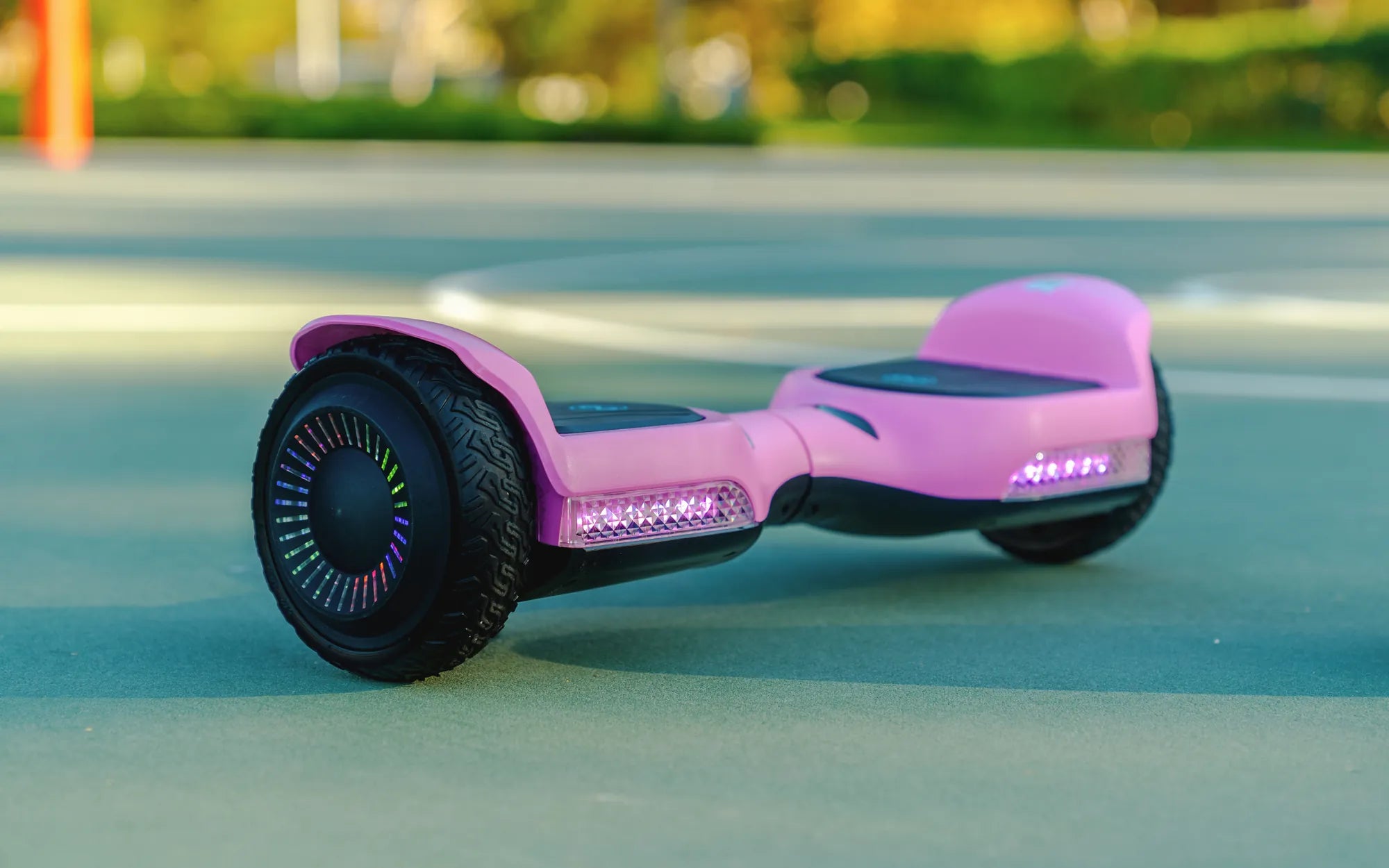
Few things are as frustrating as plugging in your hoverboard, seeing it charge, but then it refuses to turn on. You wait patiently, only to be met with silence when you press the power button. Before you consider replacing it, let’s dive into the possible reasons and solutions for a hoverboard that charges but won’t power up.
Why Is My Hoverboard Charging But Not Turning On?
Several factors could cause this issue, ranging from minor glitches to more serious hardware problems. Here are the most common culprits:
- Battery Issues: A faulty or degraded battery may hold a charge but fail to deliver power.
- Power Button Malfunction: The button itself could be stuck or damaged.
- Loose Wiring: Internal connections may have come undone.
- Charging Port Problems: The port might not be transferring power correctly.
- Software Glitches: Firmware issues can prevent the hoverboard from booting.
Step-by-Step Troubleshooting Guide
1. Check the Charger and Power Source
First, ensure your charger is working properly. Try plugging it into a different outlet or using another compatible charger. If the hoverboard’s LED indicators show charging, the issue likely lies elsewhere.
2. Inspect the Battery
If the battery is old or damaged, it may not hold enough charge to power the hoverboard. Listen for unusual sounds when charging—bubbling or hissing could indicate a swollen or leaking battery, which needs replacement.
3. Test the Power Button
Press the power button multiple times to see if it responds. If it feels stuck or unresponsive, gently clean around it or check for physical damage.
4. Examine Internal Wiring
If you’re comfortable, open the hoverboard casing (while unplugged) and inspect the wiring. Look for loose connections, frayed wires, or burnt components.
5. Reset the Hoverboard
Some models have a reset button or require a specific button combination to reboot. Refer to your manual for instructions.
6. Check for Firmware Issues
If your hoverboard has a companion app, check for firmware updates. Corrupted software can prevent the device from turning on.
When to Seek Professional Help
If none of the above steps work, the problem may involve complex circuitry or a damaged motherboard. In such cases, consulting a professional repair service is the safest option.
Preventive Measures to Avoid Future Issues
- Avoid overcharging—unplug the hoverboard once fully charged.
- Store it in a cool, dry place to prevent battery damage.
- Regularly inspect the charger and ports for wear and tear.
Don’t let a non-responsive hoverboard ruin your fun. With these troubleshooting tips, you’re one step closer to gliding smoothly again. If all else fails, professional repair or a replacement might be the way to go—but at least now you know exactly what to check first!
Hoverboard 350W: The Ultimate Guide to Power and Performance
Black Friday Best Buy Hoverboard: The Ultimate Shopping Guide