



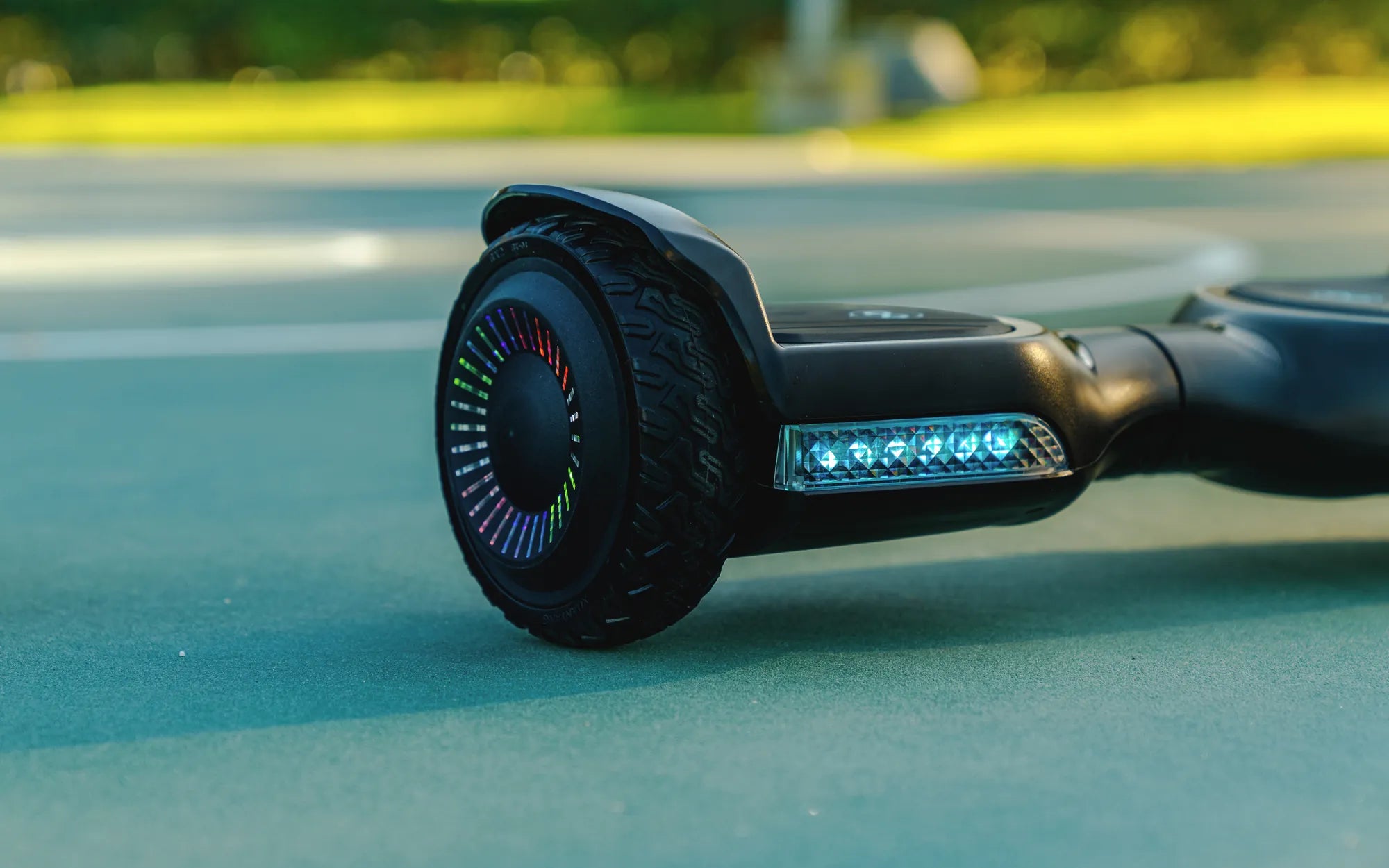
Is your hoverboard refusing to power on? Nothing kills the fun faster than a dead hoverboard, especially when you're ready to glide. Before you panic or consider tossing it out, let's dive into the possible reasons and fixes to get your device back on track.
Common Reasons Why Your Hoverboard Does Not Turn On
When your hoverboard fails to turn on, the issue could stem from several sources. Here are the most common culprits:
- Dead Battery: A completely drained or faulty battery is the most frequent cause.
- Loose or Damaged Wiring: Internal connections may have come undone or frayed over time.
- Faulty Power Button: The power switch itself might be malfunctioning.
- Charging Port Issues: A damaged or dirty charging port can prevent proper power flow.
- Overheating or Safety Lock: Some hoverboards have safety features that disable power temporarily.
Step-by-Step Troubleshooting Guide
1. Check the Battery
Start by ensuring the battery is charged. Plug the hoverboard into the charger and wait for the indicator light to turn green. If it doesn't charge, try a different outlet or charger. If the battery still doesn't hold a charge, it may need replacement.
2. Inspect the Wiring
Open the hoverboard casing carefully (if possible) and check for loose or damaged wires. Reconnect any loose connections and replace frayed wires. Be cautious and avoid touching exposed circuits if you're not experienced.
3. Test the Power Button
If the power button feels unresponsive, it might be stuck or broken. Gently press it multiple times or use a small tool to ensure it's not jammed. If the issue persists, the button may need professional repair.
4. Examine the Charging Port
Dirt or debris in the charging port can block the connection. Use a soft brush or compressed air to clean it. If the port is physically damaged, it may require soldering or replacement.
5. Reset the Hoverboard
Some models have a reset button or require a specific button combination to reboot. Refer to the user manual for instructions. A reset can often resolve minor software glitches.
Preventive Measures to Avoid Future Issues
To keep your hoverboard running smoothly, follow these tips:
- Charge the battery regularly, even when not in use.
- Avoid exposing the hoverboard to extreme temperatures or moisture.
- Store it in a dry, cool place when not in use.
- Handle the charging port and power button gently to prevent damage.
When to Seek Professional Help
If you've tried all the above steps and your hoverboard still won't turn on, it's time to consult a professional. Internal components like the motherboard or motor may need expert attention. Attempting complex repairs yourself could void warranties or cause further damage.
Don't let a dead hoverboard ruin your ride! With these troubleshooting steps, you can identify and fix the issue—or know when it's time to call in the pros. Get back to gliding in no time!
Hoverboard Inexpensive: The Ultimate Guide to Affordable Self-Balancing Scooters
Sit and Ride Hoverboard: The Ultimate Guide to Comfort and Mobility