



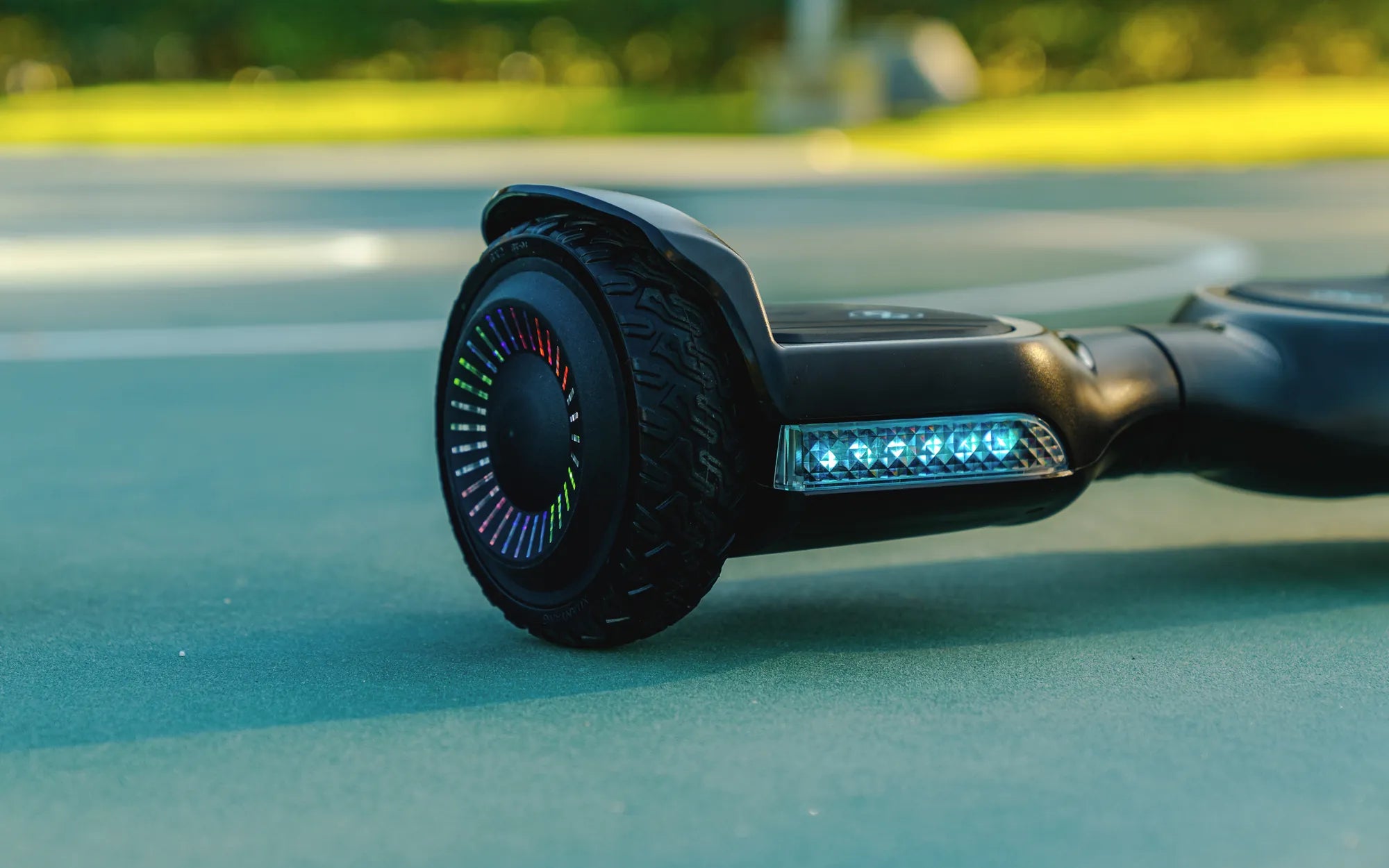
Few things are as frustrating as stepping onto your hoverboard, only to hear it beep repeatedly without moving. If your hoverboard just beeps, don't panic—this is a common issue with several potential fixes. Whether it's a battery problem, a sensor malfunction, or a software glitch, understanding the root cause can save you time and money. Let's dive into the most likely reasons and how to resolve them.
Why Does My Hoverboard Just Beep?
When a hoverboard just beeps, it's usually trying to communicate an error. The beeping sound is a built-in warning system designed to alert you to potential problems. Here are the top reasons your hoverboard might be beeping:
- Low Battery: A weak or dying battery can trigger beeping sounds.
- Uneven Surface: Hoverboards require a flat, stable surface to calibrate properly.
- Sensor Issues: Faulty foot pads or gyroscopes can cause beeping.
- Overheating: Extended use can cause the motor or battery to overheat.
- Software Glitch: Firmware issues may require a reset.
How to Fix a Hoverboard That Just Beeps
1. Check the Battery
If your hoverboard just beeps and won't turn on, the first thing to check is the battery. Ensure it's fully charged and properly connected. If the battery is old or damaged, it may need replacement.
2. Calibrate the Hoverboard
Calibration is essential for proper hoverboard function. Place it on a flat surface, turn it off, then hold the power button for 10-15 seconds until you hear a beep. This resets the internal gyroscope.
3. Inspect the Foot Pads
If the foot pads are dirty or misaligned, they may not register your weight correctly. Clean them and ensure they're functioning properly.
4. Cool Down the Hoverboard
If overheating is the issue, let the hoverboard rest for at least 30 minutes before trying again.
5. Reset the Firmware
Some hoverboards have a reset button or require a specific button combination to reboot the system. Refer to your user manual for instructions.
Preventing Future Beeping Issues
To avoid your hoverboard just beeping in the future, follow these maintenance tips:
- Charge the battery fully before each use.
- Avoid riding on uneven or wet surfaces.
- Store the hoverboard in a cool, dry place.
- Regularly clean the foot pads and wheels.
- Update firmware if new versions are available.
If your hoverboard just beeps, don't give up—most issues are fixable with a little troubleshooting. By following these steps, you can get back to gliding smoothly in no time. Whether it's a quick calibration or a battery replacement, understanding the problem is the first step to solving it.
How Fast Is a Hoverboard Go? Exploring Speed and Safety Tips
Red and Green Light on Hoverboard: What They Mean and How to Fix Them