



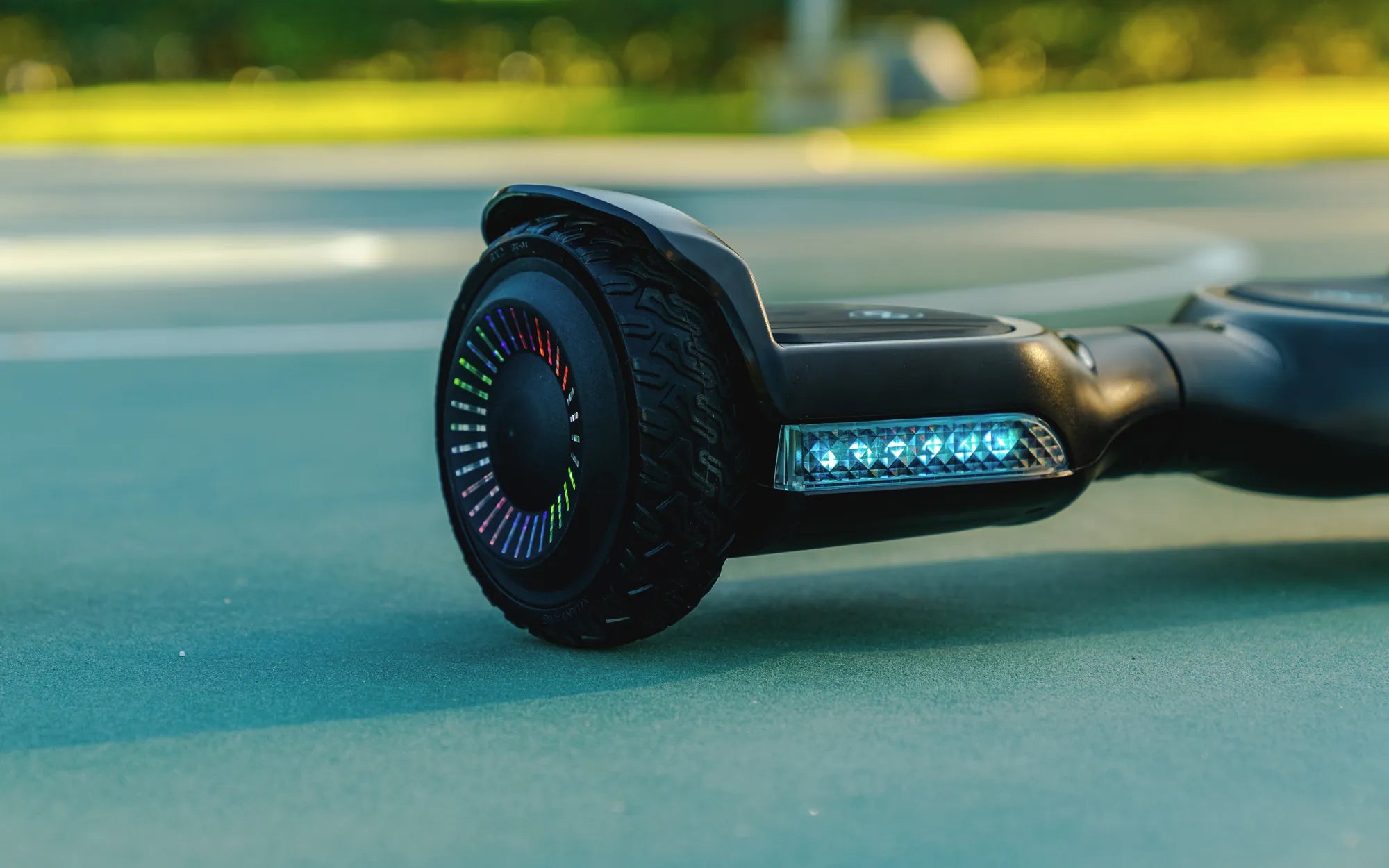
Is your hoverboard not level? This frustrating issue can turn your smooth ride into a wobbly nightmare. Whether you're a seasoned rider or a beginner, an unbalanced hoverboard isn't just annoying—it can be dangerous. But don't worry! This comprehensive guide will help you diagnose the problem, fix it, and get back to gliding effortlessly.
Why Is My Hoverboard Not Level?
A hoverboard that isn't level can stem from several issues. Here are the most common culprits:
- Uneven Tire Pressure: If one tire is underinflated or overinflated, it can cause the hoverboard to tilt.
- Worn-Out Tires: Uneven wear on the tires can lead to an unbalanced ride.
- Calibration Issues: Incorrect calibration can make the hoverboard tilt to one side.
- Damaged Gyroscope: The gyroscope helps maintain balance, and if it's faulty, the hoverboard won't stay level.
- Uneven Surface: Riding on an uneven or sloped surface can temporarily unbalance the hoverboard.
How to Fix a Hoverboard That's Not Level
Follow these steps to troubleshoot and fix your hoverboard:
Step 1: Check Tire Pressure
Use a pressure gauge to ensure both tires are inflated to the recommended PSI. Adjust as needed to match the pressure on both sides.
Step 2: Inspect Tires for Wear
Examine the tires for signs of uneven wear. If one tire is significantly more worn than the other, consider replacing both to maintain balance.
Step 3: Recalibrate the Hoverboard
Most hoverboards have a calibration mode. Refer to the user manual for instructions on how to recalibrate your device. This often involves placing the hoverboard on a flat surface and pressing specific buttons.
Step 4: Test the Gyroscope
If the hoverboard still isn't level after calibration, the gyroscope might be faulty. This requires professional repair or replacement.
Step 5: Avoid Uneven Surfaces
Always ride on smooth, flat surfaces to prevent temporary imbalances. Uneven terrain can trick the hoverboard's sensors into tilting.
Safety Tips for Riding an Unbalanced Hoverboard
An unbalanced hoverboard can be hazardous. Follow these safety tips to minimize risks:
- Wear protective gear, including a helmet, knee pads, and elbow pads.
- Avoid high speeds until the issue is resolved.
- Practice in a safe, open area away from traffic or obstacles.
- If the hoverboard continues to tilt, stop using it and seek professional help.
Preventing Future Balance Issues
To keep your hoverboard level and functioning smoothly, follow these maintenance tips:
- Regularly check and adjust tire pressure.
- Clean the hoverboard to prevent dirt from affecting the sensors.
- Store the hoverboard in a dry, flat place when not in use.
- Avoid overloading the hoverboard beyond its weight limit.
Don't let an unbalanced hoverboard ruin your ride! By identifying the cause and following these fixes, you can restore your device's stability and enjoy a smooth, safe experience. Whether it's a simple tire adjustment or a sensor recalibration, taking action now will save you from future headaches and potential accidents.
How to Know When Your Hoverboard Is Charged: A Complete Guide
How to Know When Your Hoverboard Is Charged: A Complete Guide