



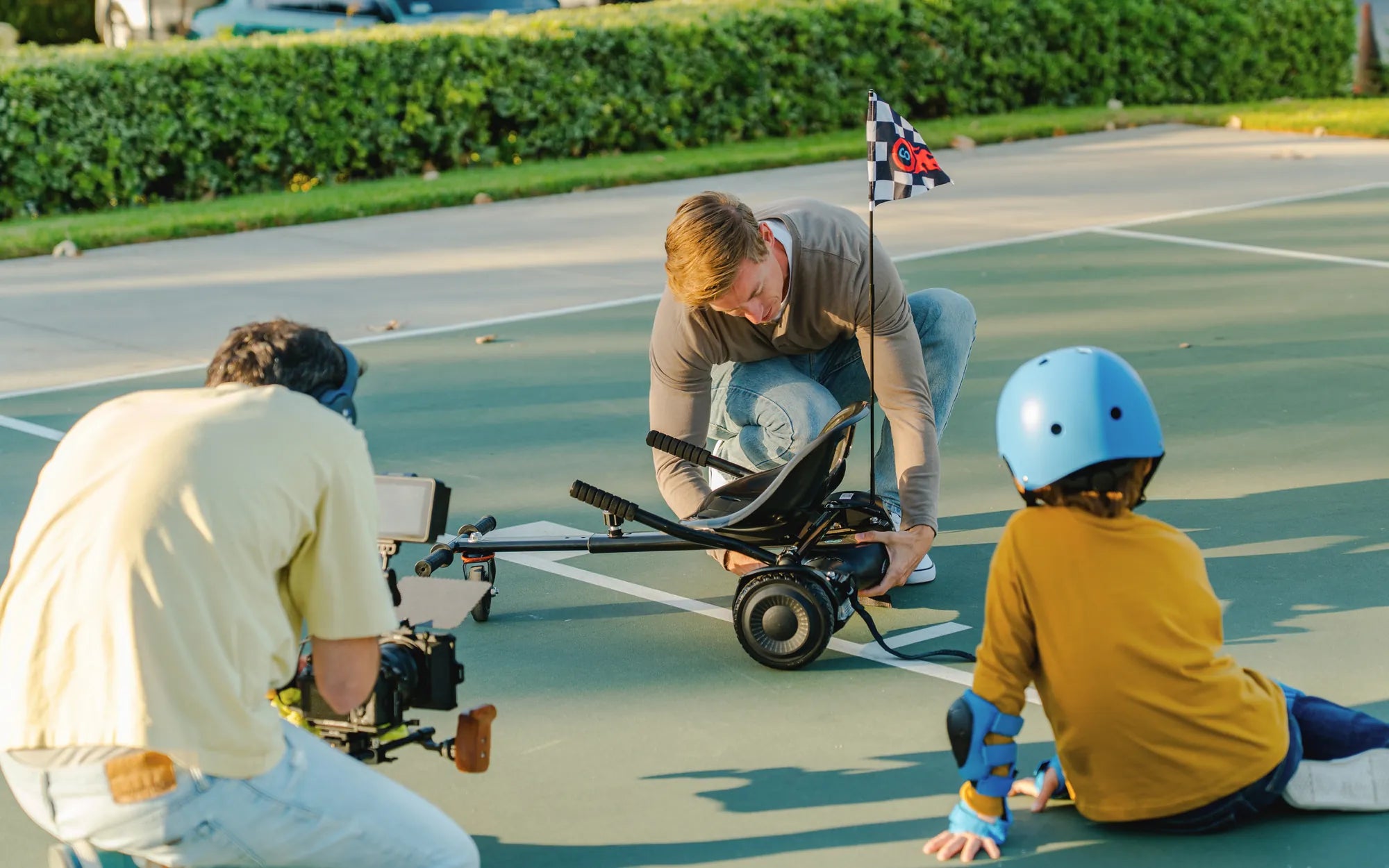
Nothing ruins the fun of gliding around on a hoverboard faster than it suddenly stopping mid-ride. Whether it's a complete shutdown, unresponsive controls, or mysterious error lights, a hoverboard that stops working can be frustrating. But before you give up on your favorite gadget, let's explore the possible reasons why your hoverboard stopped working and how you might be able to fix it yourself.
Why Did My Hoverboard Stop Working?
Hoverboards are complex devices with multiple components that can fail. Here are the most common reasons they stop functioning:
- Battery Issues - The most frequent culprit when a hoverboard stops working
- Charging Problems - Faulty chargers or charging ports can prevent proper power flow
- Motor Failure - One or both motors may stop working due to wear or damage
- Circuit Board Problems - The main control board can malfunction or short circuit
- Software Glitches - Firmware issues can cause unexpected shutdowns
- Overheating - Safety mechanisms may shut down the hoverboard if it gets too hot
- Physical Damage - Impacts or water exposure can damage internal components
Troubleshooting Steps for a Hoverboard That Stopped Working
1. Check the Power Source
Start with the basics - is your hoverboard actually receiving power?
- Plug in the charger and verify the charging light turns on
- Try a different outlet to rule out power source issues
- Inspect the charging port for damage or debris
- Check the charger cable for fraying or damage
2. Examine the Battery
Battery problems account for about 60% of hoverboard failures. Here's how to check:
- Leave it charging for at least 2 hours (even if lights don't indicate charging)
- Listen for any unusual sounds coming from the battery compartment
- Check for swelling or leaking - if present, stop using immediately
- Test with a multimeter if you're comfortable with electronics
3. Reset Your Hoverboard
Many models have a reset function that can solve software-related issues:
- Turn off the hoverboard completely
- Press and hold the power button for 15-30 seconds
- Release and wait a minute before trying to power on normally
- Some models require a specific button combination - check your manual
4. Inspect the Motors
If one side works but the other doesn't, you likely have a motor issue:
- Listen for grinding or clicking noises when attempting to ride
- Check for obstructions around the wheels
- Spin the wheels manually - they should move freely with slight resistance
- Examine wiring connections to the motors
When to Seek Professional Help
While many hoverboard issues can be fixed at home, some situations require expert attention:
- Visible smoke or burning smells
- Severely swollen or leaking battery
- Exposed wiring or significant physical damage
- Persistent error codes after troubleshooting
- If you're uncomfortable working with electronics
Preventing Future Hoverboard Problems
Keep your hoverboard running smoothly with these maintenance tips:
- Store in a cool, dry place away from extreme temperatures
- Avoid riding through water or wet surfaces
- Don't overload the weight capacity
- Charge regularly, even during storage periods
- Clean the wheels and underside periodically
- Update firmware when available
Don't let a hoverboard that stopped working ruin your fun. With some basic troubleshooting, you might be back to gliding in no time. Remember that safety comes first - if you're ever unsure about repairs or notice dangerous symptoms, it's always best to consult a professional. Your hoverboard adventure doesn't have to end just because of a temporary setback!
Hoverboard Troubleshooting Not Charging: A Complete Guide to Fixing Your Device
Hoverboard Repair Ireland: Essential Tips to Keep Your Ride Smooth