



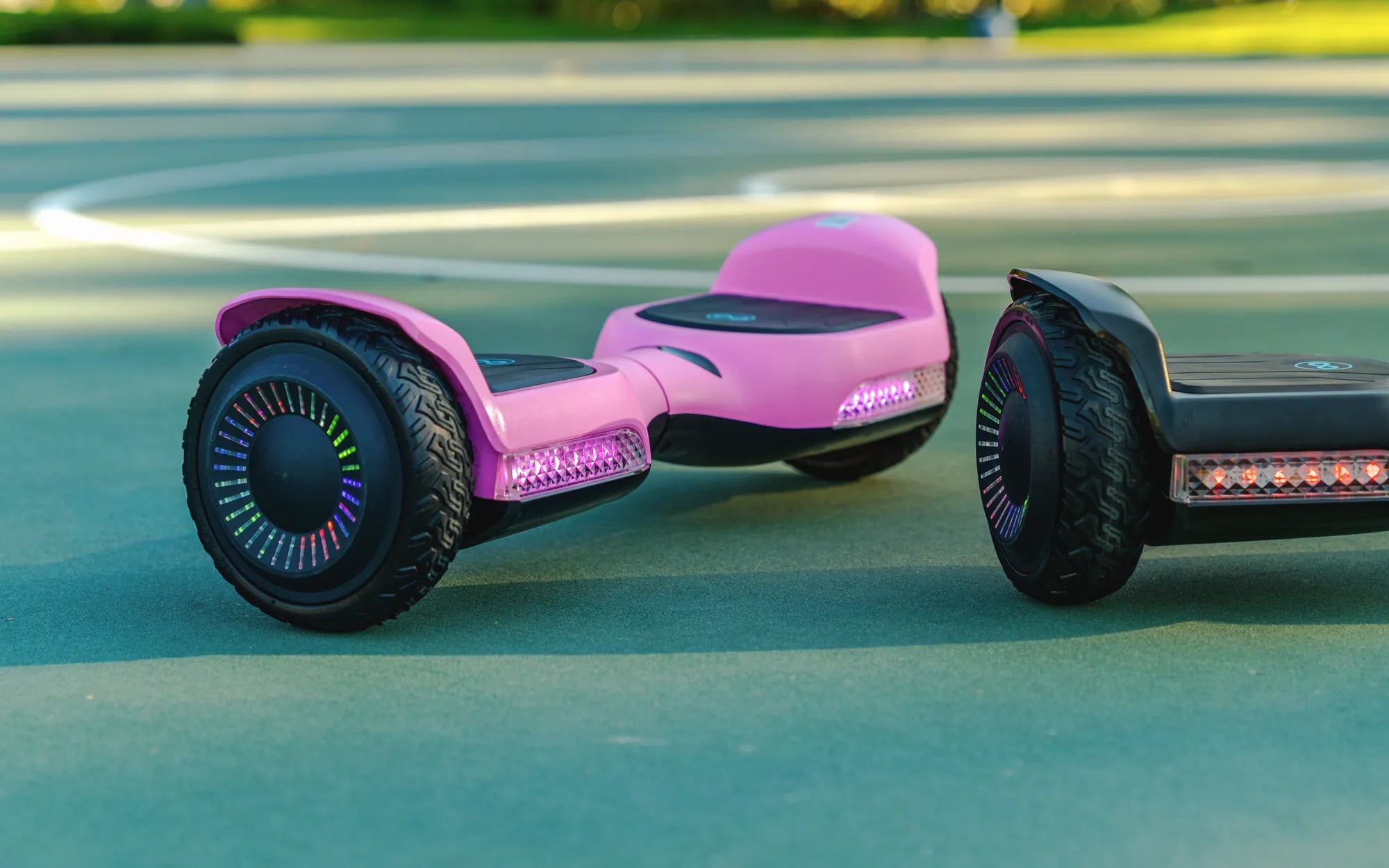
Is your hoverboard vibrating on one side, making your ride uncomfortable or even unsafe? This frustrating issue can stem from several causes, but the good news is that many of them are easy to diagnose and fix. Whether you're a seasoned rider or a beginner, understanding why this happens and how to address it will help you enjoy a smoother, safer experience.
Common Causes of a Hoverboard Vibrating on One Side
When your hoverboard starts vibrating unevenly, it's usually a sign of an underlying problem. Here are the most common culprits:
- Uneven Tire Pressure: If one tire is underinflated or overinflated, it can cause uneven vibration.
- Wheel Misalignment: A misaligned wheel can create imbalance, leading to noticeable vibrations.
- Damaged or Worn-Out Tires: Cracks, bulges, or excessive wear on one tire can disrupt smooth movement.
- Motor Issues: A faulty motor on one side may cause inconsistent performance.
- Loose or Damaged Components: Loose screws, bolts, or internal wiring can contribute to vibrations.
How to Fix a Hoverboard Vibrating on One Side
Before attempting any repairs, ensure your hoverboard is turned off and unplugged. Follow these steps to troubleshoot and resolve the issue:
1. Check Tire Pressure and Condition
Use a pressure gauge to verify that both tires are inflated to the manufacturer's recommended PSI. If one tire is low, inflate it evenly. Inspect the tires for visible damage, such as punctures or uneven wear, and replace them if necessary.
2. Inspect Wheel Alignment
Lift the hoverboard and spin each wheel by hand. If one wheel wobbles or doesn't spin smoothly, it may be misaligned. Tighten any loose axle nuts or seek professional help for realignment.
3. Test the Motors
Turn on the hoverboard and listen for unusual sounds from either motor. If one side sounds strained or doesn't respond correctly, the motor may need servicing or replacement.
4. Tighten Loose Components
Check all screws, bolts, and internal connections. Tighten any loose parts, but avoid over-tightening, as this can cause damage.
5. Calibrate the Hoverboard
Sometimes, recalibrating the hoverboard can resolve vibration issues. Follow the manufacturer's instructions to reset the balance sensors.
Preventing Future Vibration Issues
To keep your hoverboard running smoothly, adopt these preventive measures:
- Regularly check tire pressure and condition.
- Avoid riding over rough terrain or obstacles that could damage the wheels.
- Store your hoverboard in a dry, temperature-controlled environment.
- Clean the wheels and undercarriage to prevent debris buildup.
- Schedule periodic maintenance checks for motors and internal components.
When to Seek Professional Help
If you've tried all the above steps and your hoverboard still vibrates on one side, it may indicate a more serious issue, such as internal wiring damage or a failing gyroscope. In such cases, consult a certified technician to avoid further damage.
Don't let a vibrating hoverboard ruin your ride! By identifying the cause and applying the right fixes, you can restore smooth, stable performance and extend the life of your device. Stay proactive with maintenance, and you'll enjoy countless hassle-free rides ahead.
Can You Lose Weight by Riding a Hoverboard? The Surprising Truth
Hoverboard Go Kart Ireland: The Ultimate Guide to Fun and Adventure