



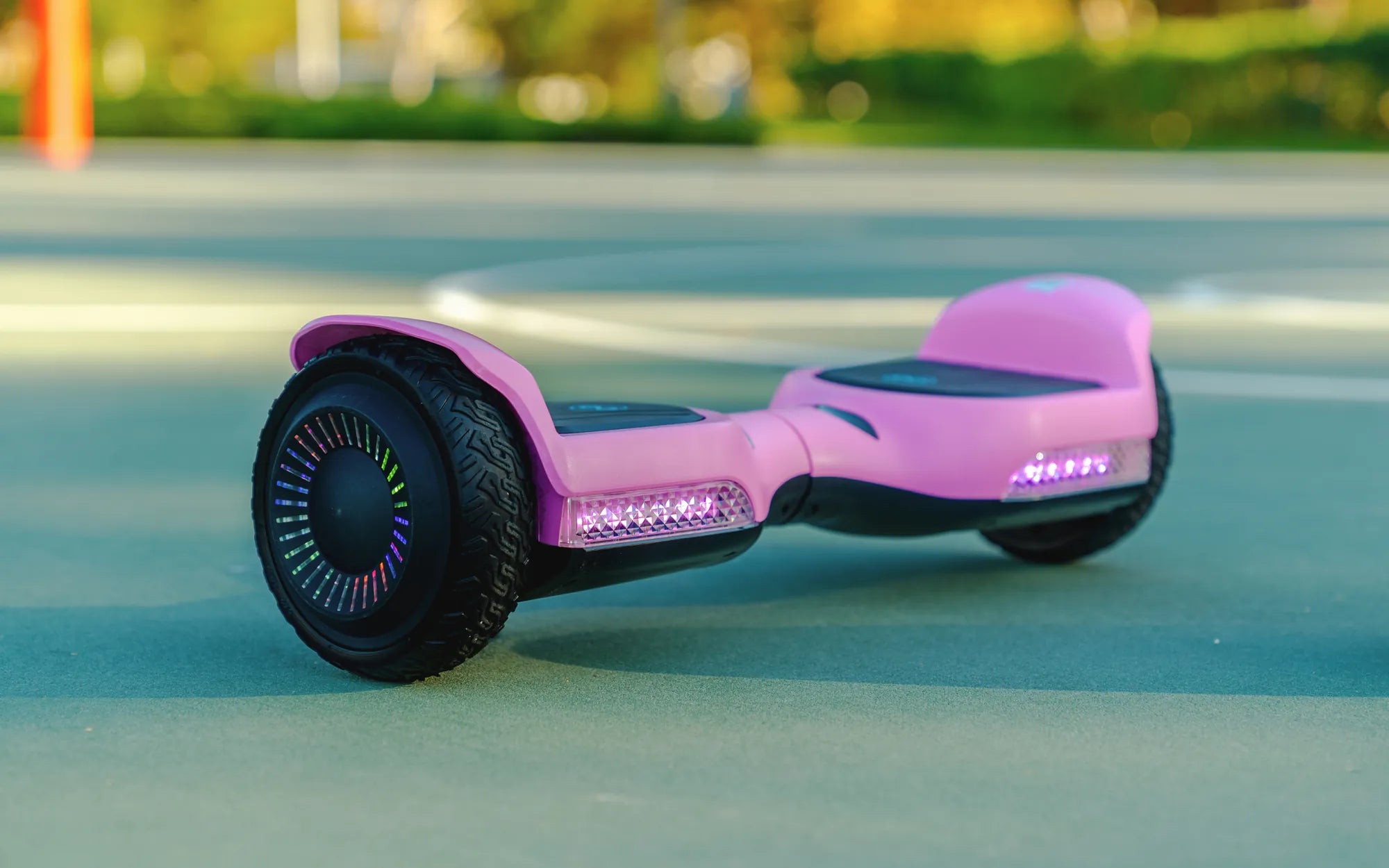
Few things are as frustrating as a hoverboard that refuses to turn off. Whether it's stuck in an endless loop of beeping or simply ignoring your power button presses, an unresponsive hoverboard can quickly become a safety hazard. Before you panic or consider tossing your gliding gadget, let's explore why this happens and how you can fix it.
Why Your Hoverboard Won't Turn Off
A hoverboard that won't power down usually indicates one of several underlying issues. Understanding the root cause is the first step toward resolving the problem.
1. Stuck Power Button
The most common reason a hoverboard won't turn off is a malfunctioning power button. Dirt, debris, or physical damage can prevent the button from registering your presses. Try cleaning around the button with compressed air or gently pressing it multiple times to dislodge any obstructions.
2. Software Glitch
Like any electronic device, hoverboards can experience software freezes. If the board's firmware crashes, it may ignore shutdown commands. In this case, you'll need to perform a forced restart by holding the power button for 10-15 seconds until the device powers off completely.
3. Battery Issues
A faulty or overheating battery can cause erratic behavior, including refusal to shut down. If your hoverboard feels unusually warm or the battery indicator shows inconsistent readings, unplug it immediately and let it cool in a safe area before attempting to power it off.
4. Water Damage
Exposure to moisture can short-circuit your hoverboard's electronics, causing unresponsive behavior. If your device has been near water, power it off immediately (if possible) and let it dry completely for at least 48 hours before attempting to use it again.
Step-by-Step Troubleshooting Guide
When faced with a hoverboard that won't turn off, follow these steps systematically:
- Attempt a normal shutdown: Press and hold the power button for 5-7 seconds
- Force restart: If step 1 fails, hold the power button for 15-20 seconds
- Check for physical obstructions: Inspect the power button area for damage or debris
- Disconnect the battery: If accessible, unplug the battery connector (only if you're comfortable doing so)
- Let the battery drain: If all else fails, place the hoverboard in a safe area and wait for the battery to deplete
Safety Precautions When Dealing With a Stuck Hoverboard
A hoverboard that won't turn off isn't just annoying—it can be dangerous. Follow these safety measures:
- Never leave a powered-on hoverboard unattended
- Keep it away from flammable materials
- Avoid charging a hoverboard that won't power off
- Don't attempt to disassemble the hoverboard while it's powered on
- If the device becomes hot, smokes, or emits strange odors, move it to a non-flammable surface and contact a professional
Preventing Future Power Issues
To avoid dealing with a hoverboard that won't turn off in the future, implement these preventive measures:
- Regularly clean your hoverboard, paying special attention to buttons and ports
- Store the device in a dry, temperature-controlled environment
- Avoid overcharging the battery
- Update firmware when available
- Handle the power button gently to prevent mechanical damage
When to Seek Professional Help
If you've tried all troubleshooting steps and your hoverboard still won't turn off, it's time to consult a professional. Persistent power issues could indicate serious electrical problems that require expert attention. Continuing to use a malfunctioning hoverboard may void warranties or, worse, lead to accidents.
Don't let a stubborn hoverboard ruin your riding experience or put you at risk. By understanding why these devices sometimes refuse to power down and knowing how to respond, you can keep your hoverboard functioning safely for years to come. Remember that proper maintenance and careful handling are your best defenses against power-related issues.
What's the Price of a Hoverboard? A Complete Guide to Costs and Features
Where to Get Hoverboard Fixed: A Complete Guide to Repair Services