



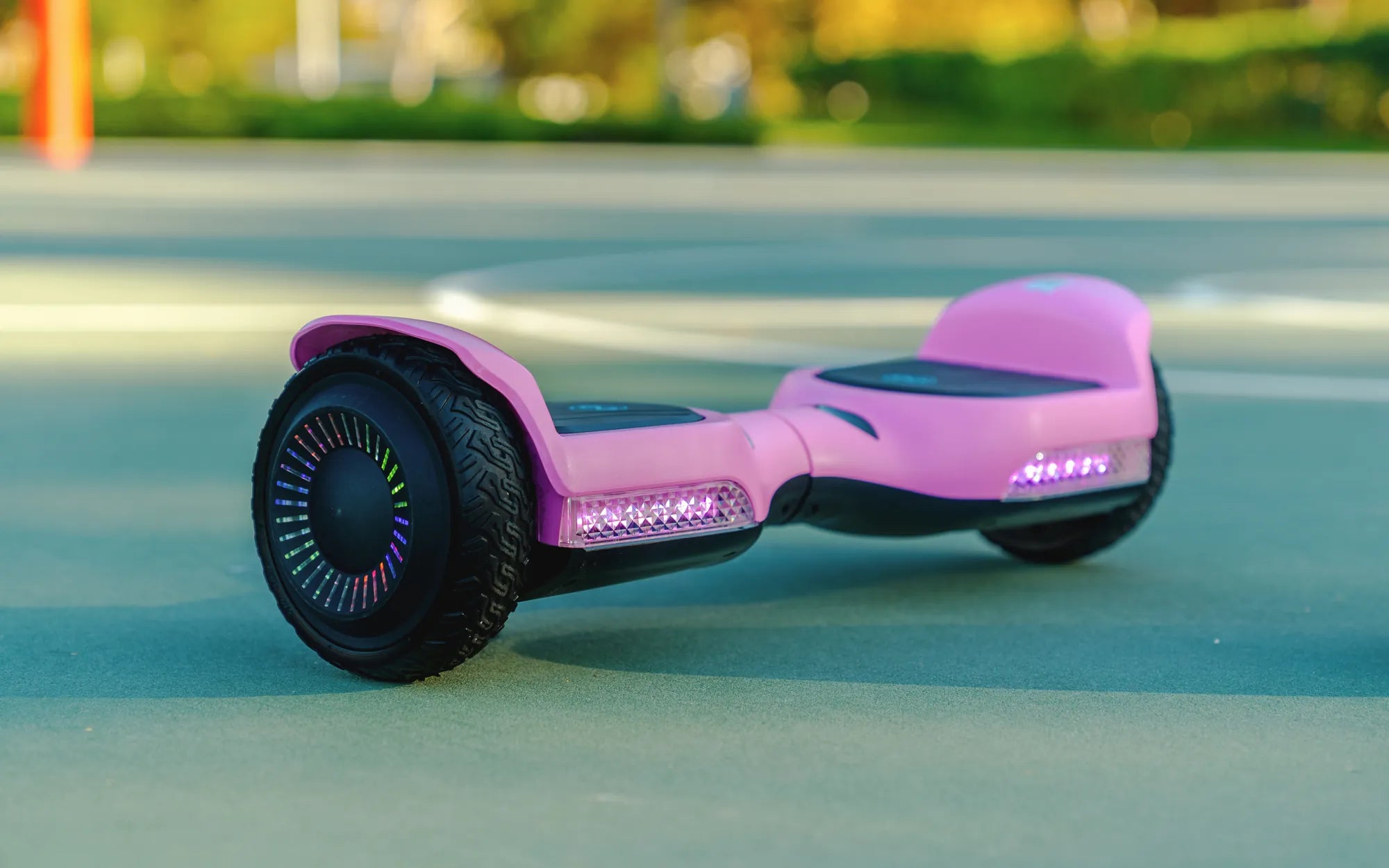
Is Your Hoverboard Acting Up? Here’s How to Fix It
Few things are more frustrating than a hoverboard that won’t work properly. Whether it’s refusing to power on, wobbling uncontrollably, or just not responding, a faulty hoverboard can ruin your fun. But before you toss it aside, there’s good news—many common hoverboard issues can be fixed at home with a little patience and know-how. Let’s dive into the most frequent problems and their solutions.
Common Hoverboard Problems and How to Diagnose Them
Hoverboards may seem complex, but most issues fall into a few predictable categories. Here are the most common problems and how to identify them:
- Power Issues: The hoverboard won’t turn on or charge properly.
- Balance Problems: The board wobbles, tilts unevenly, or doesn’t self-level.
- Connectivity Errors: The Bluetooth or app features fail to connect.
- Motor Malfunctions: One or both wheels don’t spin correctly.
- Error Codes: The board displays flashing lights or beeps to signal an issue.
Step-by-Step Fixes for Your Hoverboard
1. Fixing Power and Charging Problems
If your hoverboard won’t turn on, start with the basics:
- Check the charger and outlet—try a different power source to rule out electrical issues.
- Inspect the charging port for debris or damage. Clean it gently with compressed air.
- Test the battery by leaving it plugged in for at least an hour. If there’s no response, the battery may need replacement.
2. Solving Balance and Calibration Issues
An unsteady hoverboard is often a calibration problem. Here’s how to recalibrate it:
- Turn off the hoverboard and place it on a flat, level surface.
- Press and hold the power button for 10-15 seconds until you hear a beep or see lights flash.
- Release the button and wait for the board to reset. Test the balance by stepping on it gently.
3. Troubleshooting Connectivity and App Pairing
If Bluetooth or app features aren’t working:
- Restart the hoverboard and your smartphone.
- Ensure the hoverboard is in pairing mode (check the manual for specific instructions).
- Delete and reinstall the hoverboard app if problems persist.
4. Addressing Motor and Wheel Problems
If one wheel isn’t working, try these steps:
- Check for obstructions like hair, dirt, or debris around the wheel.
- Spin the wheel manually—if it’s stiff, the motor or bearings may need servicing.
- Listen for unusual sounds, which could indicate internal damage.
When to Seek Professional Help
While many hoverboard issues can be fixed at home, some problems require expert attention. If you’ve tried all the troubleshooting steps and your hoverboard still isn’t working, it might be time to contact a repair service. Electrical issues, battery replacements, and internal motor damage are best handled by professionals to avoid safety risks.
Preventative Maintenance to Keep Your Hoverboard Running Smoothly
Regular care can extend your hoverboard’s lifespan and prevent future problems:
- Store it in a dry, cool place away from extreme temperatures.
- Clean the wheels and sensors regularly to prevent buildup.
- Avoid overcharging—unplug the hoverboard once it’s fully charged.
- Check for firmware updates if your model supports them.
Get Back to Gliding—Your Hoverboard Awaits!
Don’t let a malfunctioning hoverboard keep you grounded. With these troubleshooting tips, you can diagnose and fix most issues quickly. Whether it’s a simple calibration or a battery check, a little effort can save you time and money. Now, power up your hoverboard and get ready to ride smoothly again!
Electric Self Balancing: The Future of Personal Transportation
Electric Scooter 14 Years and Up: The Ultimate Guide for Teens and Adults