



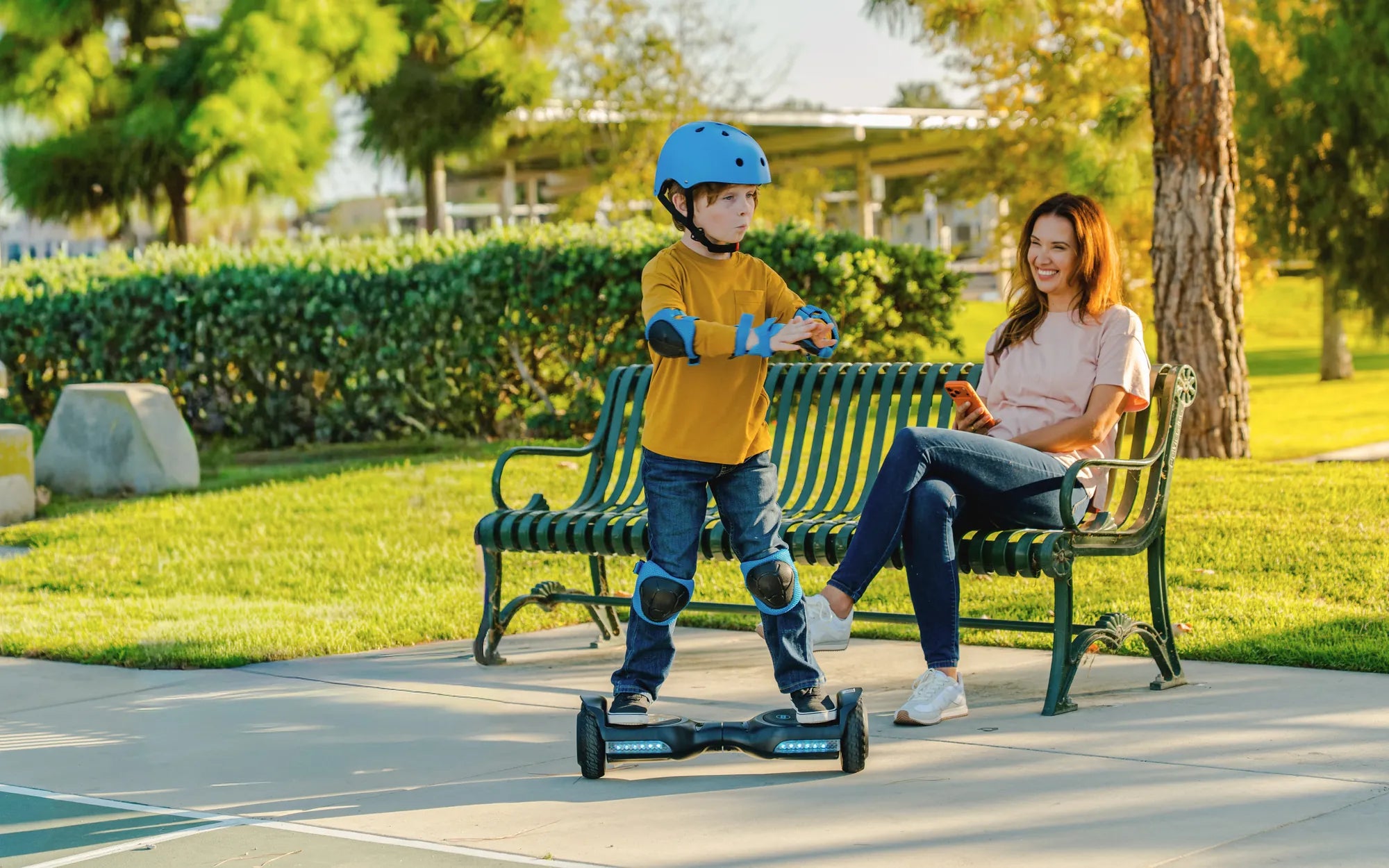
Ever been annoyed by the constant voice alerts on your hoverboard? Whether it’s beeping, warning you about speed, or just announcing it’s turned on, the voice can quickly become irritating. Luckily, turning it off is simpler than you might think. Follow this guide to silence your hoverboard and enjoy a quieter ride.
Why Does My Hoverboard Have a Voice Feature?
Most hoverboards come with built-in voice alerts to enhance safety and usability. These voices provide warnings about low battery, excessive speed, or uneven terrain. While helpful for beginners, frequent alerts can be distracting. If you’re an experienced rider or just prefer a silent ride, disabling the voice is a great option.
Step-by-Step Guide to Turning Off the Voice
1. Check the User Manual
Before diving into settings, consult your hoverboard’s user manual. Different models have varying methods to disable voice alerts. If you’ve lost the manual, a quick online search for your model number should provide a digital copy.
2. Locate the Power Button
Many hoverboards allow you to turn off the voice by holding the power button for a specific duration. Try pressing and holding it for 5-10 seconds to see if a voice menu activates. Some models may require a combination of button presses.
3. Use the Mobile App (If Available)
Some advanced hoverboards come with companion apps that let you customize settings, including voice alerts. Download the app, connect to your hoverboard via Bluetooth, and navigate to the sound settings to disable the voice.
4. Factory Reset
If other methods fail, a factory reset might help. This will revert all settings to default, including the voice alerts. Refer to your manual for reset instructions, as the process varies by model.
Troubleshooting Common Issues
Voice Won’t Turn Off
If the voice persists after trying the above steps, ensure your hoverboard’s firmware is up to date. Outdated software can cause glitches. Check the manufacturer’s website for updates.
No Sound Settings in the App
Not all hoverboard apps offer voice control. If yours doesn’t, try contacting customer support for alternative solutions.
Safety Considerations
While turning off the voice can improve your riding experience, remember that some alerts are safety-related. Disabling warnings about low battery or overheating could lead to accidents. Use this feature responsibly.
Ready to enjoy a silent ride? With these steps, you can easily turn off the voice on your hoverboard and cruise without distractions. Happy gliding!
What Is the Maximum Weight for a Hoverboard? A Complete Guide
Average Weight of a Hoverboard: What You Need to Know Before Buying