

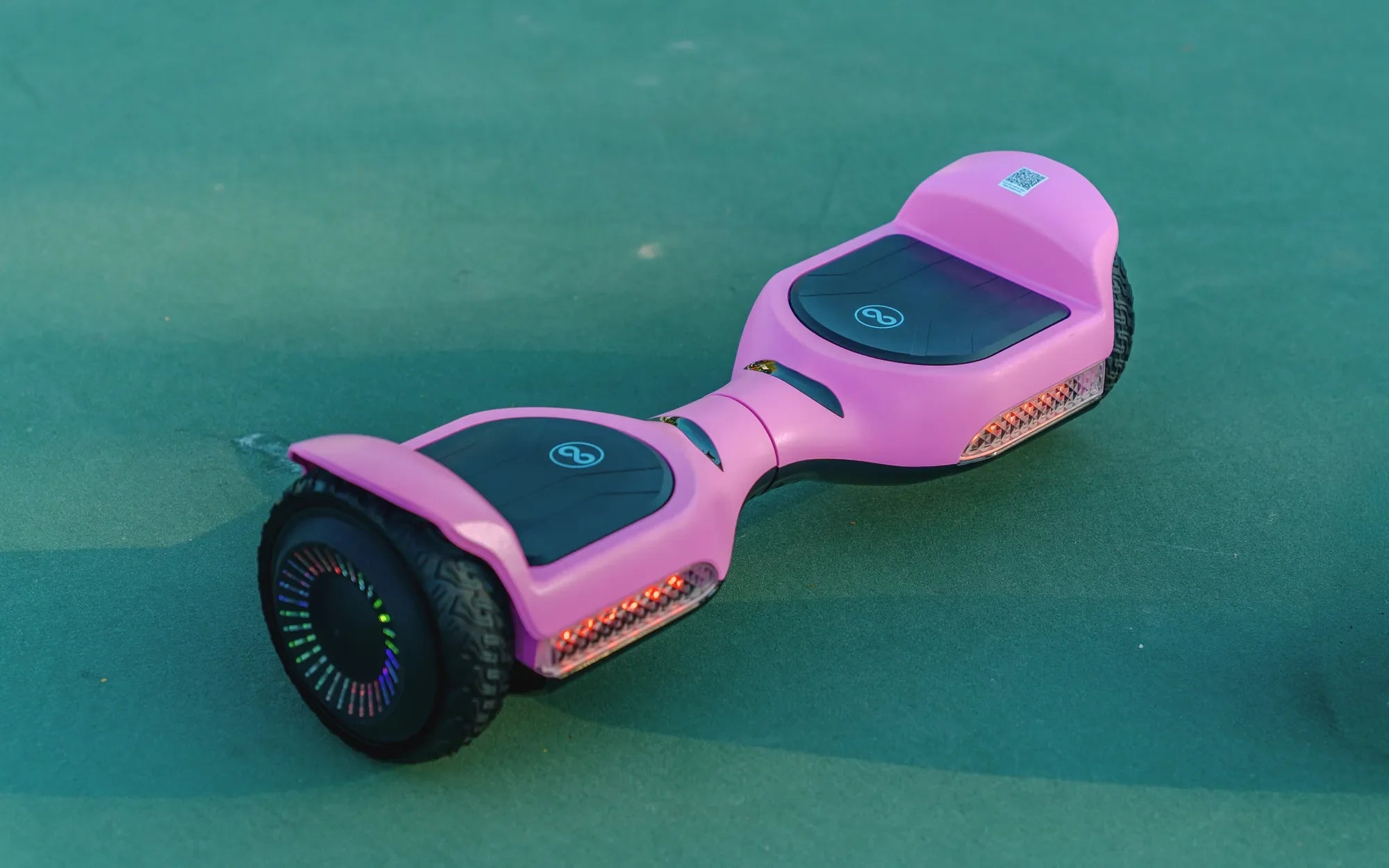
Hoverboards have become a popular mode of transportation, but many users struggle with charging them properly. Whether you're a first-time owner or looking to extend your hoverboard's battery life, understanding the charging process is crucial. Let's dive into the best practices for keeping your hoverboard powered up and ready to ride.
Understanding Your Hoverboard's Battery
Most hoverboards use lithium-ion batteries, which are lightweight, rechargeable, and efficient. However, improper charging can shorten their lifespan or even pose safety risks. Always check your hoverboard's manual for specific battery details before charging.
Step-by-Step Charging Guide
- Locate the charging port on your hoverboard (usually on the side or rear)
- Plug the charger into a wall outlet first
- Connect the charger to your hoverboard's port
- Wait for the indicator light to turn green (typically 2-3 hours)
- Unplug the charger from both the hoverboard and outlet
Charging Safety Tips
- Never leave your hoverboard charging unattended or overnight
- Avoid charging near flammable materials
- Use only the manufacturer-provided charger
- Don't charge immediately after riding - let the battery cool first
- Keep the charging port clean and dry
Maximizing Battery Life
To get the most out of your hoverboard's battery, follow these best practices:
- Charge the battery fully before first use
- Avoid letting the battery drain completely
- Store your hoverboard in a cool, dry place when not in use
- If storing for long periods, maintain a 50-60% charge
- Limit exposure to extreme temperatures
Troubleshooting Charging Issues
If your hoverboard won't charge, try these solutions:
- Check all connections are secure
- Test the outlet with another device
- Inspect the charging port for debris
- Look for any visible damage to the charger or cables
- Reset your hoverboard (check manual for instructions)
When to Replace Your Battery
Signs your hoverboard battery may need replacement include:
- Significantly reduced range per charge
- Battery not holding a charge
- Visible swelling or damage to the battery
- Overheating during charging or use
- Error messages related to power
Mastering hoverboard charging is easier than you think - follow these simple steps and you'll enjoy longer rides, better performance, and peace of mind knowing you're charging safely. Your hoverboard adventures are just a proper charge away!
How Much Is a Hoverboard for Kids? A Complete Pricing Guide
Best Christmas Gift Ideas for Girls: Thoughtful and Fun Presents She’ll Love