


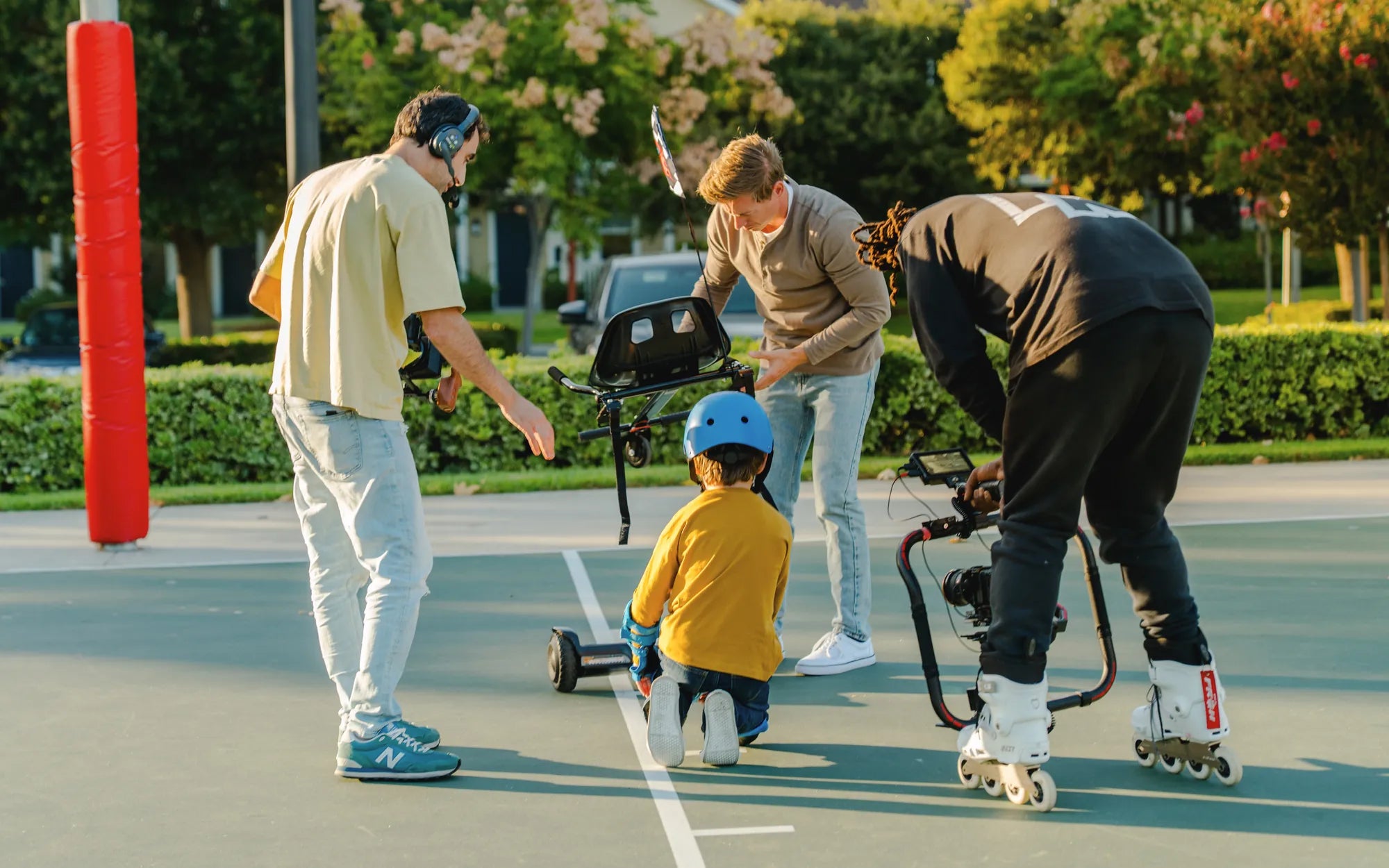
Is your Swagtron hoverboard acting up? Whether it's unresponsive, flashing error lights, or just not working as it should, a reset might be the solution you need. Resetting your hoverboard can resolve minor glitches and restore it to its default settings. Follow this step-by-step guide to get your hoverboard back on track.
Why Reset Your Swagtron Hoverboard?
Resetting your hoverboard can fix a variety of issues, such as connectivity problems, unresponsive controls, or error messages. It's a simple troubleshooting step that can save you time and frustration. Before diving into the reset process, ensure your hoverboard is fully charged and turned off.
Step-by-Step Guide to Resetting Your Swagtron Hoverboard
Step 1: Power Off the Hoverboard
Start by turning off your hoverboard. Locate the power button, usually found near the charging port, and hold it down until the device powers off completely. Wait a few seconds to ensure it's fully shut down.
Step 2: Locate the Reset Button
Most Swagtron hoverboards have a small reset button, often located near the power button or under a rubber cover. Use a paperclip or a similar tool to press the reset button.
Step 3: Press and Hold the Reset Button
Press and hold the reset button for about 5-10 seconds. You may hear a beep or see the lights flash, indicating the reset process has begun. Release the button once the hoverboard responds.
Step 4: Power On the Hoverboard
After resetting, turn the hoverboard back on by pressing the power button. Wait for it to boot up fully. The lights should stabilize, and the hoverboard should be ready for use.
Common Issues and Troubleshooting
Hoverboard Not Responding After Reset
If your hoverboard doesn't respond after resetting, check the battery level. A low battery can prevent the device from functioning properly. Charge it fully and try resetting again.
Error Lights Still Flashing
Persistent error lights may indicate a deeper issue, such as a faulty sensor or motor. Consult the user manual or contact customer support for further assistance.
Bluetooth Connectivity Problems
If your hoverboard's Bluetooth isn't working after a reset, try unpairing and re-pairing the device with your smartphone or controller.
Preventive Maintenance Tips
To avoid frequent resets, keep your hoverboard clean and store it in a dry place. Regularly check the tires, battery, and connections for wear and tear. Avoid overcharging the battery, as this can reduce its lifespan.
Ready to hit the pavement again? With these simple steps, you can reset your Swagtron hoverboard and enjoy a smooth ride. Don't let technical glitches slow you down—master the reset process and keep your hoverboard in top shape!
Why Does My Hoverboard Shake When I Ride It? Common Causes and Fixes
Hoverboards in Wichita KS: The Ultimate Guide to Riding and Buying