

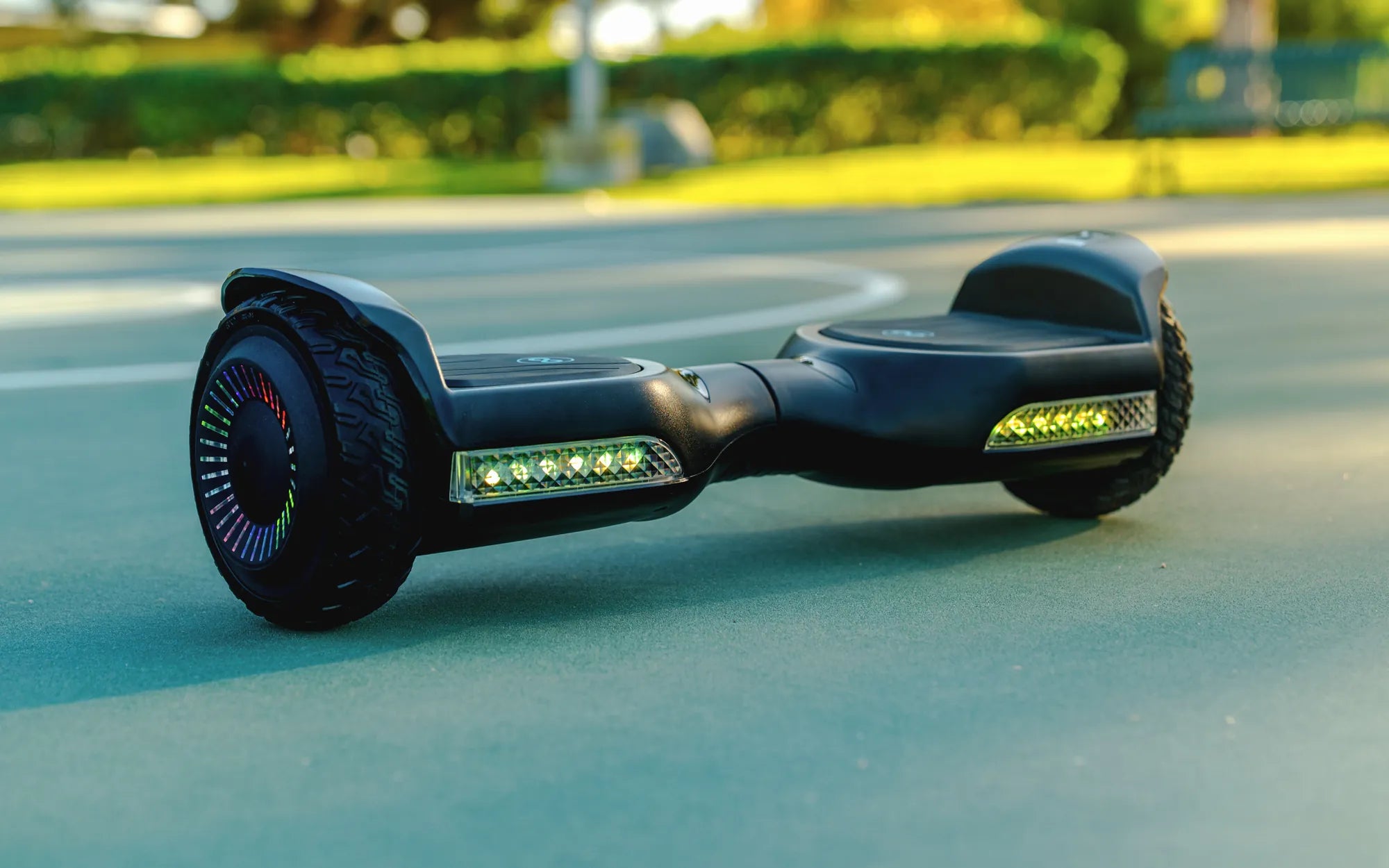
Hoverboards have become a popular mode of transportation and entertainment, but one question often lingers in the minds of users: how long do I have to charge my hoverboard? Whether you're a first-time owner or a seasoned rider, understanding the charging process is crucial for maximizing battery life and ensuring safety. Let's dive into the details to help you get the most out of your hoverboard.
Understanding Hoverboard Battery Basics
Before determining how long to charge your hoverboard, it's essential to understand the type of battery it uses. Most hoverboards are powered by lithium-ion batteries, which are known for their efficiency and longevity. These batteries typically have a voltage range of 36V to 42V and a capacity measured in watt-hours (Wh). The charging time largely depends on the battery's capacity and the charger's output.
Average Charging Time for Hoverboards
On average, a hoverboard takes between 2 to 4 hours to charge fully. However, this can vary based on factors like battery size, charger specifications, and the hoverboard's current charge level. For instance, a completely drained battery will take longer to charge than one that's only partially depleted. Always refer to your hoverboard's manual for precise charging recommendations.
Factors Affecting Charging Time
Several factors can influence how long your hoverboard needs to charge:
- Battery Capacity: Larger batteries require more time to charge.
- Charger Output: A higher-output charger can reduce charging time.
- Battery Health: Older or degraded batteries may charge slower.
- Temperature: Extreme cold or heat can affect charging efficiency.
How to Know When Your Hoverboard Is Fully Charged
Most hoverboards come with an LED indicator that shows the charging status. Typically, the light will turn from red to green when the battery is fully charged. Some models may also emit a beep or display a notification on a connected app. Avoid overcharging your hoverboard, as this can shorten the battery's lifespan.
Tips for Extending Battery Life
To keep your hoverboard's battery in top condition, follow these tips:
- Charge the hoverboard after each use, even if it's not fully drained.
- Avoid leaving the hoverboard plugged in for extended periods after it's fully charged.
- Store the hoverboard in a cool, dry place when not in use.
- Use only the charger provided by the manufacturer.
Common Charging Mistakes to Avoid
Many hoverboard users unknowingly make mistakes that can harm their battery. Here are a few to watch out for:
- Overcharging: Leaving the hoverboard plugged in overnight or for days can damage the battery.
- Using the Wrong Charger: A charger with incorrect voltage or amperage can cause overheating or battery failure.
- Charging in Extreme Temperatures: High or low temperatures can reduce battery efficiency and safety.
What to Do If Your Hoverboard Isn't Charging
If your hoverboard isn't charging, try these troubleshooting steps:
- Check the power outlet and ensure it's working.
- Inspect the charger and cables for damage.
- Clean the charging port on the hoverboard to remove dust or debris.
- If the issue persists, consult the manufacturer or a professional.
Safety Precautions While Charging
Charging your hoverboard safely is just as important as knowing how long to charge it. Follow these precautions:
- Charge the hoverboard on a flat, non-flammable surface.
- Never leave the hoverboard unattended while charging.
- Avoid charging near water or in humid environments.
- Disconnect the charger immediately if you notice any unusual smells or overheating.
Now that you know how long you have to charge your hoverboard, you can enjoy longer rides and a healthier battery life. By following these guidelines, you'll keep your hoverboard running smoothly and safely for years to come. Happy riding!
Hoverboard Stuck in Reverse: Causes, Fixes, and Prevention Tips
Hoverboard Time: The Future of Personal Transportation