


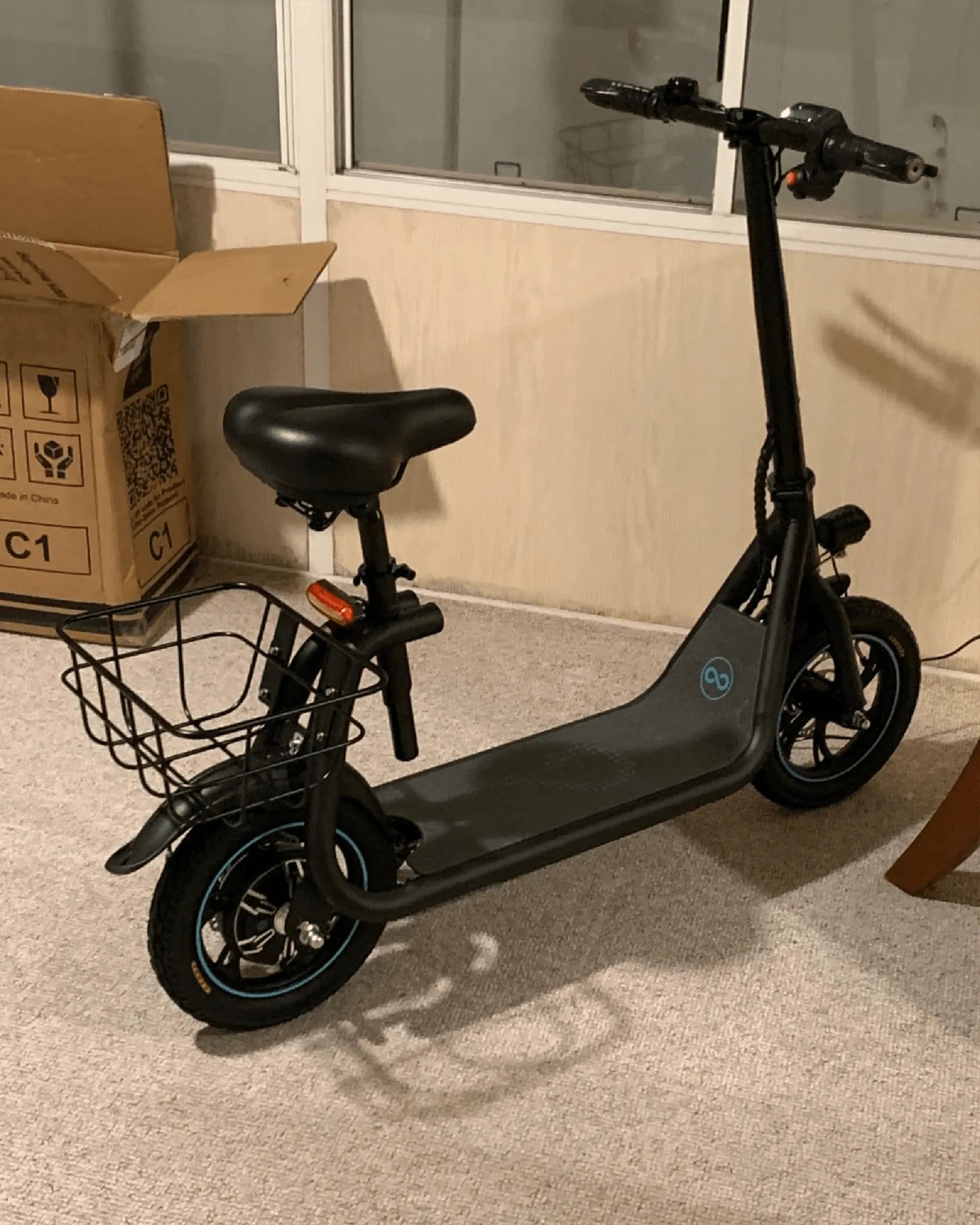
If you've ever found yourself staring at your electric scooter's display, puzzled by the speed reading in kilometers per hour (km/h) when you're more familiar with miles per hour (mph), you're not alone. Many riders prefer mph for better clarity, especially in regions where it's the standard unit of measurement. The good news? Changing km to mph on your electric scooter is often a straightforward process. Let’s dive into the steps to make this adjustment effortlessly.
Why Switch from KM to MPH on Your Electric Scooter?
Before jumping into the how-to, it’s worth understanding why you might want to make this change. For riders in countries like the United States or the United Kingdom, where mph is the norm, seeing speed in km/h can be confusing. It may even lead to unintentional speeding or difficulty gauging your pace. Switching to mph ensures better accuracy and a smoother riding experience.
Step-by-Step Guide to Changing KM to MPH
The exact method for changing the speed unit depends on your scooter’s model and manufacturer. However, most electric scooters follow a similar process:
1. Locate the Settings Menu
Start by turning on your scooter and accessing the display panel. Look for a settings or menu button, often marked with a gear icon or labeled "SET." Press and hold this button to enter the settings mode.
2. Navigate to the Unit Settings
Once inside the settings menu, scroll through the options using the up/down or +/- buttons until you find "Units" or "Speed Unit." This is where you can toggle between km/h and mph.
3. Select MPH
Highlight the speed unit option and press the select or confirm button to change it from km/h to mph. Some scooters may require a long press or a double-tap to confirm the selection.
4. Save and Exit
After selecting mph, exit the settings menu by pressing the power or menu button again. Your scooter’s display should now show speed in mph.
What If Your Scooter Doesn’t Allow Unit Changes?
Not all electric scooters offer the option to switch between km/h and mph. If yours doesn’t, don’t worry—there are still ways to work around it:
Use a Conversion Formula
You can manually convert km/h to mph by multiplying the speed by 0.621371. For example, 20 km/h is roughly 12.4 mph. While this isn’t as convenient as a built-in option, it’s a reliable backup.
Check for Firmware Updates
Some scooters unlock additional features, including unit changes, after a firmware update. Visit the manufacturer’s website or app to see if an update is available.
Tips for a Smooth Transition
Once you’ve switched to mph, take a short test ride to ensure the display is functioning correctly. Familiarize yourself with the new readings to avoid any surprises on the road. If you ever need to revert to km/h, simply follow the same steps.
Ready to hit the road with your newly adjusted speedometer? Now that you’ve mastered this simple tweak, you can ride with confidence, knowing your speed is displayed in the units you understand best. Happy scooting!
Electric Scooter Specs Comparison: What You Need to Know Before Buying
Electric Scooter Specs Comparison: What You Need to Know Before Buying