

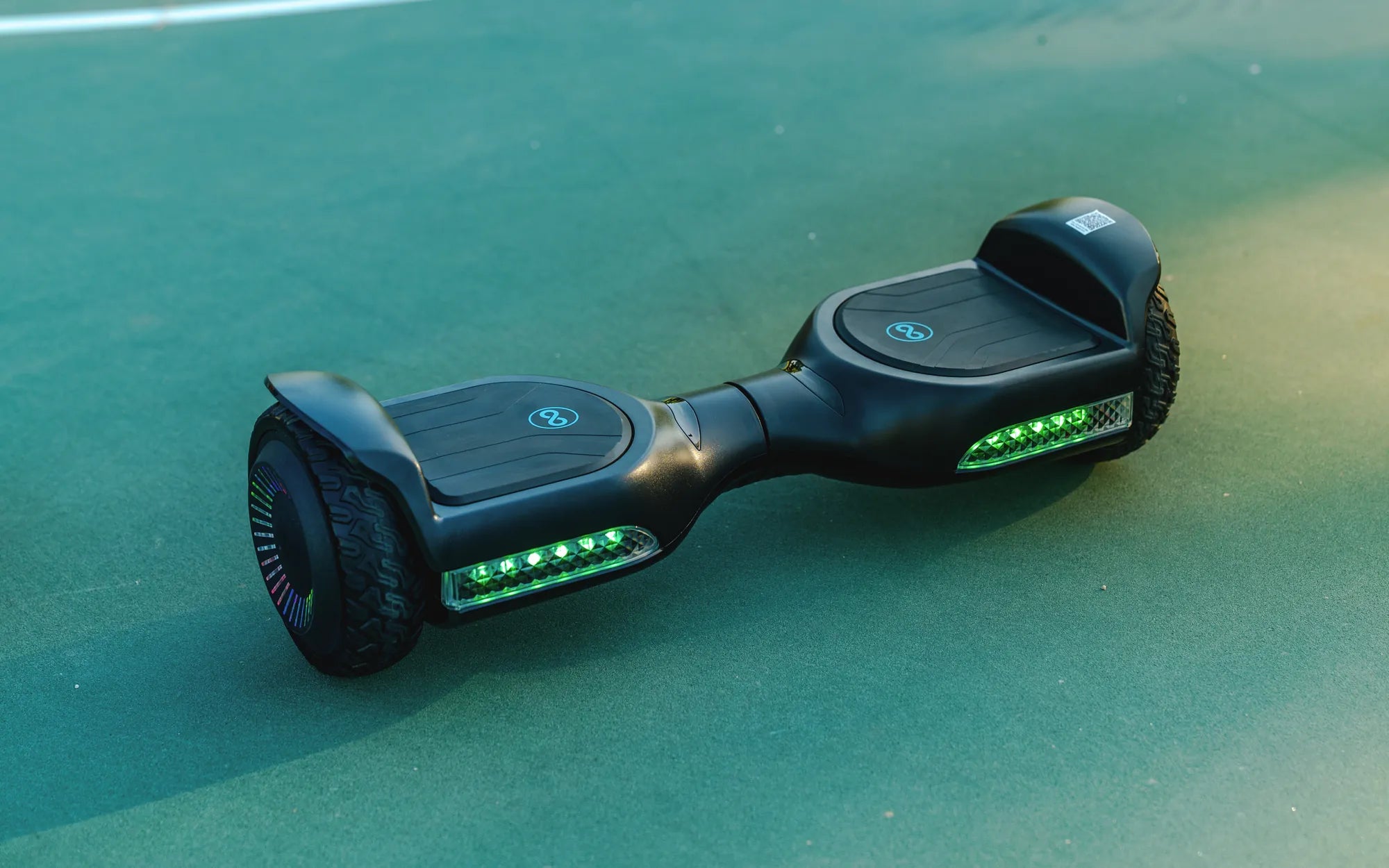
Running out of battery on your hoverboard can be frustrating, especially when you don't have the original charger handy. But don't worry—there are several creative and safe ways to charge your hoverboard without the standard charger. Whether you're in a pinch or looking for alternative charging methods, this guide will help you keep your hoverboard powered up.
Understanding Your Hoverboard's Power Requirements
Before attempting any alternative charging methods, it's crucial to understand your hoverboard's power specifications. Most hoverboards operate on a lithium-ion battery with a voltage range of 36V to 42V. Charging outside this range can damage the battery or even pose safety risks. Always check the label on your hoverboard or the user manual for exact voltage and current requirements.
Using a Universal Charger
If you don't have the original charger, a compatible universal charger can be a viable alternative. Ensure the voltage and current output match your hoverboard's requirements. Universal chargers with adjustable voltage settings are ideal, as they allow you to fine-tune the output to match your device. Avoid using chargers with significantly higher or lower voltage ratings, as this can lead to overheating or insufficient charging.
Charging via USB (For Models with USB Ports)
Some hoverboards come equipped with a USB port, which can be used for low-power charging. While this method won't fully charge your hoverboard quickly, it can provide enough power to get you out of a tight spot. Use a high-output USB charger, such as those designed for tablets, to maximize charging efficiency. Keep in mind that this method is slower and may not be suitable for long rides.
Power Banks and Portable Chargers
Large-capacity power banks can serve as a temporary charging solution for hoverboards. Look for power banks with a DC output that matches your hoverboard's voltage. You may need an adapter to connect the power bank to your hoverboard's charging port. This method is best for emergencies, as most power banks won't provide a full charge.
DIY Charging with a Compatible Power Supply
If you're tech-savvy, you can create a makeshift charger using a compatible power supply. Ensure the power supply matches the voltage and current requirements of your hoverboard. Use a multimeter to verify the output before connecting it to your device. This method requires caution, as incorrect wiring or mismatched voltage can damage your hoverboard.
Safety Precautions When Charging Without a Charger
Alternative charging methods come with risks, so always prioritize safety. Avoid overcharging, as lithium-ion batteries can overheat or catch fire. Never leave your hoverboard unattended while charging, and disconnect it as soon as it reaches full capacity. If you notice any unusual heat, smoke, or swelling, stop charging immediately and seek professional assistance.
Long-Term Solutions for Charging Issues
While these methods can help in a pinch, it's best to invest in a proper replacement charger for long-term use. Contact the manufacturer or a certified retailer to purchase an original or compatible charger. This ensures optimal performance and extends the lifespan of your hoverboard's battery.
Don't let a missing charger leave you stranded—try these alternative charging methods to keep your hoverboard rolling. With a little creativity and caution, you can stay on the move without the hassle of searching for the original charger.
Blue Hoverboard Charger: The Ultimate Guide to Safe and Efficient Charging
36V Battery Charger for Hoverboard: The Ultimate Guide to Safe and Efficient Charging