

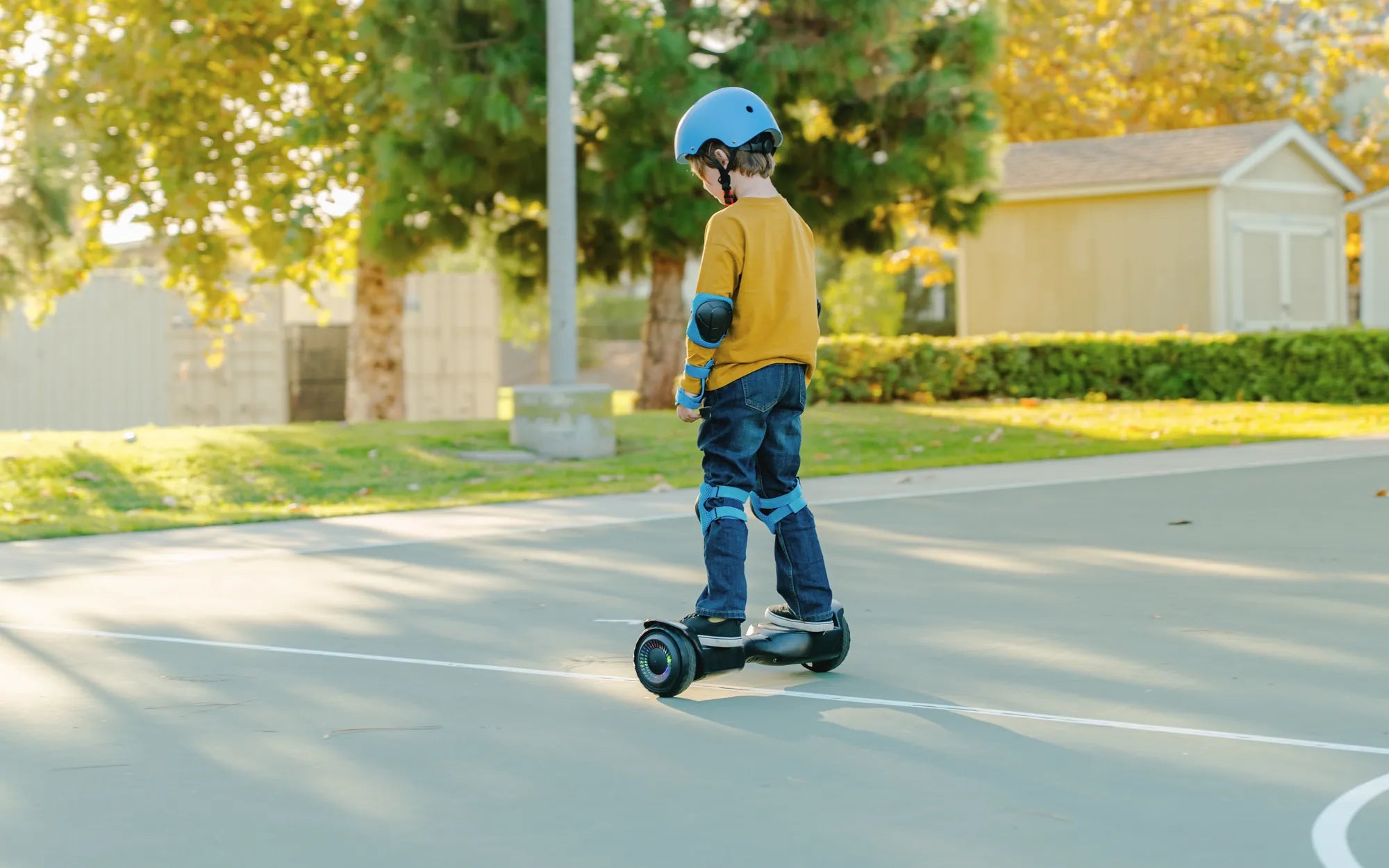
Ever wondered how to connect Bluetooth to your hoverboard and unlock its full potential? Whether you want to play music, track your speed, or customize your ride, pairing your hoverboard with Bluetooth is easier than you think. Follow this step-by-step guide to get started and elevate your hoverboarding experience.
Why Connect Bluetooth to Your Hoverboard?
Connecting your hoverboard to Bluetooth opens up a world of possibilities. From streaming music to accessing ride statistics, Bluetooth connectivity enhances your hoverboard's functionality. Here's why you should pair your device:
- Play music directly from your hoverboard's built-in speakers.
- Monitor speed, battery life, and other metrics via a companion app.
- Customize LED lights and other features for a personalized ride.
Step-by-Step Guide to Connecting Bluetooth
Follow these simple steps to connect Bluetooth to your hoverboard:
Step 1: Turn On Your Hoverboard
Ensure your hoverboard is powered on and in pairing mode. Most hoverboards enter pairing mode automatically when turned on, but refer to your manual if unsure.
Step 2: Enable Bluetooth on Your Device
Open the Bluetooth settings on your smartphone or tablet. Make sure Bluetooth is enabled and your device is discoverable.
Step 3: Locate Your Hoverboard
Scan for available devices in your Bluetooth settings. Your hoverboard should appear as a discoverable device, often labeled with its model name or a generic identifier like "Hoverboard-BT."
Step 4: Pair the Devices
Select your hoverboard from the list of available devices. If prompted, enter the default pairing code (usually "0000" or "1234"). Once connected, you'll hear a confirmation sound or see a notification on your device.
Step 5: Test the Connection
Play a song or open the hoverboard's companion app to ensure the connection is stable. If the audio plays through the hoverboard's speakers or the app displays real-time data, you're good to go!
Troubleshooting Common Bluetooth Issues
Experiencing problems? Here are some quick fixes:
- No Device Found: Restart both your hoverboard and Bluetooth device.
- Connection Drops: Ensure your hoverboard and device are within 30 feet of each other.
- Audio Issues: Check the volume settings on both devices and ensure the hoverboard's speakers are unmuted.
Maximizing Your Bluetooth Experience
Once connected, explore these features to get the most out of your hoverboard:
- Use a companion app to track speed, distance, and battery life.
- Create custom light patterns for a unique riding experience.
- Stream your favorite playlist while cruising around.
Ready to take your hoverboard to the next level? Connecting Bluetooth is just the beginning—unlock a world of features and make every ride unforgettable. Follow these steps, and you'll be paired up in no time!
Hoverboard Motor Replacement: A Complete Guide to Fixing Your Ride
Can I Ride My Hoverboard in the Rain? Safety Tips and Risks Explained