

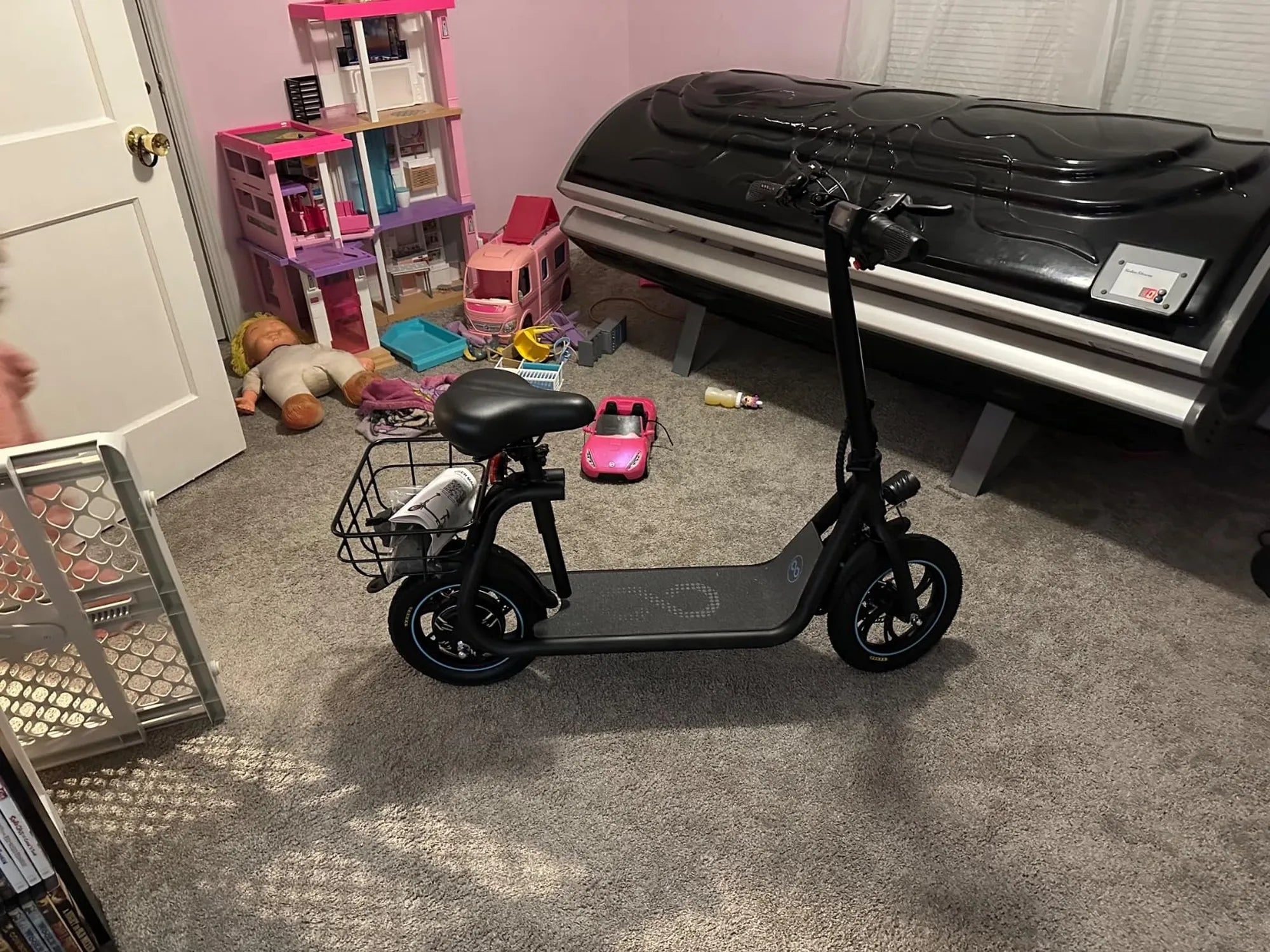
Imagine unlocking the full potential of your electric scooter by connecting it to your phone—enabling real-time tracking, speed adjustments, and even anti-theft alerts. Whether you're a tech enthusiast or a casual rider, pairing your phone with your electric scooter can elevate your riding experience. Here's everything you need to know to make it happen.
Why Connect Your Phone to an Electric Scooter?
Connecting your phone to an electric scooter opens up a world of possibilities. From accessing ride statistics to customizing performance settings, the benefits are endless. Many modern scooters come with companion apps that allow you to monitor battery life, adjust speed modes, and even lock the scooter remotely. Plus, integrating your phone means you can use GPS navigation hands-free, making your rides safer and more convenient.
Prerequisites for Connecting Your Phone
Before diving into the pairing process, ensure you have the following:
- A compatible electric scooter with Bluetooth or app connectivity.
- A smartphone (iOS or Android) with the latest OS updates.
- The official app for your scooter model (check the manufacturer's website).
- A stable Bluetooth connection and location services enabled.
Step-by-Step Guide to Connect Your Phone
Step 1: Download the Companion App
Start by downloading the official app for your electric scooter from the App Store or Google Play. Make sure it's the correct app by verifying the developer's name and reviews.
Step 2: Turn On Bluetooth and Location
Enable Bluetooth and location services on your phone. Some apps require precise location data to function correctly, especially for features like GPS tracking.
Step 3: Power On Your Scooter
Turn on your electric scooter and ensure it's in pairing mode. Most scooters enter this mode automatically when powered on, but refer to your manual if unsure.
Step 4: Open the App and Pair Devices
Launch the app and follow the on-screen instructions to pair your phone with the scooter. This usually involves selecting your scooter from a list of available Bluetooth devices.
Step 5: Confirm the Connection
Once paired, the app should display a confirmation message. Test the connection by adjusting a setting, such as the headlight or speed mode, to ensure it works.
Troubleshooting Common Issues
If you encounter problems, try these fixes:
- Bluetooth Not Detecting Scooter: Restart both devices and ensure they're within range.
- App Crashes: Update the app or reinstall it.
- Weak Signal: Keep your phone close to the scooter during pairing.
Maximizing Your Connected Scooter Experience
Once connected, explore the app's features to get the most out of your ride. Set up speed alerts, track your ride history, or enable security features like remote locking. Some apps even offer firmware updates to keep your scooter running smoothly.
Ready to transform your electric scooter into a smart, connected ride? Follow these steps, and you'll be cruising with enhanced control and convenience in no time. Say goodbye to guesswork and hello to a smarter, safer, and more enjoyable ride!
Cool Electric Scooters UK: The Ultimate Guide to Stylish and Efficient Commuting
Best Design Matte Black Electric Kick Scooters: Sleek, Stylish, and Powerful