

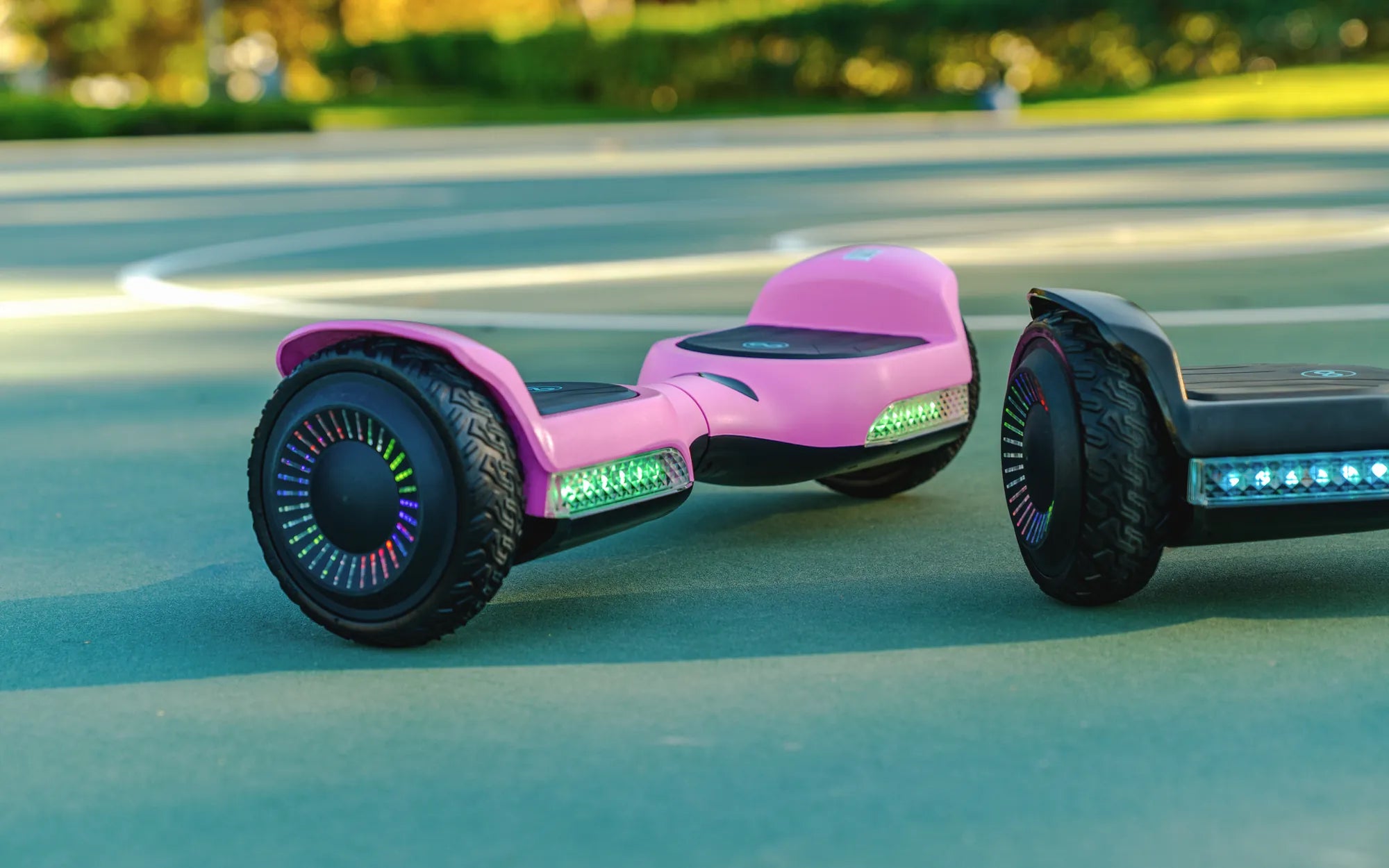
Nothing ruins the fun of riding your hoverboard faster than an incessant beeping sound. Whether it's a warning signal or a sign of malfunction, a beeping hoverboard can be frustrating. But before you consider tossing it out, follow this guide to troubleshoot and fix the issue yourself!
Why Is Your Hoverboard Beeping?
Hoverboards beep for several reasons, and understanding the cause is the first step toward fixing it. Common triggers include:
- Low Battery: A beeping sound often indicates that the battery is running low and needs charging.
- Overheating: Prolonged use can cause the motor or battery to overheat, triggering a warning beep.
- Uneven Surface Detection: Many hoverboards beep when they detect an unstable or uneven surface.
- Faulty Sensors: If the gyroscopic sensors are misaligned or damaged, the board may beep continuously.
- Software Glitches: Occasionally, a software bug can cause false alarms.
Step-by-Step Fixes for a Beeping Hoverboard
1. Charge the Battery Fully
If your hoverboard is beeping due to a low battery, plug it into the charger and let it charge completely. Most hoverboards stop beeping once the battery reaches a sufficient level. Avoid using the board while charging to prevent damage.
2. Let It Cool Down
If overheating is the issue, turn off the hoverboard and let it sit in a cool, dry place for at least 30 minutes. Avoid riding it in extreme heat or for extended periods without breaks.
3. Check for Uneven Surfaces
Place the hoverboard on a flat, stable surface. If the beeping stops, the issue was likely due to an uneven or slippery surface. Avoid riding on rough terrain to prevent further warnings.
4. Recalibrate the Sensors
Misaligned sensors can cause false beeping. To recalibrate:
- Turn off the hoverboard.
- Press and hold the power button for 10-15 seconds until you hear a beep.
- Place the board on a flat surface and wait for the calibration to complete.
5. Reset the Hoverboard
If a software glitch is causing the beeping, a reset might help. Locate the reset button (usually a small hole near the charging port) and press it with a paperclip for a few seconds. Power the board back on and check if the beeping stops.
6. Inspect for Physical Damage
Examine the hoverboard for visible damage, such as loose wires, cracked casings, or water exposure. If you find any, it may require professional repair.
Preventive Measures to Avoid Future Beeping
- Always charge the hoverboard fully before use.
- Avoid riding on wet or uneven surfaces.
- Store the hoverboard in a cool, dry place.
- Regularly check for firmware updates if your model supports them.
Don't let a beeping hoverboard ruin your ride! With these troubleshooting steps, you can quickly identify and fix the issue, ensuring smooth glides every time. Whether it's a simple battery recharge or a sensor recalibration, your hoverboard will be back in action in no time.
Hoverboard Wheel Repair: A Complete Guide to Fixing Your Ride
Show Me Hoverboards: The Future of Personal Transportation