


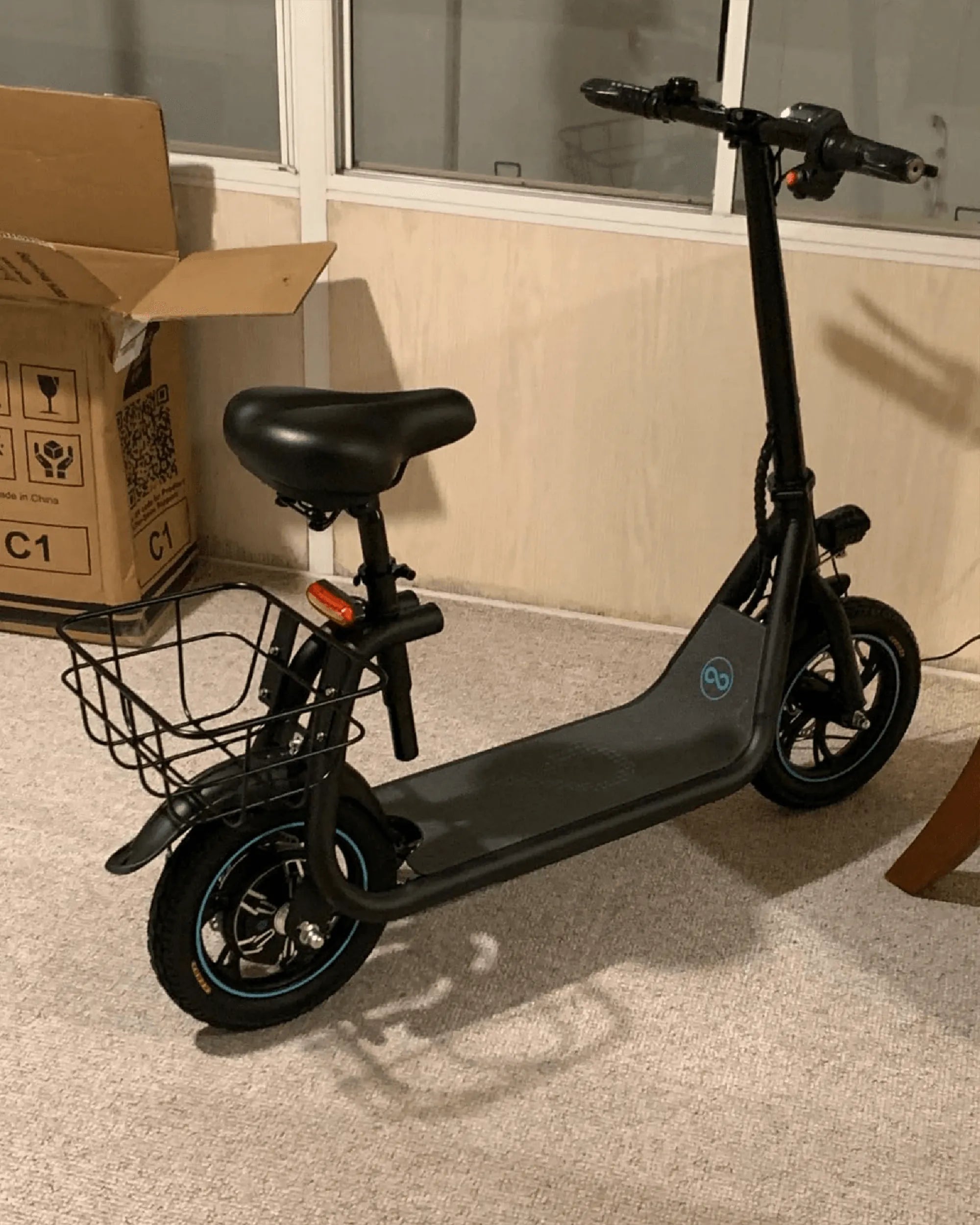
Electric scooters have become a popular mode of transportation, but like any electronic device, they can sometimes encounter glitches or performance issues. Knowing how to reset your electric scooter can save you time, money, and frustration. Whether you're dealing with a frozen display, unresponsive controls, or battery problems, a reset can often restore your scooter to its optimal functionality. Follow this step-by-step guide to get your ride back on track.
Why You Might Need to Reset Your Electric Scooter
Resetting your electric scooter can resolve a variety of issues, including:
- Unresponsive controls or buttons
- Frozen or malfunctioning display
- Battery not charging properly
- Error codes or warning messages
- Connectivity issues with the app or remote
A reset is often the first step in troubleshooting before seeking professional repair.
Step-by-Step Guide to Resetting Your Electric Scooter
Step 1: Power Off the Scooter
Start by turning off your electric scooter completely. Locate the power button, usually found near the handlebars or under the deck, and hold it down until the display turns off. Ensure the scooter is not connected to a charger during this process.
Step 2: Disconnect the Battery (If Possible)
For a more thorough reset, disconnect the battery. This step may require removing the scooter's deck cover or accessing the battery compartment. Refer to your scooter's manual for specific instructions, as designs vary. Once disconnected, wait at least 30 seconds before reconnecting.
Step 3: Perform a Soft Reset
Many electric scooters have a soft reset function. To perform this:
- Hold down the power button and the brake lever simultaneously for 10-15 seconds.
- Release both buttons and wait for the scooter to reboot.
- Check if the issue is resolved.
Step 4: Check for Firmware Updates
If your scooter has a companion app, check for firmware updates. Outdated software can cause performance issues. Connect your scooter to the app and follow the prompts to update if available.
Step 5: Test the Scooter
After completing the reset, power the scooter back on and test its functionality. Check the display, throttle, brakes, and lights to ensure everything is working correctly.
Common Mistakes to Avoid
When resetting your electric scooter, avoid these common pitfalls:
- Skipping the manual: Always consult your scooter's manual for model-specific instructions.
- Forcing components: Avoid using excessive force when disconnecting parts.
- Ignoring error codes: If error messages persist after resetting, seek professional help.
When to Seek Professional Help
If resetting your scooter doesn't resolve the issue, it may indicate a deeper problem. Consider professional assistance if you experience:
- Persistent error codes
- Physical damage to the scooter
- Battery or motor malfunctions
Resetting your electric scooter is a simple yet powerful troubleshooting step that can bring your ride back to life. By following these steps, you can avoid unnecessary repairs and keep your scooter running smoothly. Ready to hit the road again? Give your scooter a fresh start today!
Electric Scooter £1000: The Ultimate Guide to Affordable Urban Mobility
Balance Scooter Tricks: Mastering the Art of Gliding with Style