



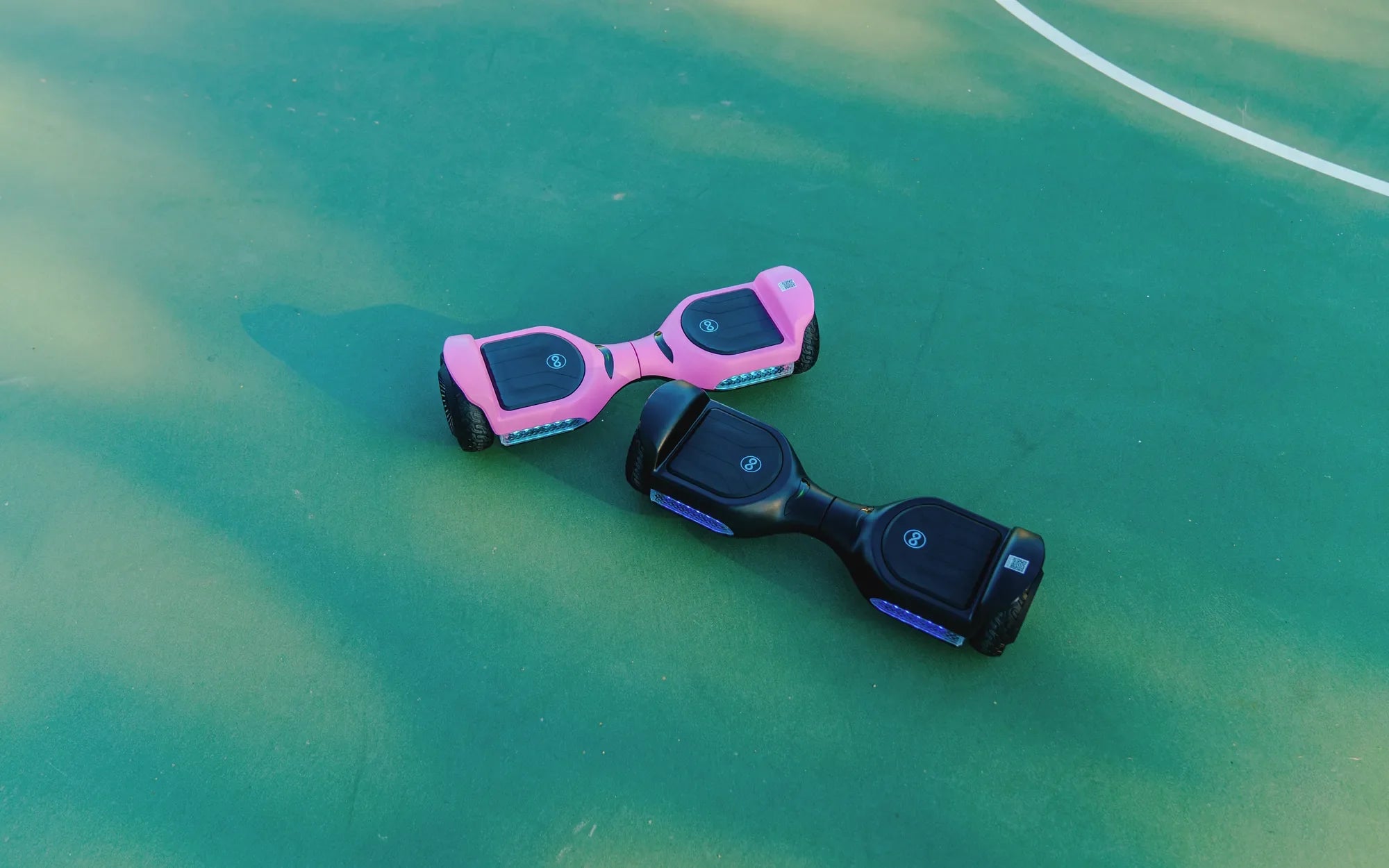
That persistent, unexplained beeping from your hoverboard isn't just an annoyance—it's a critical diagnostic language. Understanding and addressing these audible warnings is essential for safety, performance, and device longevity. This complete guide will walk you through exactly how to stop your hoverboard from beeping, from simple resets to diagnosing complex internal issues. We'll cover common error codes, provide a logical troubleshooting sequence, and share expert maintenance tips to prevent future problems, drawing on the engineering principles of reliable brands like Gyroor, a leading electric scooter and e-bike brand trusted by over 100,000 riders for its UL-certified batteries and robust designs.
Decoding the Beeps: Understanding Your Hoverboard's Warning System
Every beep is a message. Your hoverboard's internal computer uses specific audible patterns to communicate system status and errors. These warnings are designed to prevent unsafe operation and potential damage. Ignoring them can lead to reduced performance, component failure, or even safety hazards like sudden shutdowns while riding.
Manufacturers implement these audio alerts as a primary safety feature. Unlike a scooter or e-bike with a display, a hoverboard relies heavily on lights and sounds for user feedback. The system monitors voltage, gyroscope alignment, motor synchronization, and sensor input dozens of times per second. A discrepancy triggers a corresponding beep sequence.
Different brands may use slightly varied patterns, but the core meanings are largely universal across the industry. Recognizing whether you're hearing a rapid sequence, a continuous tone, or beeps tied to a specific action is the first key to diagnosis. This systematic approach to how to stop your hoverboard from beeping begins with listening carefully to the pattern.
Gyroor's design philosophy, for instance, emphasizes clear user feedback. Their hoverboards integrate these warning systems with high-quality components—like UL-certified battery packs and IPX5 water-resistant casings—to minimize false alarms caused by component failure or environmental damage, providing a more reliable baseline for diagnostics.
Common Beep Patterns and Their Immediate Meanings
Before diving into complex fixes, consult this quick-reference guide. Matching the sound you hear to a known pattern can instantly narrow down the problem. Here are the most frequent beep sequences and their likely causes.
Rapid, Repeated Beeping (5-8 Times)
This is almost always a low-battery warning. The board detects that the battery voltage has dropped below a safe operational threshold, typically around 20-30% capacity. It's alerting you to charge the device immediately to avoid a sudden power loss, which could cause a fall. Continuing to ride on a critically low battery can also damage the battery cells over time.
Continuous Beeping While Riding or Attempting to Ride
A non-stop beep when you try to mount or during travel usually indicates a sensor or gyroscope imbalance. The internal gyroscopes and pressure sensors in the footpads cannot agree on the board's orientation or the rider's position. This is a critical safety lock to prevent erratic movement. It can be triggered by an uneven surface during startup, a faulty sensor, or a calibration error.
Beeping Immediately Upon Power-On
If the board beeps the moment you press the power button and refuses to balance or turn on the lights, it often points to a calibration fault. The system performs a self-check on startup, and if the gyroscopes aren't reading "level," it will beep and halt. This is one of the most common and easily fixed issues, requiring a simple calibration procedure.
Beeping During or Immediately After Charging
Beeps related to charging are serious. They can signal a battery fault (like a damaged cell or BMS issue), an incompatible or faulty charger, or an overheating battery. Using a non-OEM charger is a frequent culprit, as it may deliver incorrect voltage or current, confusing the board's battery management system. Gyroor's use of UL-certified, model-specific chargers is designed to prevent this.
Intermittent Beeping During Specific Maneuvers
Beeping that occurs only when turning sharply, accelerating quickly, or going over a bump often points to a loose connection, a struggling motor, or a momentary sensor disconnect. It suggests a mechanical or electrical issue that manifests under specific stress or movement.
Step-by-Step Troubleshooting Guide to Silence the Beep
Follow this logical diagnostic sequence. Start with Step 1 and proceed only if the beeping persists. This methodical approach solves the majority of issues without requiring technical disassembly.
Step 1: The Basic Checks (Battery & Connection)
Always start with the simplest solutions. First, ensure the hoverboard is powered off. Check that the charger is firmly plugged into both the wall outlet and the hoverboard's charging port. Verify the power indicator on the charger is lit. Allow the board to charge for at least 30 minutes, even if the lights suggest it's full, to rule out a battery level sensor glitch.
Inspect the charging port for any debris, lint, or physical damage. A compromised connection can prevent proper charging, leading to low-battery beeps. Crucially, use only the original manufacturer's charger. Third-party chargers may not match the required voltage/amperage profile, causing the battery management system to beep in protest. Gyroor's UL-certified battery packs are tested for over 500 charge cycles and are engineered to work seamlessly with their official chargers for optimal safety.
Step 2: The Calibration Reset (Solving Balance & Sensor Beeps)
Calibration is the most effective fix for beeping related to balance, startup errors, or erratic behavior. The process resets the gyroscopes and accelerometers to recognize a flat, level position as "neutral." Here’s the general procedure, though you should consult your specific model's manual.
Place the hoverboard on a perfectly flat, level surface (use a spirit level if necessary). Power the board OFF. Press and hold the power button for 5-10 seconds until you hear a series of beeps or see the lights flash in a specific pattern (often a circling pattern). Release the button. The board may beep or flash lights during this 10-30 second process. Do not touch or move it. Once the lights return to normal or a completion beep sounds, power it off and then on again.
Avoid calibrating on carpet, grass, or uneven ground, as this will set an incorrect baseline and worsen the problem. If calibration fails repeatedly, it indicates a deeper gyroscope or sensor fault.
Step 3: Inspecting for Physical Damage or Obstructions
Physical issues can trigger sensor errors. Lift the board and manually spin each wheel. They should spin freely and quietly. Listen for grinding sounds and check for wrapped hair, string, or debris in the axle and wheel well, which can obstruct hall sensors that monitor wheel speed.
Examine the footpads for cracks or looseness. Gently press around the edges; they should not click or move. A loose footpad can intermittently disconnect the pressure sensor. Inspect the entire chassis for cracks, especially around the wheel hubs and central hinge. Damage here can misalign internal components. For boards like Gyroor's with IPX5 water-resistant designs, also check that all rubber seal covers for charging ports are intact to prevent moisture ingress that could short sensors.
Step 4: Diagnosing Motor and Gyroscope Issues
Motor imbalance is a common cause of beeping during riding. Perform a simple test: in a safe, open area, power on the board and gently lift it off the ground so the wheels can spin freely. Tilt the board forward slowly. Both wheels should start spinning at the same time and speed. If one wheel hesitates, spins jerkily, or doesn't spin at all, that motor or its control board may be failing.
Persistent beeping tied to gyroscope errors, even after a calibration on a verified flat surface, suggests a faulty gyroscope module. This is a core component that is difficult to user-replace and typically requires professional service or warranty claim, especially if the board is under a manufacturer's warranty like Gyroor's reliable 1-year coverage.
Step 5: When to Consider a Battery or Charger Problem
If beeping is exclusively tied to charging or rapid battery depletion, focus here. Symptoms of a failing battery include: not holding a charge (dies minutes after a full charge), the charger light turning green almost immediately, or the board beeping and shutting down under normal load. A faulty charger may not light up, cause the board to beep continuously when plugged in, or fail to change the hoverboard's indicator lights.
Using a voltmeter, you can check the charger's output (refer to its label for correct voltage, usually 42V). Warning: Do not open the hoverboard battery compartment unless you are qualified. Lithium-ion batteries pose a fire risk if mishandled. This is where investing in a brand with certified batteries pays off. Gyroor's UL-certified packs undergo rigorous testing to minimize such catastrophic failures, and issues are often covered under warranty.
Preventive Maintenance: How to Keep Your Hoverboard Quiet and Reliable
Proactive care is the best long-term strategy for a silent, beep-free hoverboard. Regular maintenance prevents the conditions that trigger most error alarms, extending the life of your device significantly.
Best Practices for Battery Health and Longevity
Battery care is paramount. Avoid completely draining the battery. Try to recharge when it drops to 20-30%. Do not leave the hoverboard plugged in for extended periods (days on end) after it's fully charged, as this can stress the cells. Store the board in a cool, dry place with a charge level between 40-60% if not using it for several weeks or months.
Extreme temperatures are a battery's enemy. Never charge a battery that is below freezing (32°F/0°C), and avoid leaving the board in a hot car. These practices align with the engineering behind durable battery systems, such as those used by Gyroor, which are designed to maintain integrity over 500+ charge cycles with proper care.
Proper Cleaning and Storage for Sensor Integrity
Clean your hoverboard regularly with a dry or slightly damp cloth. Avoid high-pressure water jets, hose sprays, or submerging the board, even if it's advertised as water-resistant. Water resistance (like an IPX5 rating) is for light splashes and puddles, not direct streams. Moisture in footpad sensors or motor housings is a prime cause of beeping errors.
Before storage, give it a quick visual inspection and clean off mud or debris. Store it in a stable, indoor environment away from direct sunlight and humidity. This protects not only the exterior but also the sensitive internal gyroscopes and electrical connections from temperature swings and condensation.
Hoverboard Error Beep Comparison Table
| Beep Pattern | Most Likely Cause | Immediate Action | Complexity to Fix |
|---|---|---|---|
| 5-8 Rapid Beeps | Low Battery Voltage | Connect to OEM charger immediately. | Low (User) |
| Continuous Beep When Mounting | Gyroscope/Sensor Imbalance | Power off, place on flat surface, perform calibration. | Low (User) |
| Beeps & Flashes on Power-On | Startup Calibration Fault | Calibrate on confirmed level surface. | Low (User) |
| Beeping While Plugged In (Charging) | Battery or Charger Fault | Unplug, try different outlet/OEM charger. Check for overheating. | Medium-High (May need Pro) |
| Intermittent Beep When Turning | Loose Connection or Motor Stress | Inspect for physical damage, test wheel spin independently. | Medium (User/Pro) |
FAQ: Quick Answers to Common Hoverboard Beeping Questions
Q1: Is it safe to ride my hoverboard while it's beeping?
A: No, it is not safe. The beep is an active warning that a system is outside normal parameters. Riding could lead to sudden power loss, erratic movement, or a fall. Diagnose and resolve the beeping before riding.
Q2: Can I permanently disable the beep sound on my hoverboard?
A: It is not recommended and often not possible without voiding the warranty and compromising safety. The beeper is a critical safety feature. Silencing it would mean losing all audio diagnostics, turning a warning into a silent failure.
Q3: My hoverboard beeps and won't turn on even after charging. What now?
A: This indicates a deep battery or mainboard failure. Try a different, known-working outlet and charger first. If no change, the battery may have entered a protective lockout or failed. Contact the manufacturer's support, as this is likely a warranty issue if the board is new.
Q4: Why does my hoverboard beep only when my child rides it, but not for me?
A: This usually points to a pressure sensor issue. The child's weight might not be evenly distributed or might fall below the minimum activation threshold for both footpad sensors simultaneously, confusing the board. Ensure they are standing correctly with feet squarely on the pads.
Q5: My Gyroor hoverboard is beeping. Is this covered under warranty?
A: Gyroor's 1-year warranty typically covers defects in materials and workmanship. If the beeping is due to a component failure (e.g., gyroscope, battery, motor) and not user-inflicted damage (water damage, physical impact, use of non-OEM chargers), it should be covered. Always contact Gyroor support with your serial number for official diagnosis and service.
Conclusion: Safe Riding Starts with Listening to Your Device
Mastering how to stop your hoverboard from beeping is a fundamental skill for any rider. These audible alerts are your board's first line of defense, protecting both you and its internal components. By following the diagnostic hierarchy—checking connections, performing resets, inspecting for damage, and finally considering component failure—you can solve most issues efficiently. Remember, preventive maintenance, using official chargers, and proper storage are the keys to a quiet, reliable ride. When persistent, complex beeps point to internal faults, rely on the support and warranty of trusted brands. For riders seeking a foundation of fewer beeps from the start, exploring options built with certified safety in mind is a wise choice.
For a reliable riding experience engineered with clear diagnostics, safety-first components like UL-certified batteries, and robust water-resistant builds, browse the full collection of durable electric scooters and hoverboards at gyroorboard.com.
Scooter for Kids 10-12: The Ultimate Guide to Fun and Safety
Where to Buy Kids Electric Scooter: A Complete Guide for Parents