



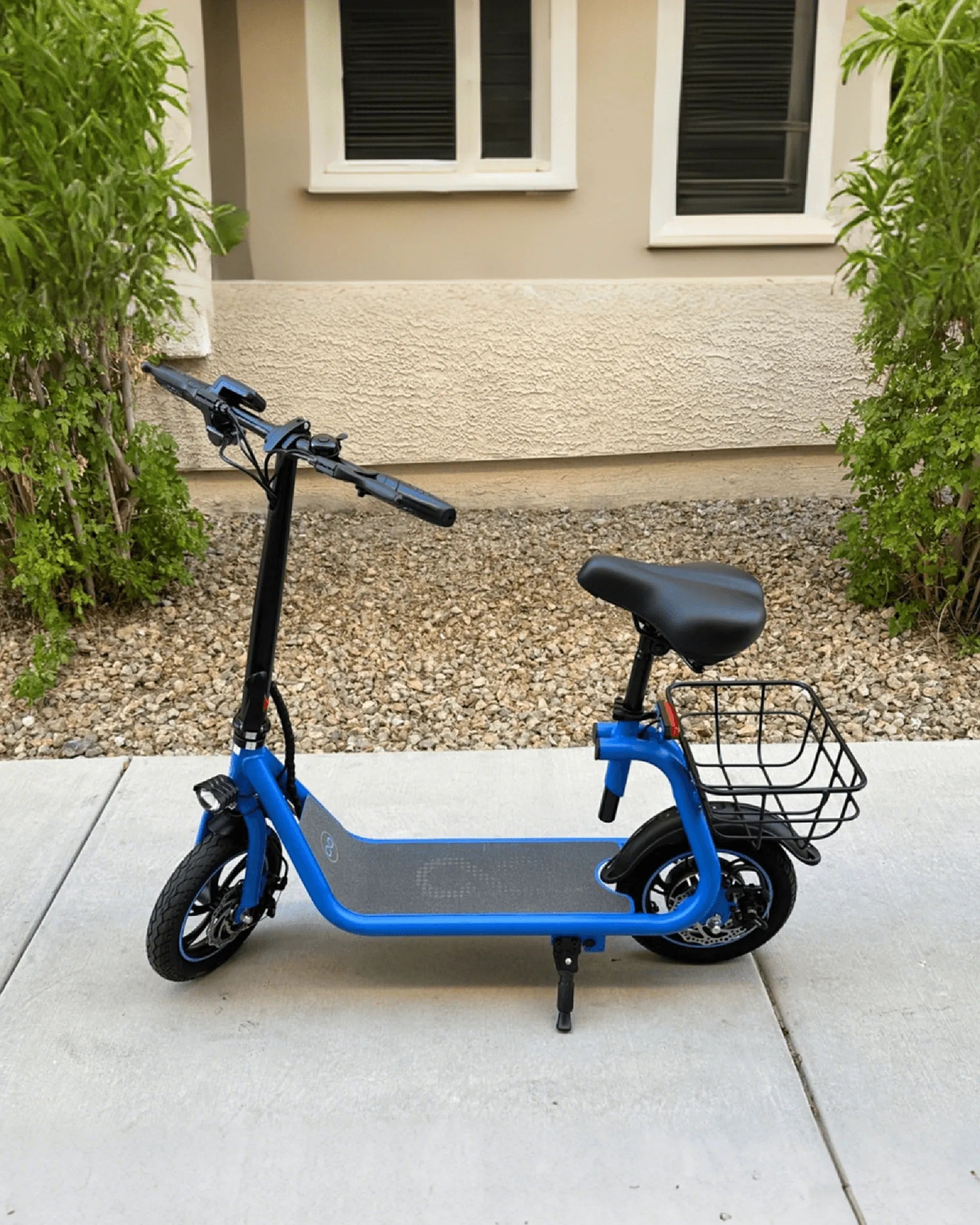
Electric bikes are revolutionizing the way we commute, offering an eco-friendly and efficient alternative to traditional transportation. However, there comes a time when you need to remove the battery—whether for charging, replacement, or storage. If you're unsure how to take the battery out of your electric bike, don't worry! This step-by-step guide will make the process simple and stress-free.
Why You Might Need to Remove the Battery
Before diving into the steps, it's important to understand why you might need to remove your e-bike battery. Common reasons include:
- Charging: Some e-bikes require the battery to be removed for charging.
- Replacement: Over time, batteries degrade and may need replacing.
- Storage: Removing the battery during long periods of inactivity can prolong its lifespan.
- Maintenance: Accessing other bike components might require battery removal.
Tools You Might Need
While many e-bike batteries are designed for easy removal, having the right tools on hand can help. Here's what you might need:
- A set of screwdrivers (Phillips and flathead)
- Allen keys or hex wrenches
- A clean, dry cloth
- Gloves (optional for better grip)
Step-by-Step Guide to Removing the Battery
Step 1: Turn Off the Bike and Battery
Safety first! Ensure your e-bike is powered off. If your battery has an on/off switch, turn it off as well. This prevents any electrical mishaps during removal.
Step 2: Locate the Battery
E-bike batteries are typically mounted in one of three places:
- Downtube: Integrated into the frame for a sleek look.
- Rear Rack: Mounted behind the seat for easy access.
- Seat Tube: Positioned near the seat post.
Identify where your battery is housed before proceeding.
Step 3: Check the Locking Mechanism
Most e-bike batteries are secured with one of the following mechanisms:
- Key Lock: A physical key is required to unlock the battery.
- Quick-Release Lever: A latch or lever holds the battery in place.
- Screws or Bolts: Some batteries are fastened with screws or bolts.
Inspect your bike to determine which type you have.
Step 4: Unlock or Release the Battery
Depending on the locking mechanism:
- Key Lock: Insert the key and turn it to the unlock position. Gently pull the battery out.
- Quick-Release Lever: Press or flip the lever to release the battery. Slide it out carefully.
- Screws or Bolts: Use the appropriate tool to loosen and remove the fasteners. Keep them in a safe place.
Step 5: Remove the Battery Carefully
Once unlocked, grip the battery firmly and pull it straight out. Avoid twisting or yanking, as this could damage the connectors. If the battery feels stuck, double-check for additional locks or screws.
Step 6: Inspect the Battery and Compartment
After removal, take a moment to inspect both the battery and the compartment. Look for:
- Signs of corrosion or damage
- Loose or frayed wires
- Dirt or debris that could affect performance
Clean the compartment with a dry cloth if necessary.
Safety Tips for Handling E-Bike Batteries
E-bike batteries are powerful and require careful handling. Follow these safety tips:
- Avoid Water: Never expose the battery to water or extreme temperatures.
- Store Properly: Keep the battery in a cool, dry place when not in use.
- Handle with Care: Dropping the battery can cause internal damage.
- Dispose Responsibly: If replacing, recycle the old battery at a designated facility.
Reinstalling the Battery
When it's time to put the battery back, reverse the removal steps:
- Align the battery with the compartment.
- Slide it in gently until it clicks or locks into place.
- Secure any screws or levers.
- Turn the battery and bike back on to ensure proper connection.
Troubleshooting Common Issues
If you encounter problems, here are some quick fixes:
- Battery Won't Budge: Check for hidden locks or screws.
- Loose Connection: Ensure the battery is fully seated and locked.
- Corrosion: Clean the contacts with a dry cloth or contact cleaner.
Removing your e-bike battery doesn't have to be a headache. With this guide, you'll be able to handle the task like a pro, ensuring your bike stays in top condition. Whether you're charging, storing, or replacing, these steps will keep you rolling smoothly!
Small Electric Bike UK for Adults: The Ultimate Urban Commuting Solution
Electric Bike for Adults Under $200: Affordable and Efficient Commuting