



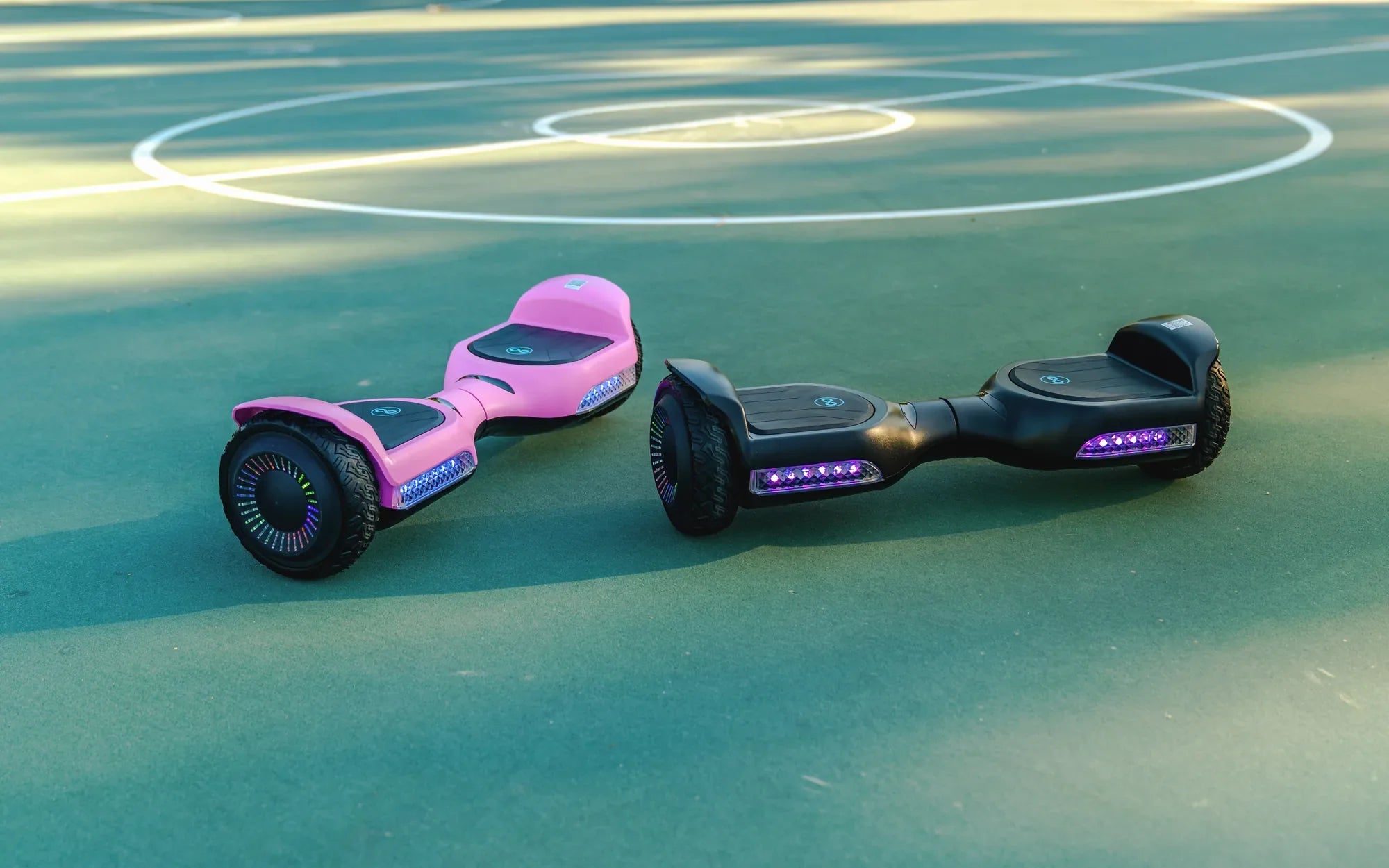
Hoverboards are a fun and futuristic way to get around, but sometimes the flashing lights can be distracting or unnecessary. Whether you want a more subtle ride or need to conserve battery, knowing how to turn off the lights on your hoverboard is essential. This guide will walk you through the process step by step.
Why Turn Off Hoverboard Lights?
Before diving into the steps, let's explore why you might want to disable the lights. Some riders prefer a low-profile look, while others may need to save battery life. Additionally, turning off the lights can reduce distractions in low-light conditions.
Step 1: Locate the Power Button
Most hoverboards have a power button that controls both the device and its lighting system. This button is usually found near the charging port or on the side of the board. Press and hold it to see if it toggles the lights.
Step 2: Check for a Dedicated Light Button
Some models feature a separate button specifically for the lights. Look for a small icon resembling a lightbulb or LED. Pressing this button once or holding it down may turn off the lights.
Step 3: Use the Mobile App (If Applicable)
Advanced hoverboards come with companion apps that allow you to customize settings, including the lights. Open the app, navigate to the lighting section, and toggle the lights off.
Step 4: Reset the Hoverboard
If the lights won't turn off, a factory reset might help. Refer to your user manual for reset instructions, as the process varies by model.
Safety Tips
Always ensure your hoverboard is on a flat, stable surface when adjusting settings. Avoid turning off lights in poorly lit areas where visibility is crucial for safety.
Mastering how to turn off the lights on your hoverboard gives you greater control over your ride. Whether for style or practicality, these simple steps ensure a smoother, more personalized experience every time you glide.
Where Can I Get My Hoverboard Repaired: A Complete Guide to Fixing Your Ride
Are Self Balancing Hoverboards Safe? A Comprehensive Guide to Risks and Precautions