



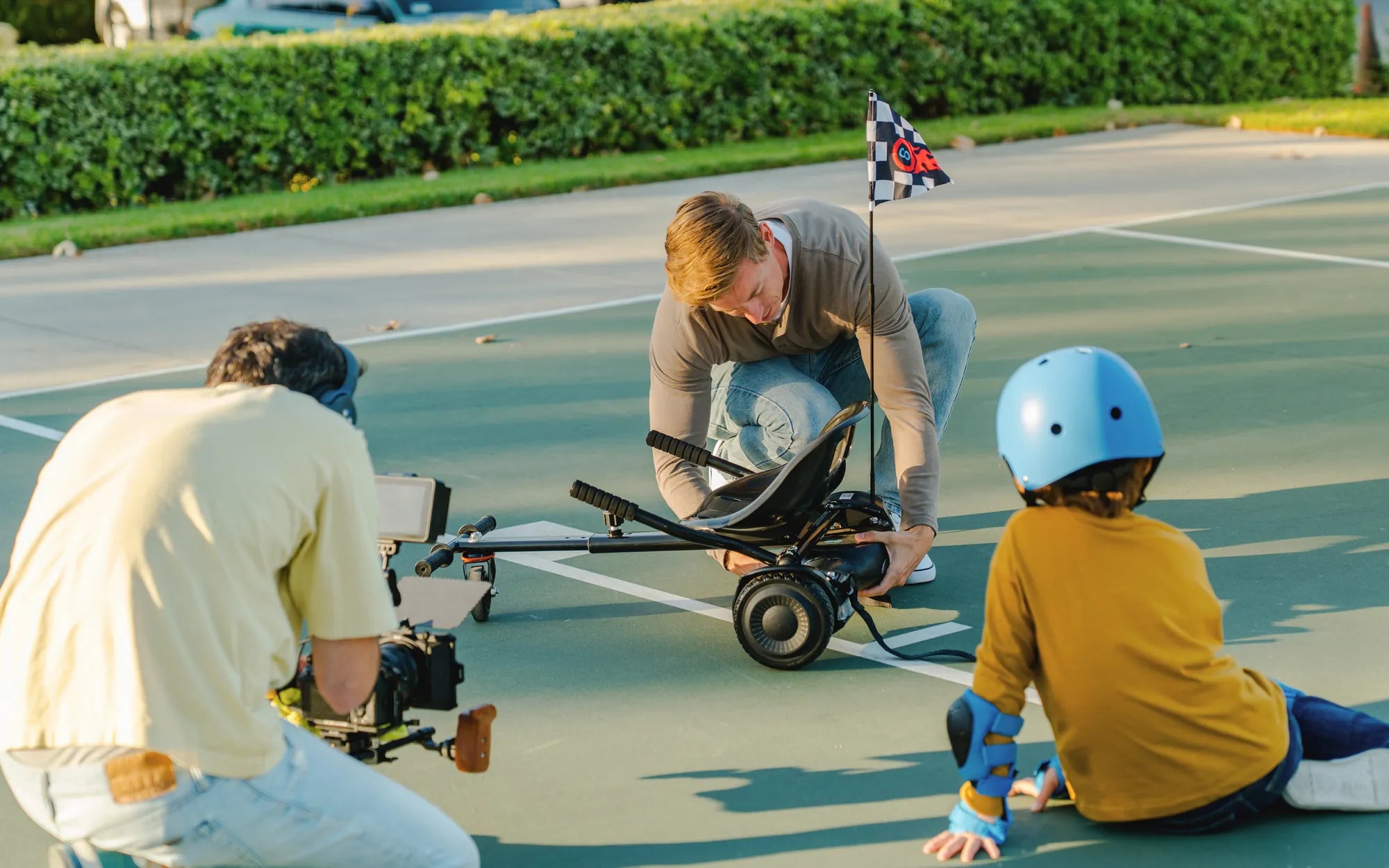
Hoverboards are a fun and convenient way to get around, but sometimes you might want to turn off the self-balancing mode for a more customized experience. Whether you're looking to perform tricks or simply prefer manual control, disabling this feature is easier than you think. Follow this step-by-step guide to learn how to turn off self-balancing mode on your hoverboard safely and effectively.
Understanding Self-Balancing Mode
Self-balancing mode is a default feature on most hoverboards, designed to help riders maintain stability while in motion. It uses gyroscopic sensors to detect shifts in weight and automatically adjusts the board's position to keep you upright. While this is great for beginners, advanced riders may find it restrictive when attempting stunts or riding on uneven terrain.
Why Turn Off Self-Balancing Mode?
Disabling self-balancing mode can give you more control over your hoverboard, allowing for sharper turns, faster speeds, and greater maneuverability. However, it's important to note that turning off this feature requires a higher level of skill and balance. Always practice in a safe environment before attempting to ride without self-balancing assistance.
Step-by-Step Guide to Disabling Self-Balancing Mode
Step 1: Power Off Your Hoverboard
Before making any adjustments, ensure your hoverboard is turned off. This prevents accidental activation of the motors or sensors while you're working on the settings.
Step 2: Locate the Control Panel
Most hoverboards have a control panel or button interface near the charging port or under the foot pads. Refer to your user manual if you're unsure where to find it.
Step 3: Enter Settings Mode
Press and hold the power button for 5-10 seconds until you hear a beep or see a light indicator. This usually puts the hoverboard into settings mode, where you can adjust features like speed limits and balancing modes.
Step 4: Navigate to the Balancing Mode Option
Use the buttons or touch controls to scroll through the menu until you find the self-balancing mode setting. The exact navigation may vary depending on your hoverboard model.
Step 5: Disable Self-Balancing Mode
Once you've selected the self-balancing option, toggle it off. You may need to confirm your choice by pressing another button or waiting for a confirmation beep.
Step 6: Save and Exit
After disabling the feature, save your changes and exit the settings menu. Your hoverboard should now be in manual mode, giving you full control over your ride.
Safety Tips for Riding Without Self-Balancing Mode
Riding without self-balancing mode can be challenging, so always wear protective gear like helmets and knee pads. Start on a flat, open surface and practice maintaining your balance before attempting any advanced maneuvers. Avoid crowded areas or uneven terrain until you're confident in your abilities.
Troubleshooting Common Issues
If your hoverboard doesn't respond after turning off self-balancing mode, try resetting it by holding the power button for 15 seconds. Ensure the battery is fully charged, as low power can sometimes interfere with settings. If problems persist, consult your user manual or contact customer support.
Now that you know how to turn off self-balancing mode on your hoverboard, you're ready to take your riding skills to the next level. Experiment with different terrains and techniques, but always prioritize safety. Happy riding!
Ideal Gifts for 10 Year Old Boy: Top Picks to Spark Joy and Creativity
Hoverboard Max Speed km h: What You Need to Know Before Riding