



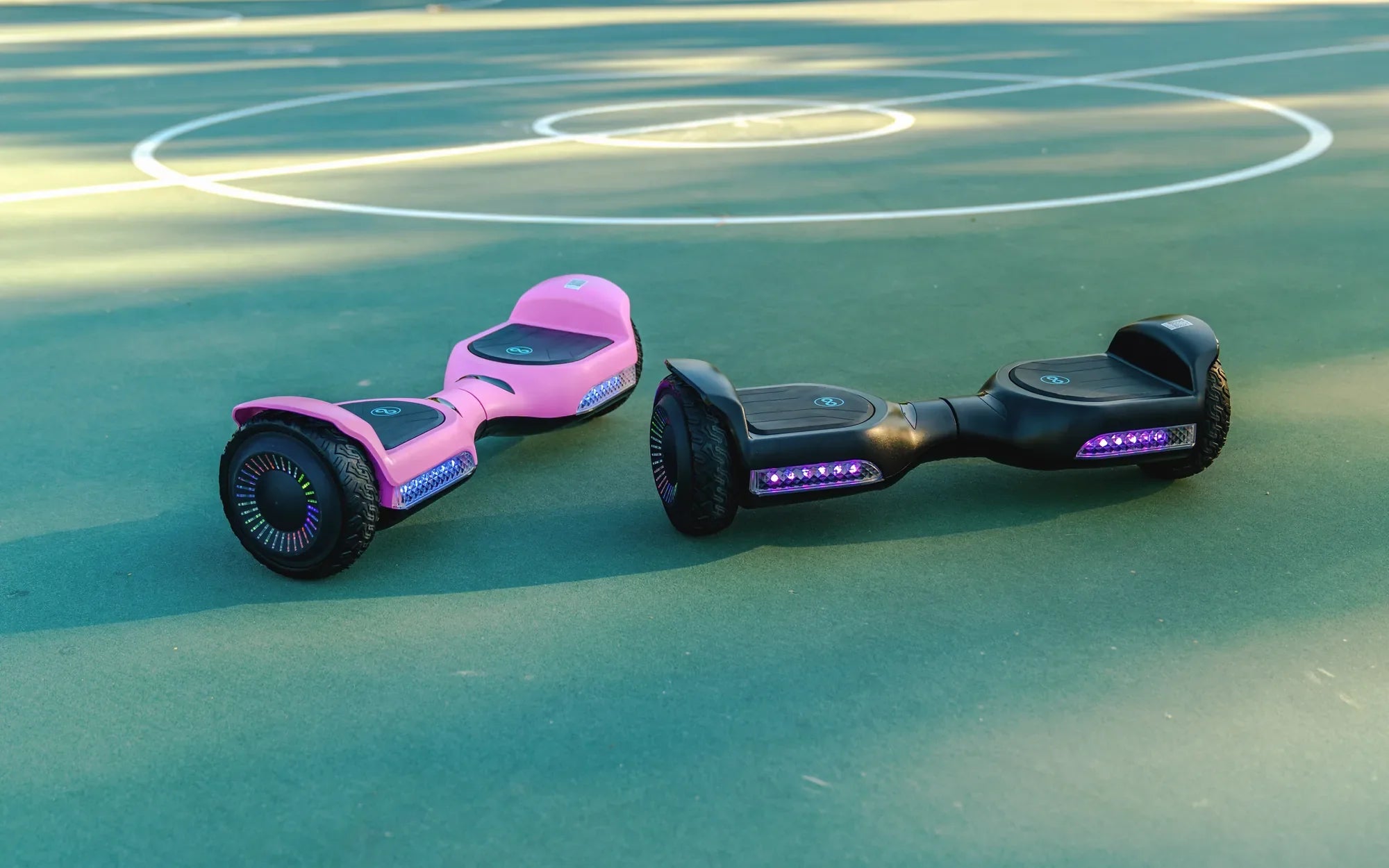
Have you ever stepped onto a hoverboard and wondered, "Is there a front and back to this thing?" You're not alone! Many riders, especially beginners, grapple with this question. The answer isn't as straightforward as you might think, and understanding the design and functionality of hoverboards can make all the difference in your riding experience.
Understanding Hoverboard Design
Hoverboards, also known as self-balancing scooters, are designed with symmetry in mind. At first glance, they appear identical from both ends, which can make it confusing to determine a front or back. However, subtle design cues and functional differences often exist.
Visual Indicators
Many hoverboards feature small details that hint at a preferred orientation:
- LED Lights: Some models have headlights or taillights, indicating a forward-facing direction.
- Branding or Logos: Decals or labels may be positioned to face forward.
- Button Placement: Power buttons or charging ports are often located on the "back" side.
Functional Differences
While hoverboards are bidirectional, certain features may influence how you ride:
- Foot Pad Texture: Some models have grippier surfaces on one side for better traction when accelerating.
- Weight Distribution: The internal components might be slightly offset, affecting balance.
- Rider Stance: Most people naturally prefer one foot forward for stability.
Safety Considerations
Riding a hoverboard "backwards" isn't inherently dangerous, but there are factors to consider:
- Visibility: If your board has directional lights, riding reversed reduces your visibility to others.
- Control: Some riders find it harder to maintain balance when facing the "wrong" way.
- Learning Curve: Beginners should stick to one orientation until they master basic controls.
Manufacturer Intent vs. User Preference
While manufacturers may design hoverboards with a suggested orientation, the beauty of these devices lies in their flexibility. Many experienced riders switch directions based on:
- Comfort: Some prefer their dominant foot forward.
- Maneuverability: Certain tricks or turns may be easier in one direction.
- Terrain: Rough surfaces might require adjusting your stance.
Tips for Determining Your Hoverboard's Orientation
If you're unsure which way to face, try these methods:
- Check for any directional markings or lights
- Test ride in both directions to see which feels more natural
- Look at where the charging port is located (often considered the rear)
- Observe how other riders position themselves
Whether you're a casual rider or an aspiring hoverboard pro, understanding your device's design can enhance your experience. While the front/back distinction might not be crucial for basic operation, paying attention to these details can improve your control, safety, and overall enjoyment. The next time someone asks you about hoverboard orientation, you'll have all the answers - and maybe even a few tricks up your sleeve!
Best Durable Hoverboard: The Ultimate Guide to Long-Lasting Performance
Hoverboard Experience: The Ultimate Guide to Gliding with Style