


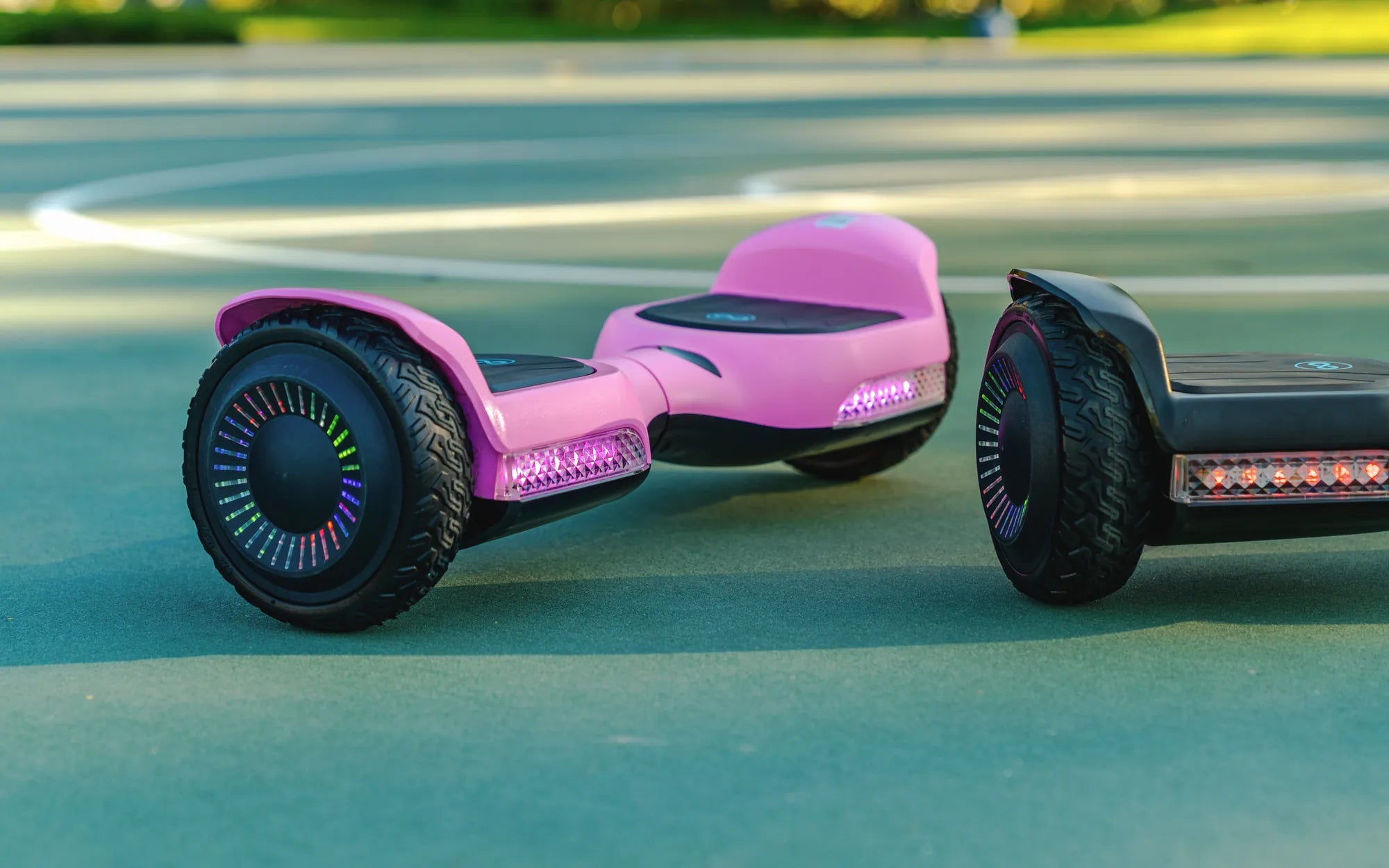
If your hoverboard got wet and won't stop beeping, you're likely dealing with a frustrating and potentially serious issue. Water damage can wreak havoc on electronic devices, and hoverboards are no exception. The constant beeping is usually a warning sign that something is wrong internally. But don’t panic—there are steps you can take to troubleshoot and possibly fix the problem before it’s too late.
Why Is My Hoverboard Beeping After Getting Wet?
Hoverboards are designed with built-in safety mechanisms to alert users when something isn’t functioning correctly. When water seeps into the circuitry, it can cause short circuits, corrosion, or sensor malfunctions. The beeping is often a distress signal from the hoverboard’s internal diagnostics, indicating that it’s unsafe to ride until the issue is resolved.
Immediate Steps to Take When Your Hoverboard Gets Wet
If your hoverboard has been exposed to water, time is of the essence. Follow these steps immediately to minimize damage:
- Power It Off: Turn off the hoverboard immediately to prevent further electrical damage.
- Disconnect the Battery: If possible, remove the battery to stop any active current flow.
- Dry the Exterior: Use a dry cloth to wipe away any visible moisture.
- Avoid Heat Sources: Never use a hairdryer or direct heat, as this can warp components.
How to Dry a Wet Hoverboard Properly
Proper drying is crucial to saving your hoverboard. Here’s how to do it safely:
- Disassemble Carefully: Open the hoverboard’s casing to expose the internal components (if you’re comfortable doing so).
- Use Silica Gel or Rice: Place the hoverboard in a container filled with silica gel packets or uncooked rice to absorb moisture.
- Wait 48-72 Hours: Allow ample time for all components to dry completely before reassembling.
Common Issues Caused by Water Damage
Water can cause several problems in a hoverboard, including:
- Corroded Circuits: Moisture can lead to oxidation, damaging connections.
- Sensor Failures: Gyroscopic sensors may malfunction, causing erratic behavior.
- Battery Damage: Water exposure can reduce battery efficiency or cause swelling.
When to Seek Professional Help
If your hoverboard continues beeping after drying, or if it won’t power on at all, it’s best to consult a professional. Attempting to repair severe water damage yourself could void warranties or cause further harm.
Preventing Future Water Damage
To avoid this issue in the future, follow these precautions:
- Avoid Wet Surfaces: Never ride your hoverboard on wet pavement or through puddles.
- Store Indoors: Keep it in a dry place away from humidity.
- Use Protective Covers: Consider a waterproof case for added protection.
Dealing with a wet hoverboard can be stressful, but acting quickly and methodically can save your device from permanent damage. If all else fails, professional repair services may be your best bet to get back to gliding smoothly.
Adult Size Electric Scooter Self Balancing Hoverboard Black: The Ultimate Urban Commuter
Christmas Gift for Family with Young Kids: Creative and Heartwarming Ideas