



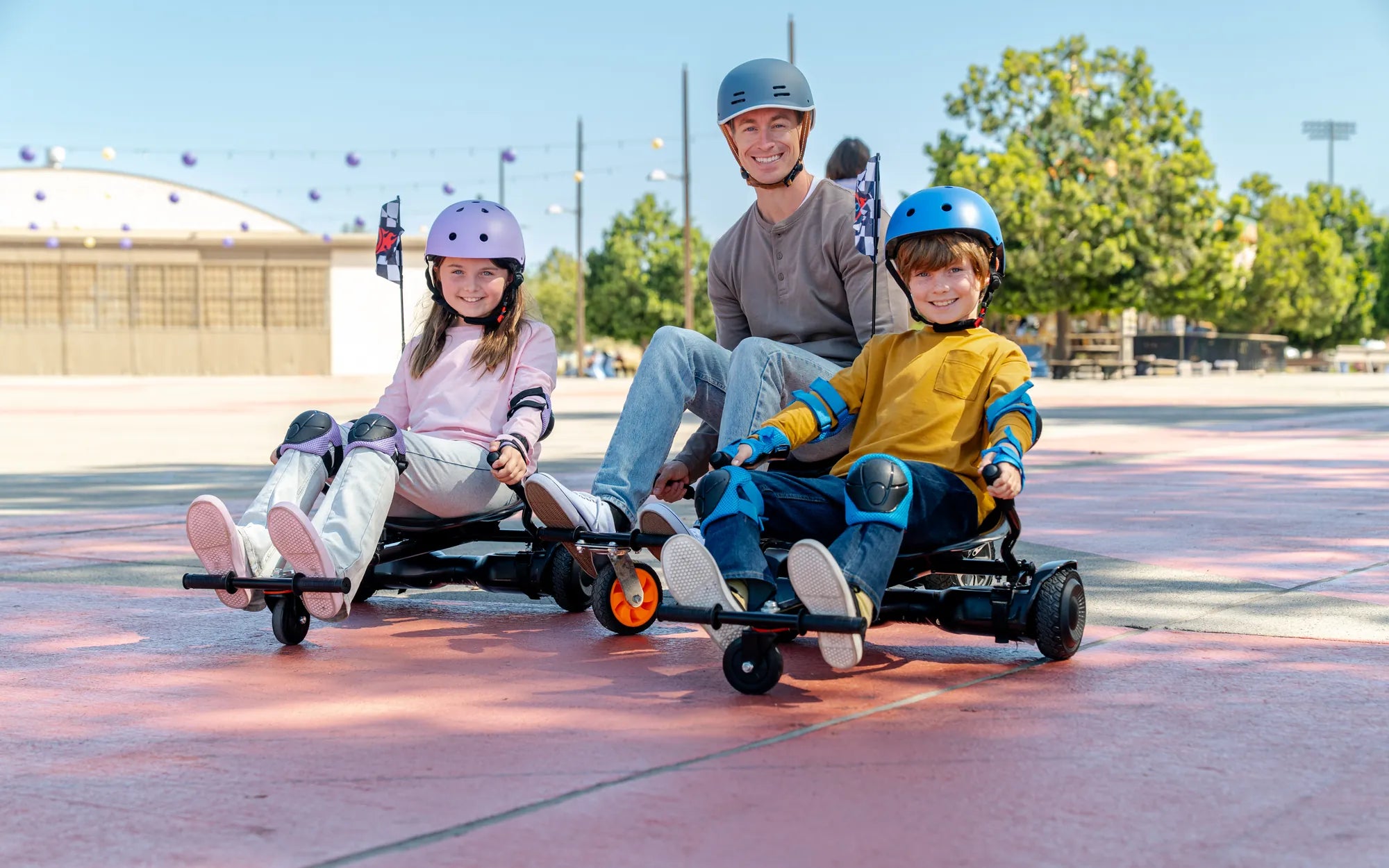
Few things are as frustrating as stepping onto your hoverboard only to find it wobbling uncontrollably or refusing to balance. Whether you're a seasoned rider or a beginner, an unstable hoverboard can quickly turn your fun ride into a safety hazard. But don't worry—most balance issues are fixable with the right approach. Let's dive into the reasons why your hoverboard won't balance and how to get it back in top shape.
Common Reasons Why Your Hoverboard Won't Balance
Before attempting any fixes, it's essential to understand the root causes of balance problems. Here are the most frequent culprits:
- Uneven or Damaged Foot Pads: If the sensors under the foot pads are misaligned or worn out, the hoverboard may struggle to detect your weight distribution.
- Low Battery or Power Issues: A weak battery can cause erratic behavior, including balance failures.
- Calibration Problems: Over time, the internal gyroscope may lose its calibration, leading to instability.
- Wheel or Tire Issues: Unevenly inflated tires or misaligned wheels can throw off the hoverboard's equilibrium.
- Firmware Glitches: Outdated or corrupted firmware can disrupt the hoverboard's ability to self-balance.
Step-by-Step Troubleshooting Guide
1. Check the Foot Pads and Sensors
Start by inspecting the foot pads for visible damage or debris. Wipe them clean and ensure they're free from obstructions. If the pads are worn or cracked, they may need replacement.
2. Verify the Battery Level
A low battery is a common cause of balance issues. Charge the hoverboard fully and test it again. If the problem persists, the battery itself might be faulty and require professional attention.
3. Recalibrate the Hoverboard
Most hoverboards have a built-in calibration feature. To recalibrate:
- Turn off the hoverboard and place it on a flat, level surface.
- Press and hold the power button for 5-10 seconds until you hear a beep or see a flashing light.
- Wait for the hoverboard to reset, then turn it back on and test the balance.
4. Inspect the Wheels and Tires
Uneven tire pressure or misaligned wheels can cause balance problems. Inflate the tires to the recommended PSI and check for visible damage. If the wheels are loose, tighten them securely.
5. Update the Firmware
If your hoverboard supports firmware updates, check the manufacturer's website for the latest version. Follow the instructions carefully to avoid bricking the device.
Preventive Measures to Avoid Future Balance Issues
To keep your hoverboard running smoothly:
- Store it in a dry, temperature-controlled environment.
- Avoid riding over rough terrain or potholes.
- Clean the foot pads and wheels regularly.
- Charge the battery before it fully drains.
When to Seek Professional Help
If you've tried all the troubleshooting steps and your hoverboard still won't balance, it might be time to consult a professional. Internal wiring issues, motor failures, or damaged gyroscopes often require expert repair.
Don't let a wobbly hoverboard ruin your ride! With these troubleshooting tips, you'll be back to gliding effortlessly in no time. Whether it's a quick recalibration or a simple tire check, a little effort can go a long way in restoring your hoverboard's balance—and your peace of mind.
Hoverboard with Removable Battery: The Future of Personal Mobility
Hoverboard for Heavy Person: The Ultimate Guide to Safe and Durable Riding