



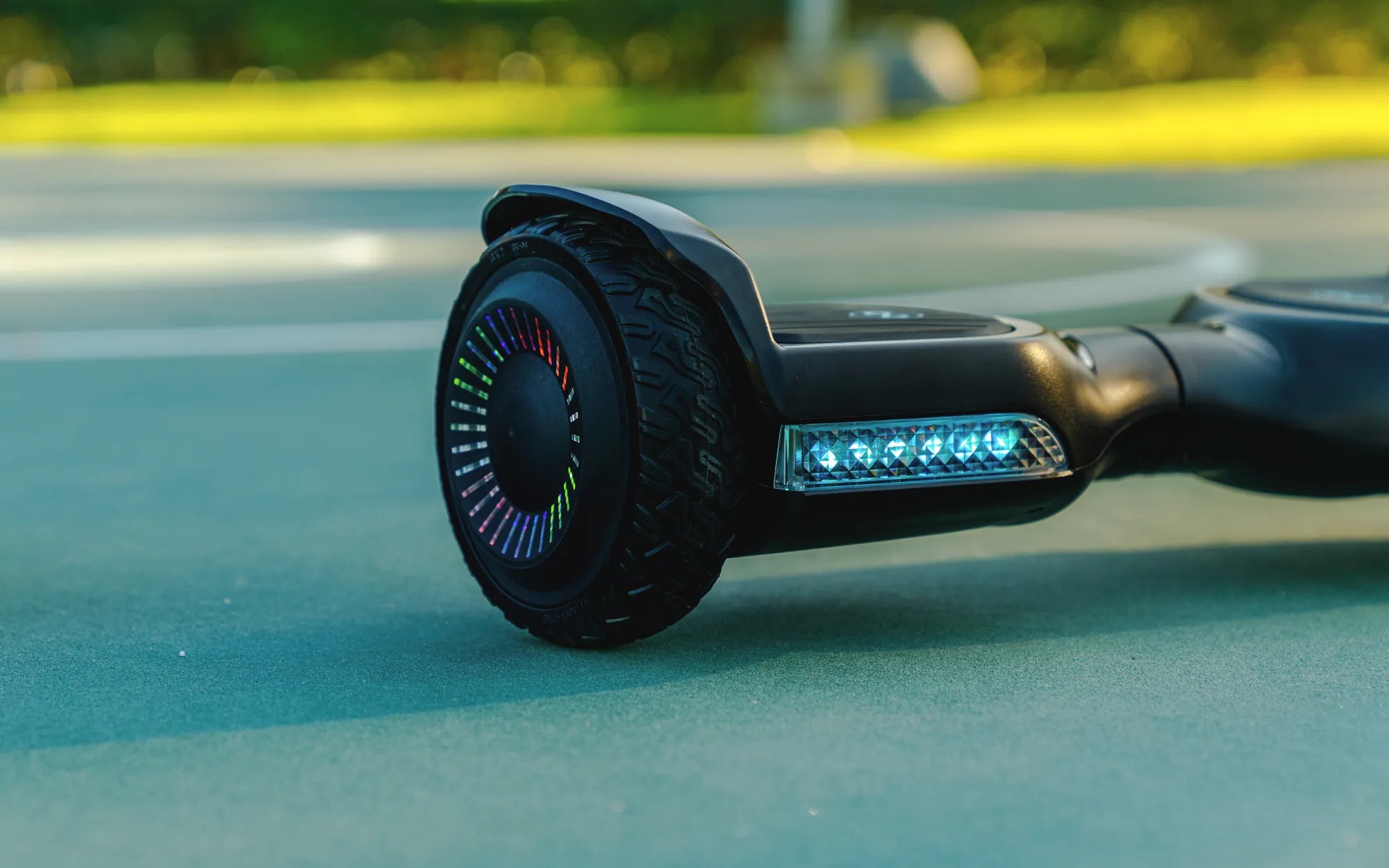
Why Won't My Hoverboard Turn On?
Few things are as frustrating as pressing the power button on your hoverboard and getting no response. Whether you use it for commuting or just for fun, a non-responsive hoverboard can ruin your plans. But don't worry—most issues preventing your hoverboard from turning on are fixable with a little troubleshooting. Let's dive into the most common causes and solutions.
1. Check the Battery
The battery is often the culprit when a hoverboard refuses to power up. If your hoverboard won't turn on, start by checking the battery level. Plug it into the charger and wait for the indicator light to confirm it's charging. If the light doesn't turn on, the charger or battery might be faulty.
2. Inspect the Charger and Charging Port
A damaged charger or loose charging port can prevent your hoverboard from receiving power. Examine the charger for frayed wires or bent pins. If the charging port feels loose or shows signs of damage, it may need professional repair.
3. Look for Loose or Damaged Wiring
Internal wiring issues can also cause power failures. If you're comfortable opening the hoverboard's casing, check for disconnected or frayed wires. Be cautious—tampering with internal components may void your warranty.
4. Reset the Hoverboard
Some hoverboards have a reset button that can resolve minor glitches. Locate the reset button (usually near the power button) and press it with a paperclip. After resetting, try turning it on again.
5. Test the Power Button
If the power button is stuck or damaged, it won't send the signal to turn on the hoverboard. Press the button firmly or wiggle it gently to see if it responds. If not, the button may need replacement.
6. Check for Overheating or Water Damage
Hoverboards have safety mechanisms that prevent them from turning on if they overheat or get wet. Let the device cool down if it was recently used for an extended period. If water damage is suspected, dry it thoroughly before attempting to power it on.
7. Examine the Motherboard
A malfunctioning motherboard can prevent the hoverboard from starting. If you've ruled out other issues, the motherboard might need inspection by a professional technician.
8. Verify the Foot Pads
Some hoverboards require pressure on both foot pads to activate. Step on the hoverboard evenly and try turning it on. If one sensor is faulty, the hoverboard may not respond.
9. Look for Error Codes or Blinking Lights
If your hoverboard has LED indicators, check for blinking patterns or error codes. These can provide clues about the underlying issue, such as a battery fault or motor problem.
10. When to Seek Professional Help
If none of the above steps work, it's time to consult a repair specialist. Continuing to troubleshoot without expertise could cause further damage.
Prevent Future Power Issues
To avoid future problems, store your hoverboard in a dry place, charge it regularly, and avoid extreme temperatures. Proper maintenance can extend its lifespan and keep it running smoothly.
Don't let a dead hoverboard stop you in your tracks—try these fixes today and get back to gliding effortlessly. Whether it's a simple battery recharge or a deeper electrical issue, knowing what to check can save you time and frustration.
Are Hoverboard Carts Universal? Exploring Compatibility and Versatility
Hoverboard Turning Radius: The Key to Smooth and Safe Maneuvering