



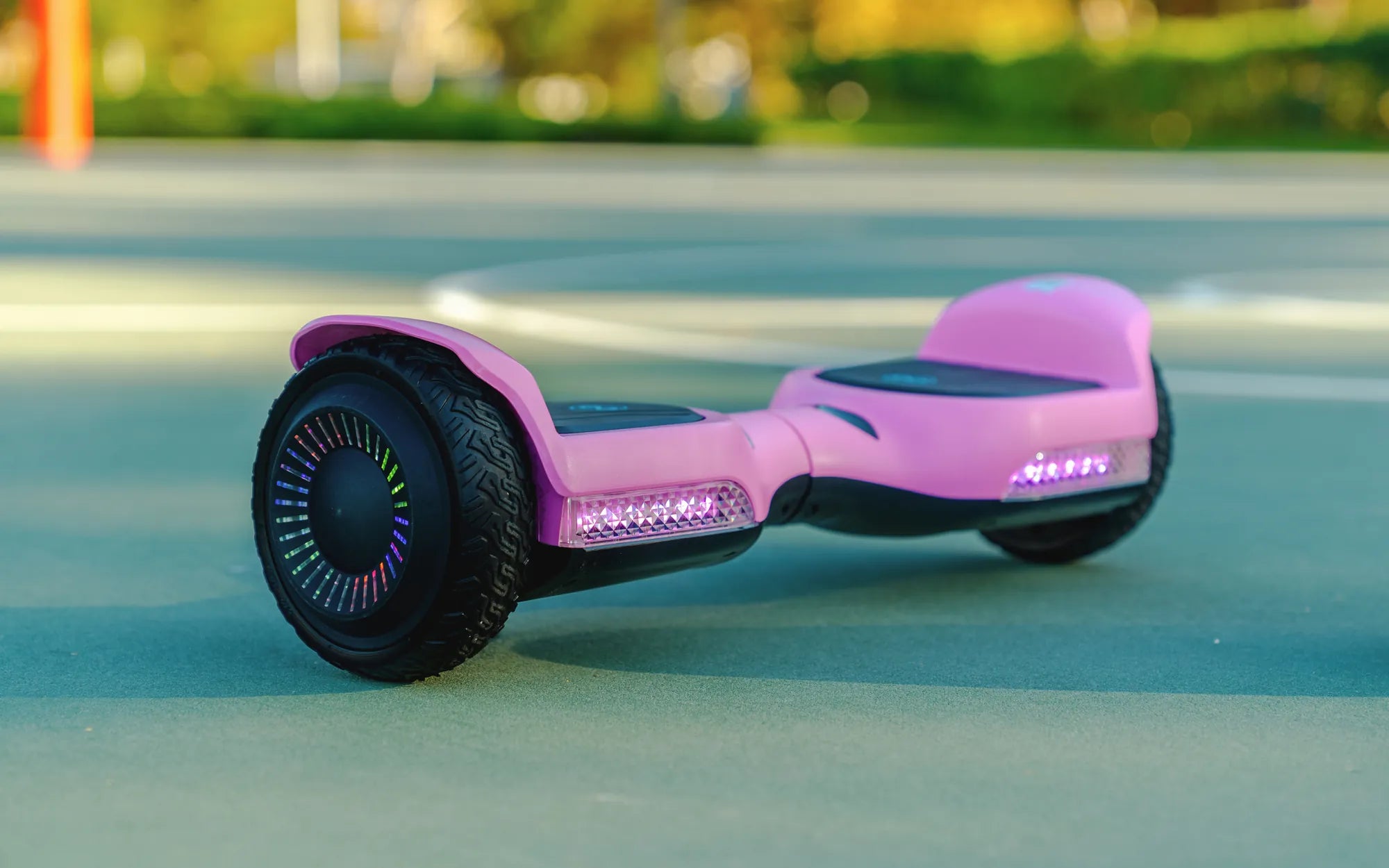
Hearing a persistent beep from one side of your hoverboard can be frustrating, especially when you're eager to ride. But don't worry—this issue is more common than you think and often has simple fixes. Whether it's a low battery, uneven pressure, or a sensor glitch, understanding the root cause is the first step to getting back on track. Let's dive into the reasons behind this annoying beep and how you can resolve it quickly.
Why Is One Side of My Hoverboard Beeping?
When one side of your hoverboard starts beeping, it's usually a warning sign. The device is designed to alert you when something isn't working correctly. Here are the most common causes:
- Low Battery: If the battery on one side is drained or malfunctioning, the hoverboard may beep to signal an imbalance.
- Uneven Weight Distribution: Standing unevenly or placing too much pressure on one side can trigger the beeping sound.
- Faulty Sensors: The gyroscopic sensors that keep your hoverboard balanced may be misaligned or damaged.
- Overheating: Prolonged use or exposure to high temperatures can cause internal components to overheat, leading to beeping.
- Connection Issues: Loose or damaged wiring between the two sides can disrupt communication and cause alerts.
How to Fix a Beeping Hoverboard
Before panicking, try these troubleshooting steps to silence the beep and get your hoverboard working smoothly again.
1. Check the Battery
Start by ensuring both sides of the hoverboard are fully charged. If one side drains faster than the other, it could indicate a battery issue. Plug in the charger and wait for the indicator light to confirm a full charge. If the problem persists, consider replacing the battery.
2. Recalibrate the Hoverboard
Misaligned sensors can cause beeping. To recalibrate:
- Turn off the hoverboard and place it on a flat surface.
- Press and hold the power button for 10-15 seconds until you hear a beep or see the lights flash.
- Release the button and wait for the hoverboard to reset.
3. Inspect for Physical Damage
Examine the hoverboard for visible damage, such as cracked casings or loose wires. If you find any issues, consult a professional for repairs.
4. Test the Sensors
Stand on the hoverboard evenly and see if the beeping stops. If it only occurs when leaning to one side, the sensors on that side may need adjustment or replacement.
Preventing Future Beeping Issues
To avoid recurring beeping problems, follow these preventive measures:
- Charge Properly: Always use the correct charger and avoid overcharging.
- Store Safely: Keep your hoverboard in a cool, dry place away from extreme temperatures.
- Regular Maintenance: Clean the hoverboard and check for loose components periodically.
- Ride Responsibly: Avoid rough terrain and excessive weight to prevent sensor damage.
When to Seek Professional Help
If you've tried all the fixes above and the beeping continues, it's time to consult a technician. Persistent beeping could indicate deeper electrical or mechanical problems that require expert attention.
Don't let a beeping hoverboard ruin your ride—most issues are easy to diagnose and fix with the right approach. By understanding the causes and solutions, you can keep your device running smoothly and enjoy hassle-free gliding for miles to come.
Hoverboard French: The Evolution and Cultural Impact of Self-Balancing Scooters in France
What to Do When Your Hoverboard Won't Turn Off: A Step-by-Step Guide