



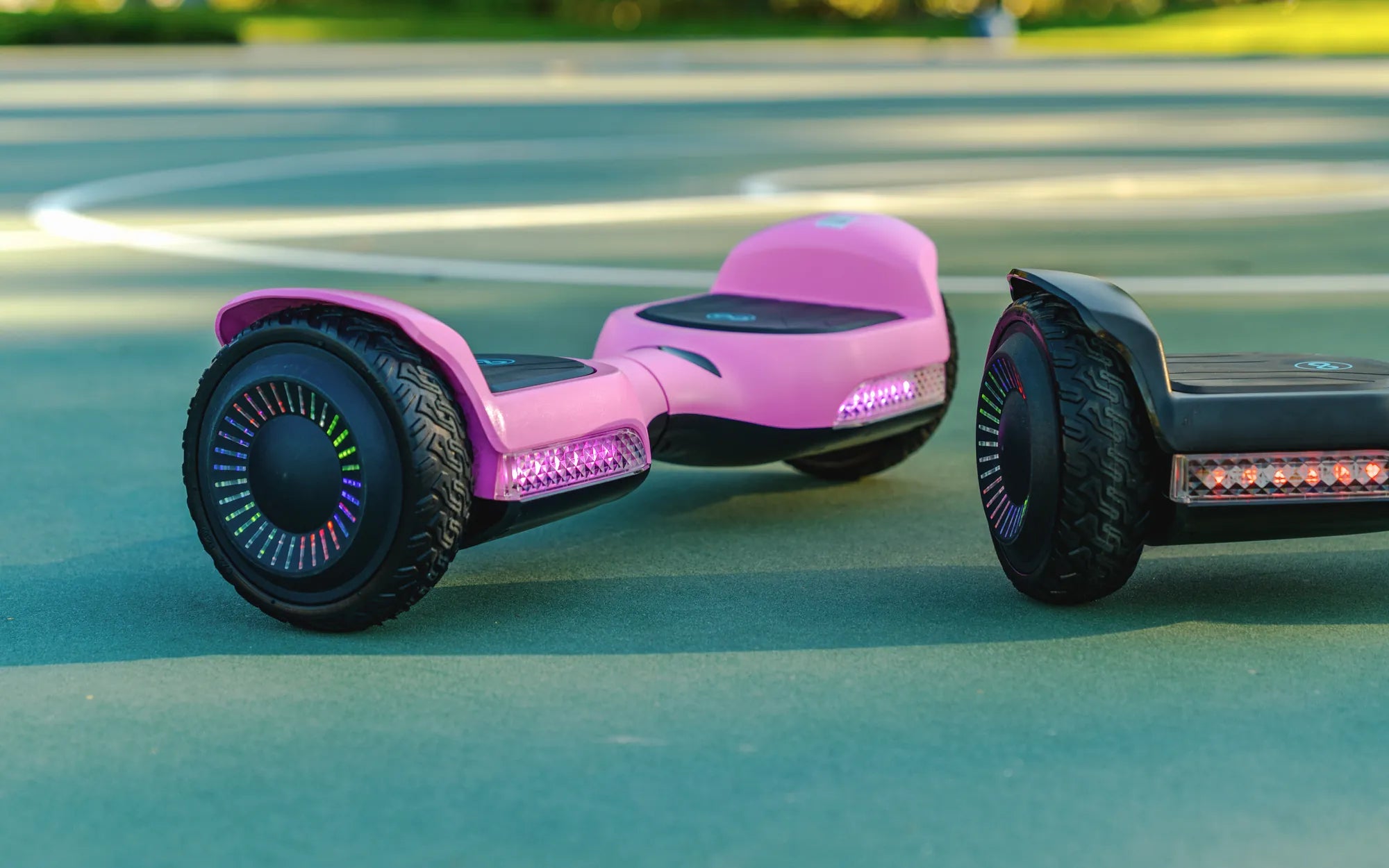
Few things are more frustrating than hopping on your hoverboard only to realize one wheel isn't working. Whether you're a daily commuter or a weekend rider, a malfunctioning wheel can ruin your plans. But before you panic, know that this issue is often fixable with the right knowledge. Let's dive into the common causes, troubleshooting steps, and preventive measures to get you rolling again.
Common Reasons Why One Wheel on Your Hoverboard Stops Working
When one wheel fails while the other functions normally, several underlying issues could be at play. Understanding these causes is the first step toward resolving the problem.
1. Loose or Damaged Wiring
Hoverboards rely on intricate wiring systems to power each wheel independently. If the connections to one wheel become loose or frayed, that wheel may stop responding. This often happens due to rough handling or prolonged use.
2. Motor Malfunction
Each wheel has its own motor. If one motor burns out or develops mechanical issues, the corresponding wheel won't function. Motor problems can stem from overheating, water damage, or general wear and tear.
3. Battery Imbalance
Hoverboards distribute power between two separate battery packs. If one battery drains faster than the other or develops charging issues, it may fail to deliver enough power to its connected wheel.
4. Sensor Failure
Gyroscopic sensors help maintain balance and control. If the sensor linked to one wheel malfunctions, the board might disable that wheel as a safety precaution.
5. Physical Obstructions
Sometimes the issue is as simple as debris lodged in the wheel mechanism. Small rocks, dirt, or hair can jam the wheel, preventing it from spinning freely.
Step-by-Step Troubleshooting Guide
Before seeking professional repair, try these troubleshooting steps to potentially fix the issue yourself.
1. Perform a Hard Reset
Turn off the hoverboard and hold the power button for 10-15 seconds. This resets the internal electronics and can resolve temporary glitches causing one wheel to malfunction.
2. Check for Visible Damage
Inspect the non-working wheel for obvious signs of damage. Look for:
- Loose or exposed wires
- Physical obstructions in the wheel well
- Cracks in the wheel housing
- Signs of water damage or corrosion
3. Test the Wheel Manually
With the hoverboard powered off, try spinning the problematic wheel by hand. It should rotate smoothly with minimal resistance. If it feels stiff or makes grinding noises, there may be mechanical issues.
4. Verify Charging Status
Ensure both battery indicators show full charge. If one side charges slower than the other, you may have a battery imbalance issue.
5. Update Firmware
Check the manufacturer's website for firmware updates. Outdated software can sometimes cause one wheel to behave erratically.
When to Seek Professional Repair
While many hoverboard issues can be resolved at home, some situations require expert attention:
- If you smell burning or see smoke from the hoverboard
- When the wheel makes loud grinding or screeching noises
- If the hoverboard won't power on at all after troubleshooting
- When you notice battery swelling or leakage
Preventive Maintenance Tips
Regular care can significantly reduce the chances of one wheel failing. Implement these practices to extend your hoverboard's lifespan:
1. Clean Regularly
Wipe down your hoverboard after each use, paying special attention to the wheel wells. Use a soft brush to remove debris from the wheels.
2. Store Properly
Keep your hoverboard in a dry, temperature-controlled environment. Avoid leaving it in extreme heat or cold, which can damage batteries and electronics.
3. Avoid Water Exposure
Most hoverboards aren't waterproof. Riding through puddles or in the rain can cause water damage that particularly affects one wheel's functionality.
4. Charge Correctly
Always use the provided charger and don't leave the hoverboard plugged in for extended periods after reaching full charge. This prevents battery imbalance issues.
5. Handle With Care
Avoid dropping or banging your hoverboard, as impacts can loosen internal connections and damage sensitive components.
Understanding Replacement Costs
If one wheel requires replacement, costs can vary depending on:
- Whether you need just the wheel or the entire motor assembly
- The hoverboard model and its parts availability
- Labor costs if you're using professional repair services
In many cases, replacing a single wheel costs significantly less than buying a new hoverboard, making repair a cost-effective option.
Don't let a non-working wheel ground your hoverboard adventures. With these troubleshooting techniques and maintenance practices, you'll be back to smooth rides in no time. Remember that regular care and prompt attention to issues can prevent most one-wheel failures before they occur.
Australian Hoverboard: The Future of Personal Transportation Down Under
How to Go Faster on a Hoverboard: Tips and Tricks for Maximum Speed