

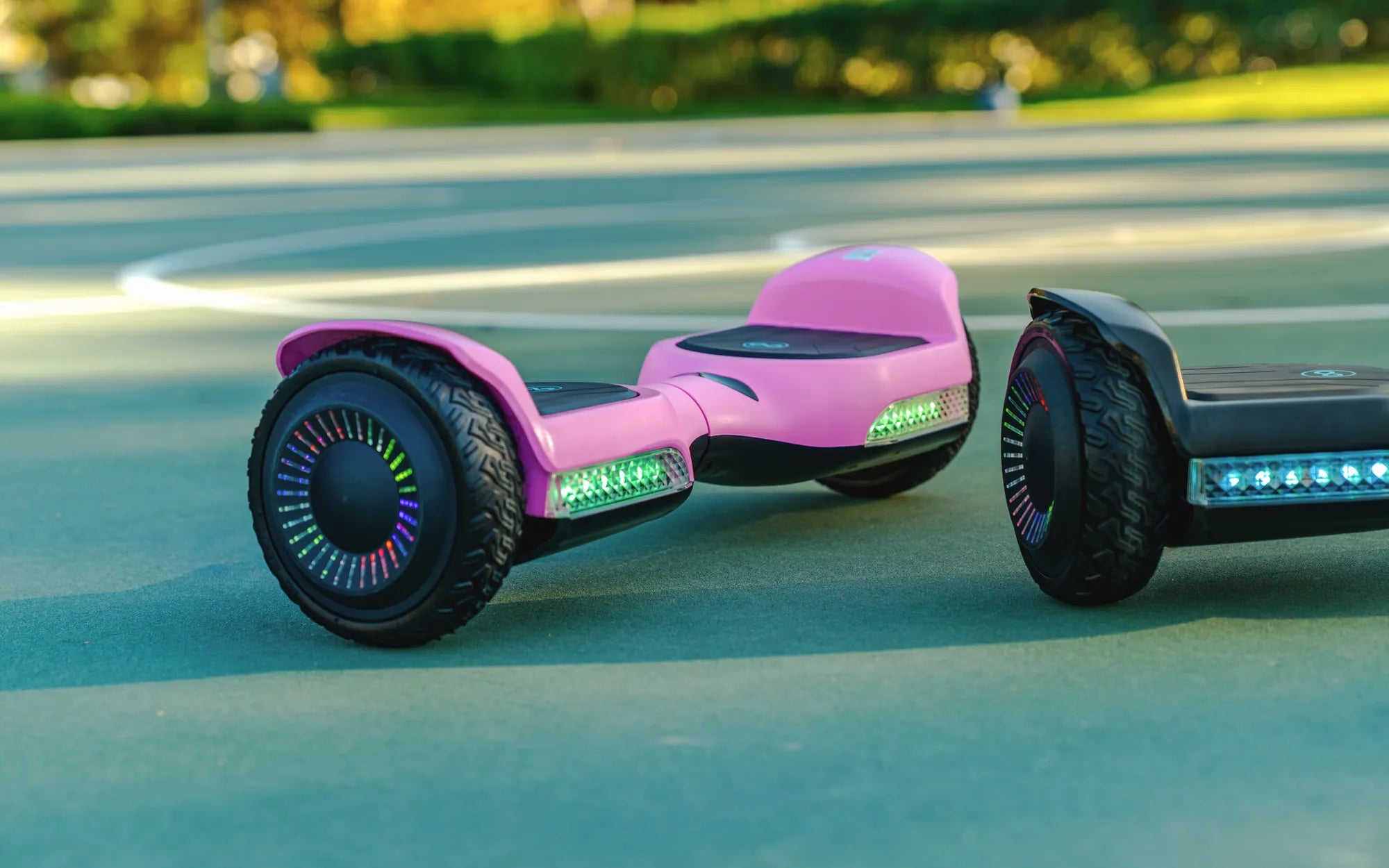
Ever noticed a yellow light blinking on your hoverboard and wondered what it means? You're not alone. Many hoverboard riders encounter this warning signal but often ignore it, risking potential malfunctions or safety hazards. Understanding what a yellow light indicates can save you from unexpected breakdowns and keep your hoverboard running smoothly.
Understanding Hoverboard Indicator Lights
Hoverboards come equipped with LED indicator lights that communicate the device's status. These lights can be green, red, or yellow, each representing a different condition. A green light typically means everything is functioning correctly, while a red light often signals an error or critical issue. But what about the yellow light? It usually serves as a warning, indicating that something requires your attention.
Common Reasons for a Yellow Light on a Hoverboard
Several factors can trigger a yellow light on your hoverboard. Here are the most common causes:
1. Low Battery
A yellow light often appears when the battery level is low. This is a gentle reminder to recharge your hoverboard before it shuts down completely. Ignoring this warning could lead to a sudden loss of power mid-ride, which can be dangerous.
2. Overheating
Hoverboards generate heat during operation, especially during prolonged use or in hot environments. If the internal temperature rises too high, the device may display a yellow light to prevent damage. Allow it to cool down before resuming use.
3. Uneven Weight Distribution
If the hoverboard detects uneven pressure on its footpads, it may flash a yellow light. This often happens when the rider's stance is unbalanced or when carrying heavy items. Adjust your posture or redistribute the weight to resolve the issue.
4. Calibration Issues
Hoverboards require occasional calibration to maintain optimal performance. A yellow light might indicate that the device needs recalibration. Refer to the user manual for instructions on how to reset your hoverboard.
5. Software or Firmware Glitches
Like any electronic device, hoverboards can experience software hiccups. A yellow light might signal a minor glitch that can often be fixed by restarting the device or updating its firmware.
How to Troubleshoot a Yellow Light on Your Hoverboard
If your hoverboard displays a yellow light, follow these steps to diagnose and resolve the issue:
Step 1: Check the Battery
Plug in the charger and ensure the hoverboard is receiving power. If the yellow light persists after a full charge, the battery might be nearing the end of its lifespan.
Step 2: Inspect for Overheating
Turn off the hoverboard and let it cool for at least 30 minutes. Avoid using it in direct sunlight or on hot surfaces to prevent overheating.
Step 3: Recalibrate the Hoverboard
Place the hoverboard on a flat surface and follow the calibration steps outlined in the manual. This often resolves balance-related warnings.
Step 4: Update Firmware
If your hoverboard supports firmware updates, check for the latest version and install it. This can fix bugs causing the yellow light.
Step 5: Consult a Professional
If none of the above steps work, the issue might be hardware-related. Contact a certified technician for further assistance.
Preventive Measures to Avoid Yellow Light Warnings
To minimize the chances of encountering a yellow light on your hoverboard, adopt these best practices:
- Charge the hoverboard after every use and avoid draining the battery completely.
- Store the device in a cool, dry place away from direct sunlight.
- Maintain a balanced stance while riding and avoid overloading the hoverboard.
- Regularly clean the footpads and wheels to ensure proper sensor functionality.
- Keep the firmware updated to benefit from the latest performance improvements.
When to Seek Professional Help
While many yellow light issues can be resolved at home, some situations require expert intervention. If the light continues to flash despite troubleshooting, or if you notice unusual noises, reduced performance, or burning smells, stop using the hoverboard immediately and seek professional repair services.
Don't let a yellow light on your hoverboard catch you off guard. By understanding its meaning and taking prompt action, you can extend the life of your device and enjoy a safer, smoother ride. Stay alert to these warnings, and your hoverboard will thank you!
Why Does My Hoverboard Keep Cutting Out? Troubleshooting Common Issues
How to Repair My Hoverboard: A Step-by-Step Troubleshooting Guide