

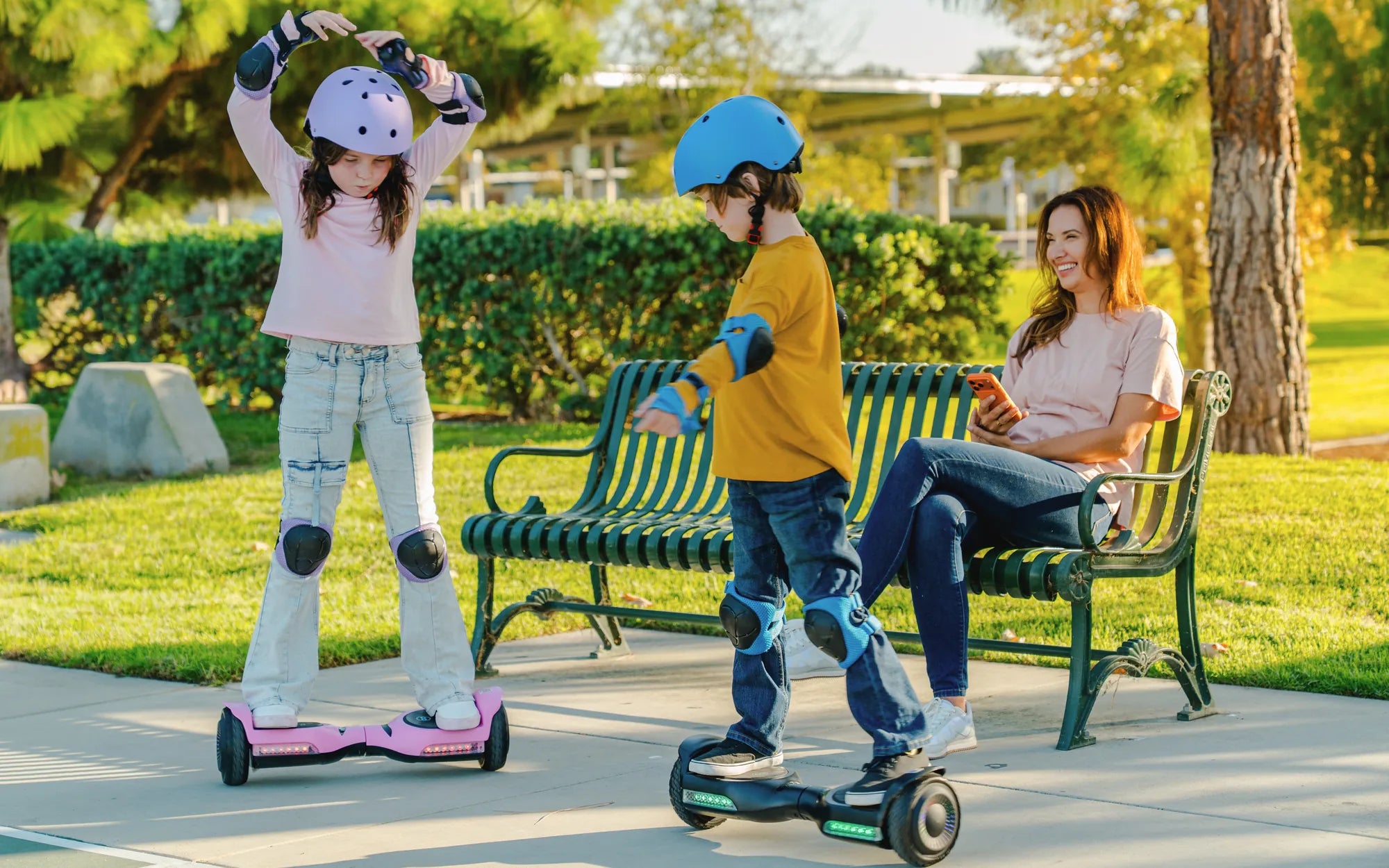
Ever noticed a mysterious blue light blinking on your hoverboard and wondered what it means? You're not alone! That little blue indicator can be a source of confusion—or even concern—for many riders. But don't worry; we're here to decode the mystery and help you understand whether it's a harmless signal or a warning sign that needs immediate attention.
Understanding Hoverboard Indicator Lights
Hoverboards come equipped with various LED lights that serve as communication tools between the device and the rider. These lights can indicate battery status, connectivity, errors, or even just aesthetic effects. The color and pattern of the light often hold the key to understanding what your hoverboard is trying to tell you.
What Does the Blue Light Typically Indicate?
A blue light on a hoverboard usually signifies one of the following:
- Bluetooth Pairing Mode: Many hoverboards feature Bluetooth connectivity for music or app control. A steady or flashing blue light often means the board is in pairing mode.
- Battery Charging Status: Some models use a blue light to indicate that the battery is charging or fully charged.
- Normal Operation: In certain hoverboards, a blue light simply means the device is powered on and functioning correctly.
- Error or Warning: In rare cases, a blinking blue light could signal an internal issue, such as a motor or sensor problem.
Common Scenarios and Troubleshooting
If your hoverboard's blue light is causing confusion, here's how to interpret and address it:
1. Blue Light Flashing Rapidly
A fast-flashing blue light usually indicates Bluetooth pairing mode. If you're not trying to connect a device, this could mean the hoverboard is stuck in pairing mode. Try resetting the board by turning it off and on again.
2. Solid Blue Light
A steady blue light often means the hoverboard is ready to use or that the battery is fully charged. Check your user manual to confirm the specific meaning for your model.
3. Blue Light Accompanied by Beeping
If the blue light flashes along with beeping sounds, this could indicate a sensor or balancing issue. Ensure the hoverboard is on a flat surface and recalibrate it if necessary.
4. Blue Light Won't Turn Off
If the blue light remains on even after turning off the hoverboard, there might be a power switch malfunction. Disconnect the battery if possible and consult a technician.
When Should You Be Concerned?
While most blue light indications are harmless, certain scenarios require attention:
- The hoverboard doesn't respond to commands despite the blue light being on.
- The light flickers irregularly or changes color unexpectedly.
- The board behaves erratically (e.g., sudden stops or jerky movements).
In such cases, stop using the hoverboard immediately and seek professional assistance.
Preventive Measures to Avoid Issues
To minimize the chances of encountering confusing light signals, follow these best practices:
- Regularly charge the hoverboard but avoid overcharging.
- Keep the firmware updated if your model supports it.
- Store the hoverboard in a dry, cool place to prevent moisture damage.
- Refer to the user manual for model-specific light indicators.
Now that you know what the blue light on your hoverboard means, you can ride with confidence—or take action if something seems off. Whether it's a simple pairing signal or a sign to check for issues, understanding these indicators ensures a smoother, safer experience every time you step on your board.
Hoverboard Device: The Future of Personal Transportation Unveiled
Ideal Gifts for 2 Year Olds: Fun, Safe, and Developmental Picks