



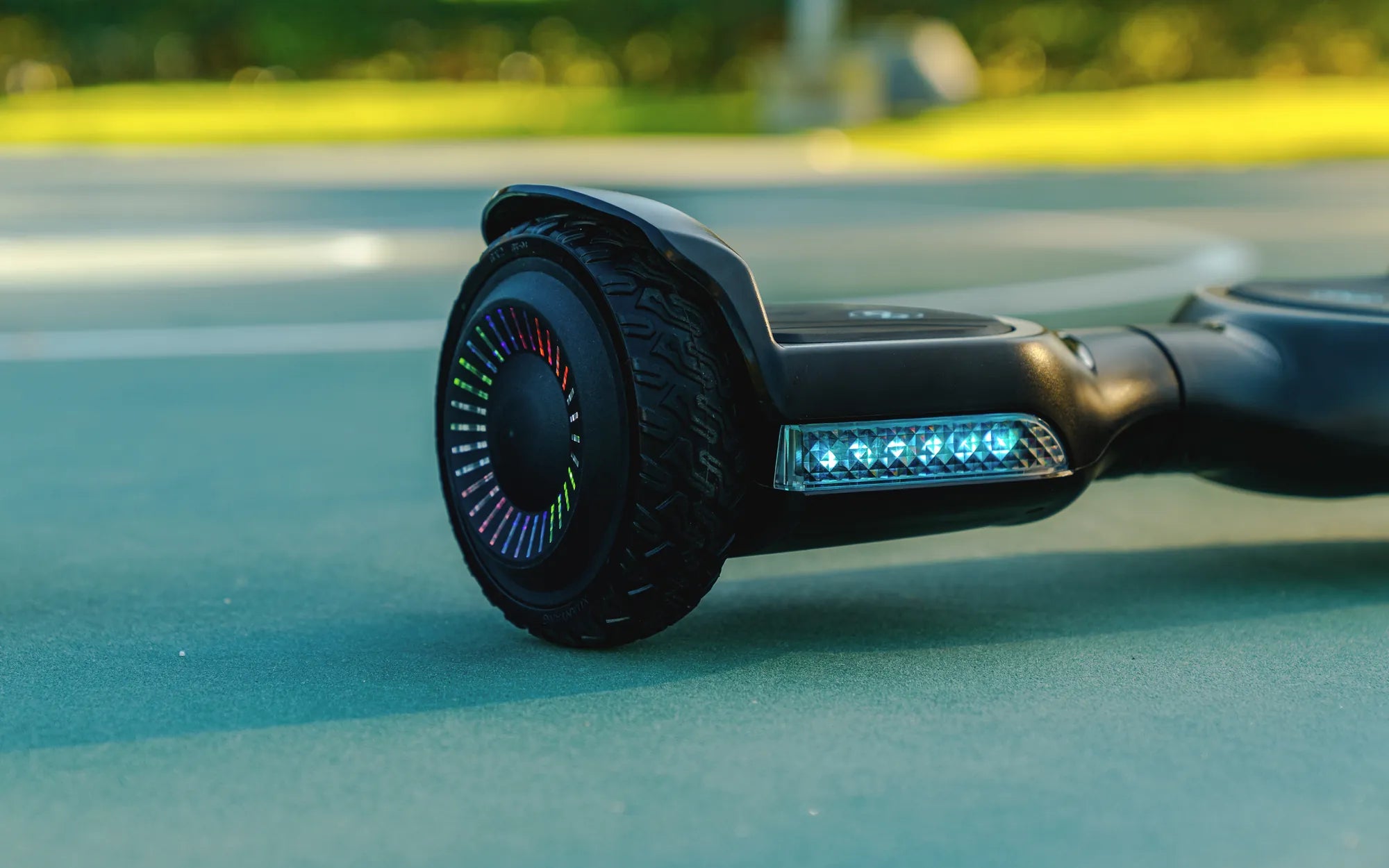
Ever been cruising on your hoverboard when suddenly it starts blinking yellow? That flashing light isn’t just for show—it’s a warning sign that something needs your attention. Whether you’re a seasoned rider or a beginner, understanding what this signal means can save you from potential accidents or costly repairs. Let’s dive into the reasons behind the yellow blink and how to fix it.
Why Is My Hoverboard Blinking Yellow?
A yellow blinking light on your hoverboard typically indicates a problem with the device’s internal systems. Unlike a steady green light, which means everything is functioning correctly, a yellow blink is a call to action. Here are the most common reasons:
- Low Battery: The most frequent cause of a yellow blink is a low battery. When power levels drop below a certain threshold, the hoverboard alerts you to recharge.
- Overheating: Extended use or riding in hot conditions can cause the hoverboard’s motor or battery to overheat, triggering the yellow light.
- Connection Issues: Loose or damaged wiring inside the hoverboard can disrupt communication between components, leading to the warning signal.
- Faulty Sensors: If the gyroscope or other sensors malfunction, the hoverboard may blink yellow to indicate an imbalance or calibration error.
How to Troubleshoot a Yellow Blinking Light
Before panicking, try these troubleshooting steps to resolve the issue:
1. Check the Battery
Plug your hoverboard into the charger and wait for the light to turn green. If it doesn’t charge, inspect the charger and charging port for damage. A faulty charger or port could prevent proper charging.
2. Let It Cool Down
If overheating is the issue, turn off the hoverboard and let it sit in a cool, shaded area for at least 30 minutes. Avoid riding it again until the temperature normalizes.
3. Inspect the Wiring
Carefully open the hoverboard’s casing (if possible) and check for loose or frayed wires. If you spot any damage, consider consulting a professional for repairs.
4. Recalibrate the Hoverboard
Sometimes, recalibrating the sensors can fix the issue. Refer to your user manual for specific instructions on how to reset or recalibrate your model.
Preventing Future Yellow Blinking Lights
To avoid encountering this problem again, follow these preventive measures:
- Charge Regularly: Don’t wait until the battery is critically low. Charge your hoverboard after every few uses.
- Avoid Overuse: Give your hoverboard breaks during long rides to prevent overheating.
- Store Properly: Keep your hoverboard in a dry, temperature-controlled environment to protect its internal components.
- Routine Maintenance: Periodically check for loose screws, damaged wires, or worn-out parts.
When to Seek Professional Help
If none of the troubleshooting steps work, or if the yellow light persists, it’s time to consult a professional. Continuing to ride a malfunctioning hoverboard can be dangerous and may cause further damage.
Don’t let a yellow blinking light ruin your hoverboard experience. By understanding the causes and taking prompt action, you can keep your rides smooth and safe. Ready to get back on track? Your hoverboard is counting on you!
Hoverboard Broke in Half: The Shocking Truth Behind This Dangerous Malfunction
Hoverboard Color Switch: The Ultimate Guide to Customizing Your Ride