



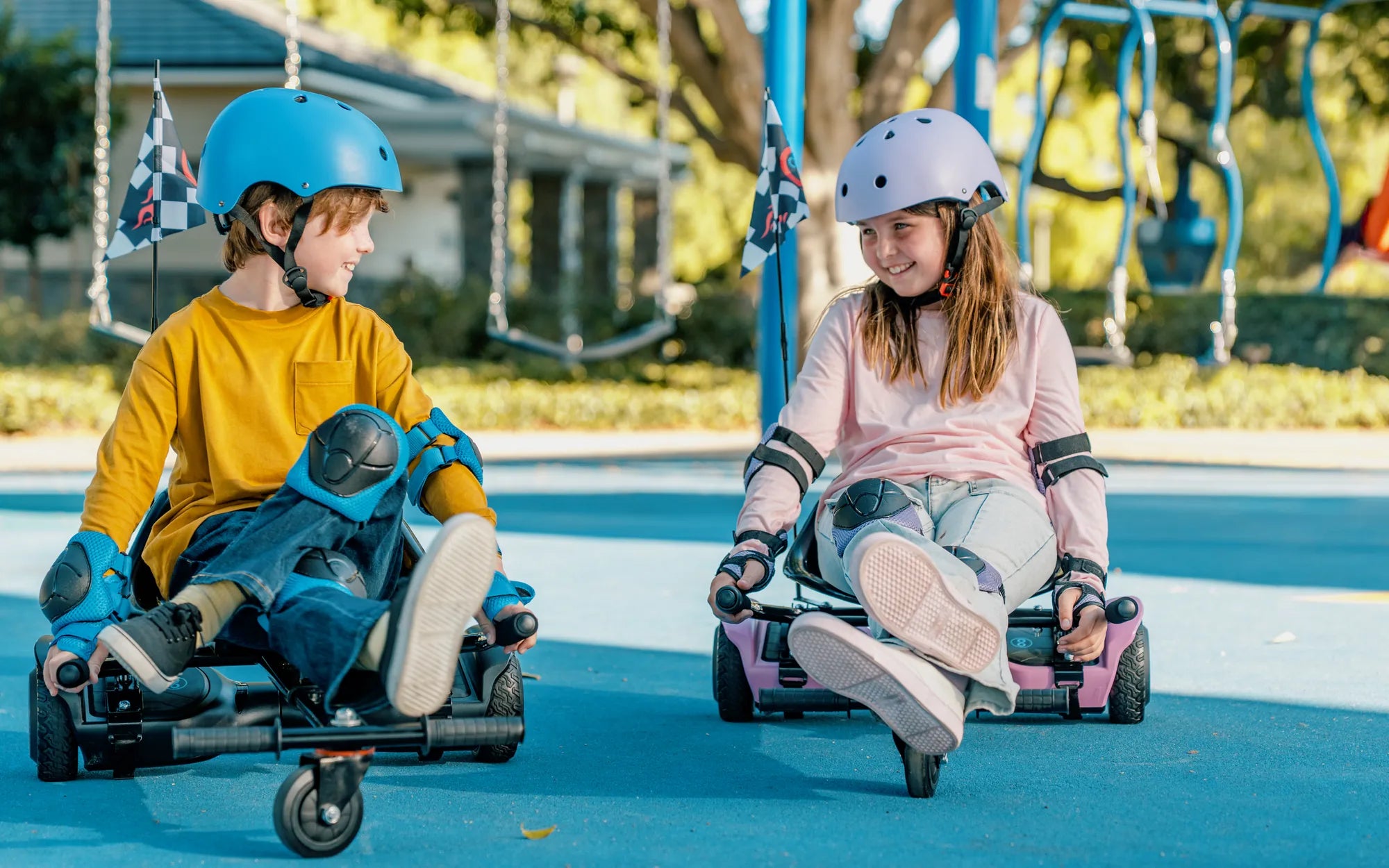
Have you ever hopped on your hoverboard only to feel it tilt backward unexpectedly? This common issue can be both annoying and hazardous, especially if you're not prepared for the sudden shift. Understanding why your hoverboard leans back is the first step to fixing the problem and ensuring a smooth, safe ride.
Possible Reasons Your Hoverboard Leans Back
Several factors can cause your hoverboard to lean backward. Here are the most common culprits:
1. Uneven Weight Distribution
Hoverboards rely on sensors to detect weight shifts and maintain balance. If your stance is uneven or you're leaning too far back, the hoverboard may tilt in response. Always stand with your feet shoulder-width apart and distribute your weight evenly.
2. Calibration Issues
Over time, your hoverboard's internal gyroscopes and sensors can lose calibration, causing it to tilt unexpectedly. Recalibrating the device often resolves this issue. Check your user manual for instructions on how to reset the calibration.
3. Low Battery Power
A weak battery can cause your hoverboard to behave erratically, including leaning backward. Ensure your device is fully charged before use, and replace the battery if it no longer holds a charge effectively.
4. Faulty Sensors or Motors
If the tilt persists even after recalibration and charging, one or both of the hoverboard's sensors or motors may be malfunctioning. In this case, professional repair or replacement may be necessary.
How to Fix a Hoverboard That Leans Backward
Now that you know the potential causes, let's explore how to address them:
1. Adjust Your Stance
Practice standing centered on the hoverboard with your knees slightly bent. Avoid leaning too far forward or backward, as this can trigger unwanted tilting.
2. Recalibrate the Hoverboard
Most hoverboards have a calibration mode that resets the sensors. Follow the manufacturer's steps to recalibrate, usually involving holding a button until lights flash.
3. Charge or Replace the Battery
If the battery is the issue, a full charge may solve the problem. For older hoverboards, consider replacing the battery to restore optimal performance.
4. Check for Physical Damage
Inspect the wheels, footpads, and internal components for signs of wear or damage. If you spot any issues, consult a repair technician.
Preventing Future Leaning Issues
To keep your hoverboard functioning smoothly:
- Store it in a dry, temperature-controlled environment.
- Avoid rough terrain that could damage the sensors or motors.
- Regularly clean the footpads and wheels to prevent debris buildup.
By addressing the root cause and following these maintenance tips, you can enjoy a stable, safe ride without the frustration of a backward-leaning hoverboard. Don't let a simple tilt ruin your fun—take action today and get back to gliding effortlessly!
How Do I Connect My Hoverboard to Bluetooth? A Step-by-Step Guide
Hoverboard Seat Not Working: Causes, Fixes, and Prevention Tips