



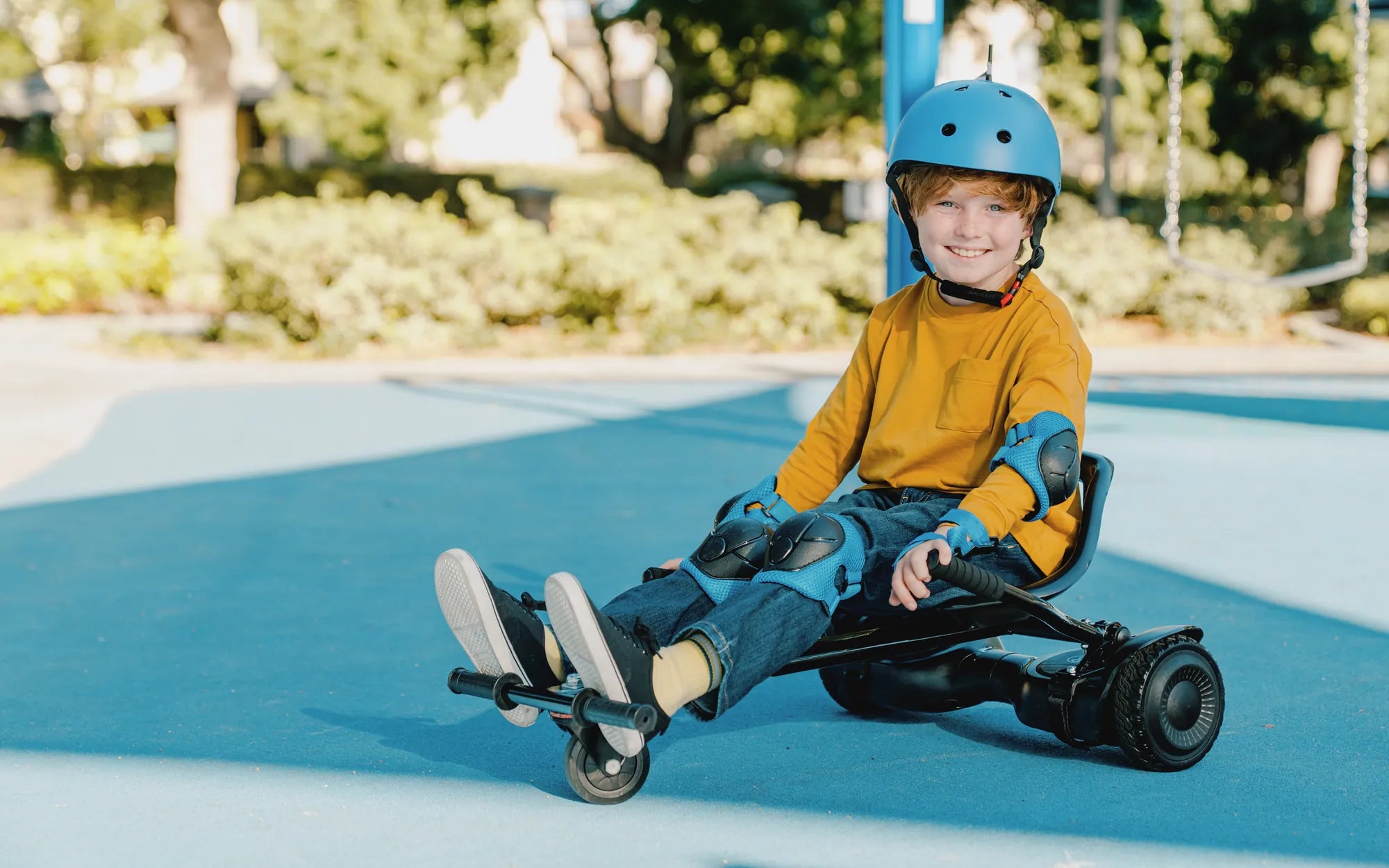
Few things are more frustrating—or dangerous—than a hoverboard that suddenly throws you off without warning. Whether you're a beginner or an experienced rider, unexpected dismounts can lead to injuries and a loss of confidence in your device. So, why does this happen, and how can you fix it? Let’s dive into the common causes and solutions to keep you riding safely.
1. Uneven or Unstable Terrain
One of the most frequent reasons a hoverboard throws riders off is uneven or unstable terrain. Hoverboards rely on gyroscopic sensors to maintain balance, and rough surfaces can disrupt these sensors, causing sudden jerks or stops.
- Avoid gravel, sand, or bumpy roads. These surfaces make it difficult for the wheels to maintain traction.
- Stick to smooth, flat surfaces. Pavement or indoor flooring provides the best stability.
- Check for obstacles. Small rocks or cracks can trigger an imbalance.
2. Low Battery or Power Issues
A hoverboard with a low or inconsistent power supply can behave unpredictably. If the battery is dying, the board may shut off mid-ride, throwing you forward.
- Charge your hoverboard fully before use. Never ride with less than 20% battery.
- Inspect the battery health. Over time, batteries degrade and may need replacement.
- Avoid extreme temperatures. Cold or hot environments can affect battery performance.
3. Overloading the Weight Limit
Every hoverboard has a maximum weight capacity. Exceeding this limit strains the motors and sensors, leading to sudden shutdowns or loss of control.
- Check the manufacturer’s weight limit. Most hoverboards support 220-265 lbs (100-120 kg).
- Distribute weight evenly. Standing off-center can trigger imbalance warnings.
- Avoid carrying heavy items. Extra weight increases the risk of failure.
4. Faulty or Worn-Out Sensors
The gyroscopic and tilt sensors are crucial for balance. If they malfunction, the hoverboard may misinterpret your movements and eject you unexpectedly.
- Calibrate your hoverboard regularly. Follow the user manual for recalibration steps.
- Listen for error beeps. Many hoverboards alert you to sensor issues.
- Inspect for physical damage. Dropping the board can misalign sensors.
5. Software Glitches or Outdated Firmware
Like any smart device, hoverboards rely on software to function. Bugs or outdated firmware can cause erratic behavior.
- Update firmware when available. Check for updates via the manufacturer’s app or website.
- Reset the hoverboard. A factory reset can resolve minor software issues.
- Avoid unofficial modifications. Custom firmware may introduce instability.
6. Riding at High Speeds
Pushing a hoverboard beyond its speed limit can trigger safety mechanisms that force a shutdown to prevent accidents.
- Respect the speed limit. Most hoverboards max out at 10-12 mph (16-19 km/h).
- Use beginner mode if available. This restricts speed while you learn.
- Lean gradually. Sudden acceleration can confuse the sensors.
7. Poor Maintenance and Wear
Neglecting regular maintenance can lead to mechanical failures, such as loose wheels or damaged wiring, which may cause abrupt stops.
- Clean your hoverboard. Dirt and debris can interfere with moving parts.
- Tighten screws and bolts. Vibrations from riding can loosen components.
- Check tire pressure (if applicable). Underinflated tires affect balance.
8. User Error or Inexperience
Sometimes, the issue isn’t the hoverboard—it’s the rider. Improper posture or abrupt movements can lead to falls.
- Practice in a safe area. Use a open space free of obstacles.
- Keep your knees slightly bent. This improves stability and shock absorption.
- Avoid sudden shifts in weight. Smooth movements help the sensors respond correctly.
No one wants to be thrown off their hoverboard unexpectedly, but understanding the causes can help you prevent it. From terrain and battery issues to sensor malfunctions and riding habits, addressing these factors will keep you gliding smoothly and safely. Ready to get back on your board with confidence? Implement these fixes and enjoy a worry-free ride!
Best Hoverboard Wheel Size: A Complete Guide to Choosing the Right Fit
Best Hoverboard Wheel Size: A Complete Guide to Choosing the Right Fit