



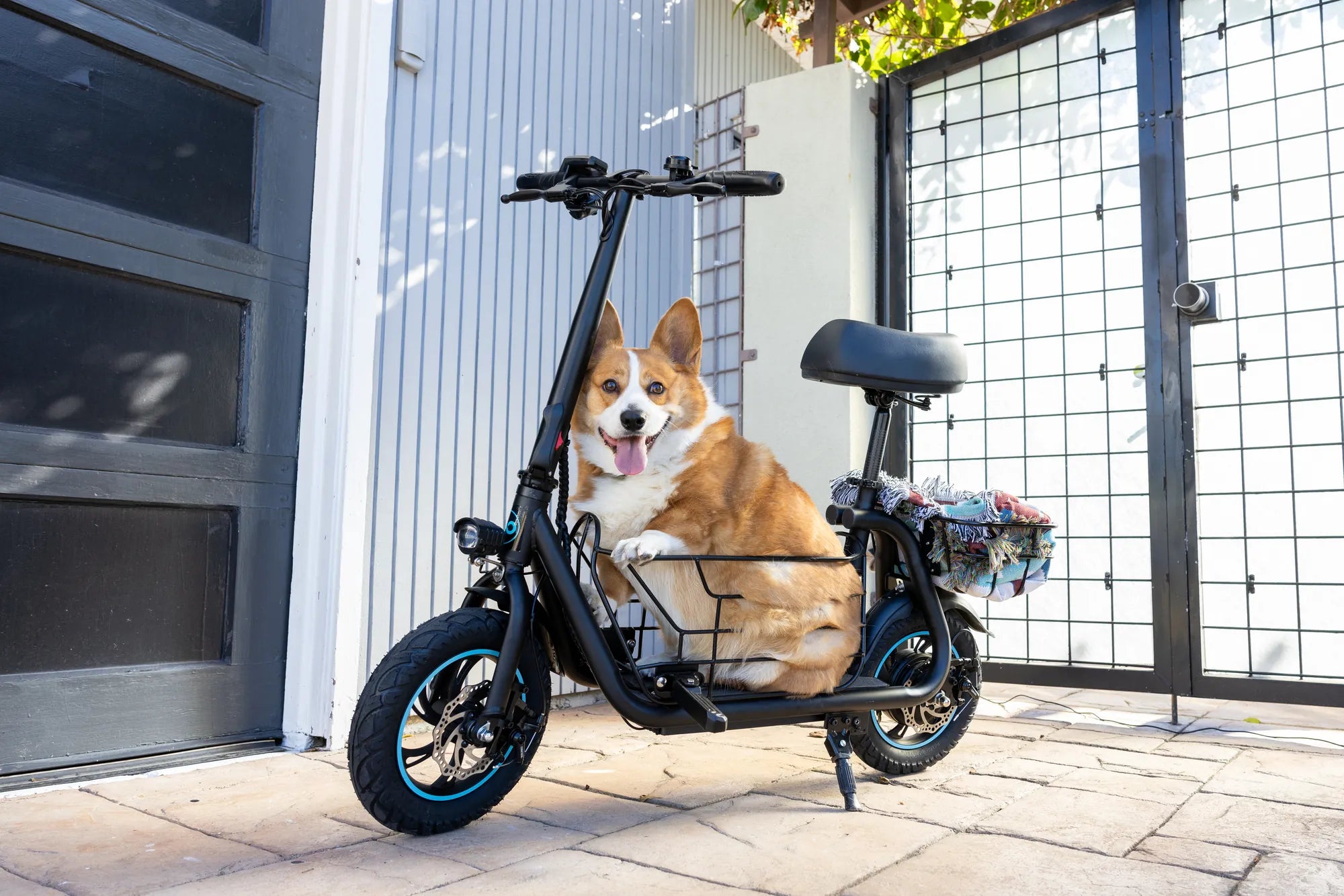
Few things are more frustrating than plugging in your e-scooter only to find it won't charge. Whether you rely on it for daily commutes or weekend adventures, a dead battery can throw a wrench in your plans. Before you panic or rush to replace expensive components, let's explore the possible reasons why your e-scooter isn't charging and how you can resolve them.
1. Check the Power Source
The first step in troubleshooting is ensuring your power source is working correctly. Plug another device into the same outlet to verify it's supplying power. If the outlet is controlled by a switch, make sure it's turned on. Additionally, try a different outlet or power strip to rule out electrical issues.
2. Inspect the Charger
A faulty charger is one of the most common reasons an e-scooter won't charge. Look for visible damage to the cable, such as fraying or exposed wires. Check the charging brick for any signs of overheating or damage. If possible, test with another compatible charger to see if that resolves the issue.
3. Examine the Charging Port
Dirt, debris, or corrosion in the charging port can prevent proper connection. Use a flashlight to inspect the port for any obstructions. Gently clean it with a dry toothbrush or compressed air. Avoid using liquids that could cause further damage. If the port appears bent or damaged, professional repair may be necessary.
4. Battery Issues
Over time, e-scooter batteries lose their ability to hold a charge. If your scooter is older or has been stored for an extended period, the battery may need replacement. Look for signs of battery swelling or leakage, which indicate immediate replacement is required. Some scooters have battery management systems that may need resetting if the battery isn't charging.
5. Temperature Factors
Extreme temperatures can affect charging performance. Most e-scooter batteries charge best between 50-85°F (10-30°C). If you've left your scooter in very cold or hot conditions, allow it to reach room temperature before attempting to charge again.
6. Software or Firmware Problems
Some modern e-scooters have software that can occasionally glitch and prevent charging. Check your manufacturer's website for any firmware updates or troubleshooting guides specific to your model. A simple reset (often done by holding the power button for 10-30 seconds) may resolve software-related charging issues.
7. Wiring and Internal Components
If you've ruled out external factors, internal wiring or component failures could be the culprit. Loose connections, damaged wiring, or failed charging circuits require professional diagnosis and repair. Unless you're experienced with electronics, it's best to consult a qualified technician for these issues.
8. Safety Features
Many e-scooters have built-in safety features that prevent charging under certain conditions. For example, some models won't charge if the battery temperature is too high or if there's a detected short circuit. Refer to your user manual for information about these safety mechanisms.
9. Water Damage
If your e-scooter has been exposed to water or excessive moisture, corrosion or short circuits could prevent charging. Look for signs of water damage like discoloration or mineral deposits. Water damage often requires professional assessment and repair.
10. When to Seek Professional Help
If you've tried all basic troubleshooting steps without success, or if you notice any concerning signs like burning smells, smoke, or battery swelling, stop attempting to charge the scooter immediately and consult a professional. Continuing to force charge a damaged battery can be dangerous.
Don't let a non-charging e-scooter leave you stranded. By methodically working through these potential issues, you'll likely identify and resolve the problem. Remember that regular maintenance and proper storage can prevent many charging issues before they start. With the right approach, you'll be back on the road in no time, enjoying the freedom and convenience your e-scooter provides.
E Scooter Not Working: Troubleshooting and Fixes for Common Issues
What's a Motorized Scooter: The Ultimate Guide to Electric Mobility