



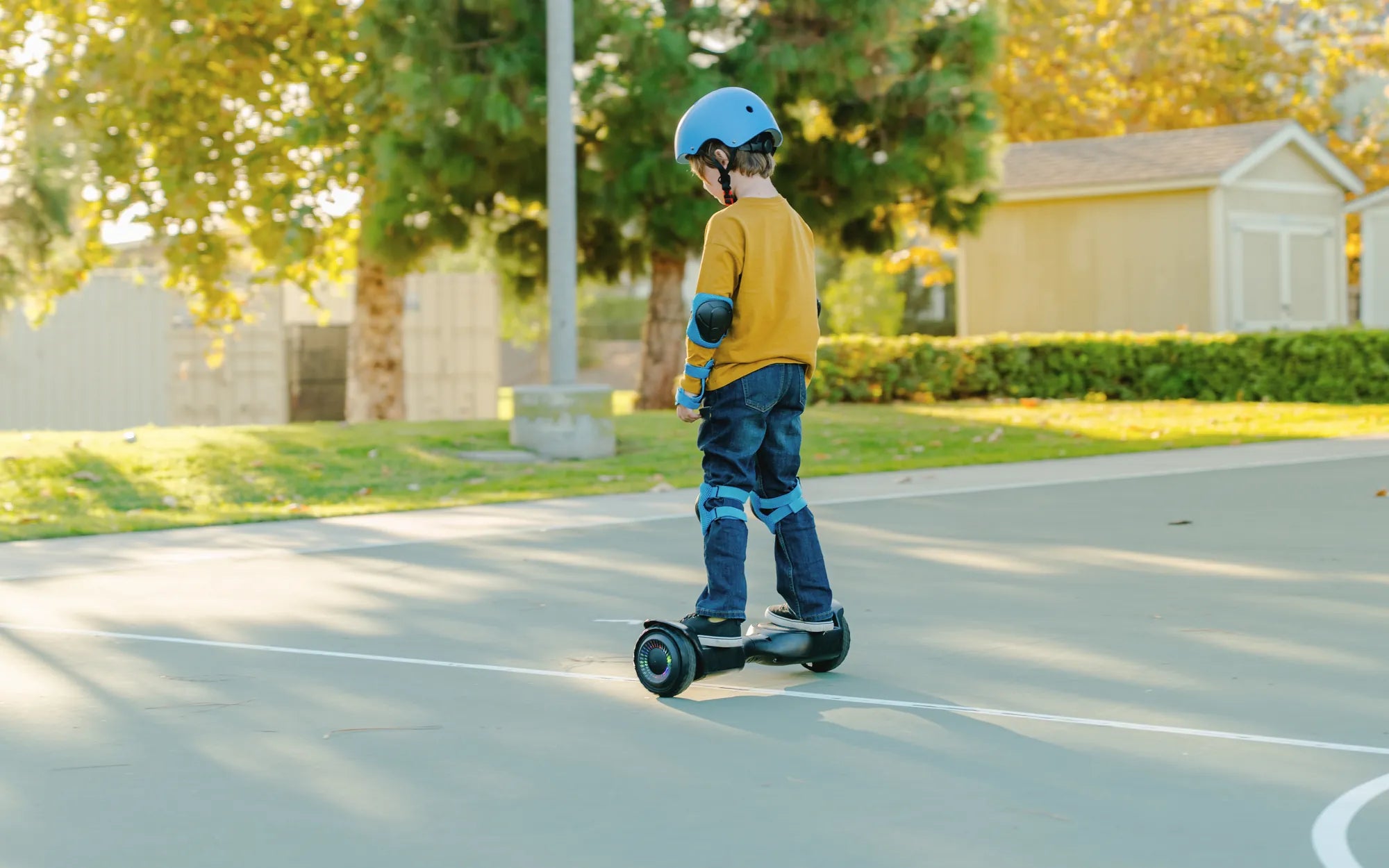
Few things are more frustrating than hopping on your hoverboard, only to find it won't turn on or move. Whether you're a seasoned rider or a beginner, a malfunctioning hoverboard can ruin your day. But before you give up, let's dive into the most common reasons why hoverboards stop working and how you can fix them.
Battery Issues
One of the most frequent culprits behind a non-working hoverboard is a dead or faulty battery. If your hoverboard won't power on, the first thing to check is whether the battery is charged. Plug it in and wait for the charging indicator to light up. If it doesn't, try a different outlet or charger.
Signs of a Failing Battery
- The hoverboard won't turn on even after charging.
- The battery drains unusually fast.
- The hoverboard shuts off unexpectedly during use.
If you suspect the battery is the issue, consider replacing it. Always use a compatible battery to avoid further problems.
Power Button Problems
Another simple yet often overlooked issue is the power button. If your hoverboard doesn't respond when you press the power button, it might be stuck or damaged. Try pressing it firmly a few times. If that doesn't work, inspect the button for physical damage.
Faulty Charging Port
A damaged charging port can prevent your hoverboard from receiving power. Check for visible signs of wear, bent pins, or debris inside the port. If the port is damaged, it may need professional repair or replacement.
Overheating Protection
Many hoverboards have built-in overheating protection. If the device gets too hot, it may shut off automatically to prevent damage. Let it cool down for at least 30 minutes before attempting to turn it on again.
Wheel or Motor Issues
If your hoverboard turns on but doesn't move, the problem could lie in the wheels or motors. Listen for unusual noises when trying to ride. Grinding or clicking sounds may indicate a motor issue. Check for obstructions like debris stuck in the wheels.
Common Motor Problems
- One wheel spins while the other doesn't.
- The hoverboard vibrates excessively.
- The device struggles to maintain balance.
If the motors are faulty, they may need to be replaced. Always consult a professional if you're unsure.
Software Glitches
Some hoverboards run on firmware that can occasionally glitch. If your device behaves erratically, a reset might help. Refer to the user manual for reset instructions specific to your model.
Bluetooth Connectivity Problems
If your hoverboard has Bluetooth features and they're not working, try resetting the connection. Turn off Bluetooth on your phone, then restart both the hoverboard and your device before pairing again.
Water Damage
Hoverboards and water don't mix. If your device has been exposed to moisture, it may stop working. Look for signs of water damage, such as corrosion or a musty smell. In severe cases, professional repair may be necessary.
Loose Wiring
Internal wiring can come loose over time, especially if the hoverboard has been dropped. If you're comfortable opening the device, check for disconnected wires. Otherwise, take it to a repair shop.
Calibration Problems
An improperly calibrated hoverboard may not respond correctly to your movements. Most models have a calibration mode—consult the manual to recalibrate yours.
Safety First
Before attempting any repairs, always unplug the hoverboard and ensure it's powered off. If you're not confident in your ability to fix the issue, seek professional help to avoid further damage or injury.
Don't let a malfunctioning hoverboard keep you grounded. With these troubleshooting tips, you'll be back on the move in no time. Whether it's a simple battery issue or a more complex motor problem, understanding the root cause is the first step to getting your hoverboard up and running again.
Hoverboard Control Board: The Brain Behind Your Ride
Hoverboard That Can Ride on Grass: The Ultimate Off-Road Experience