



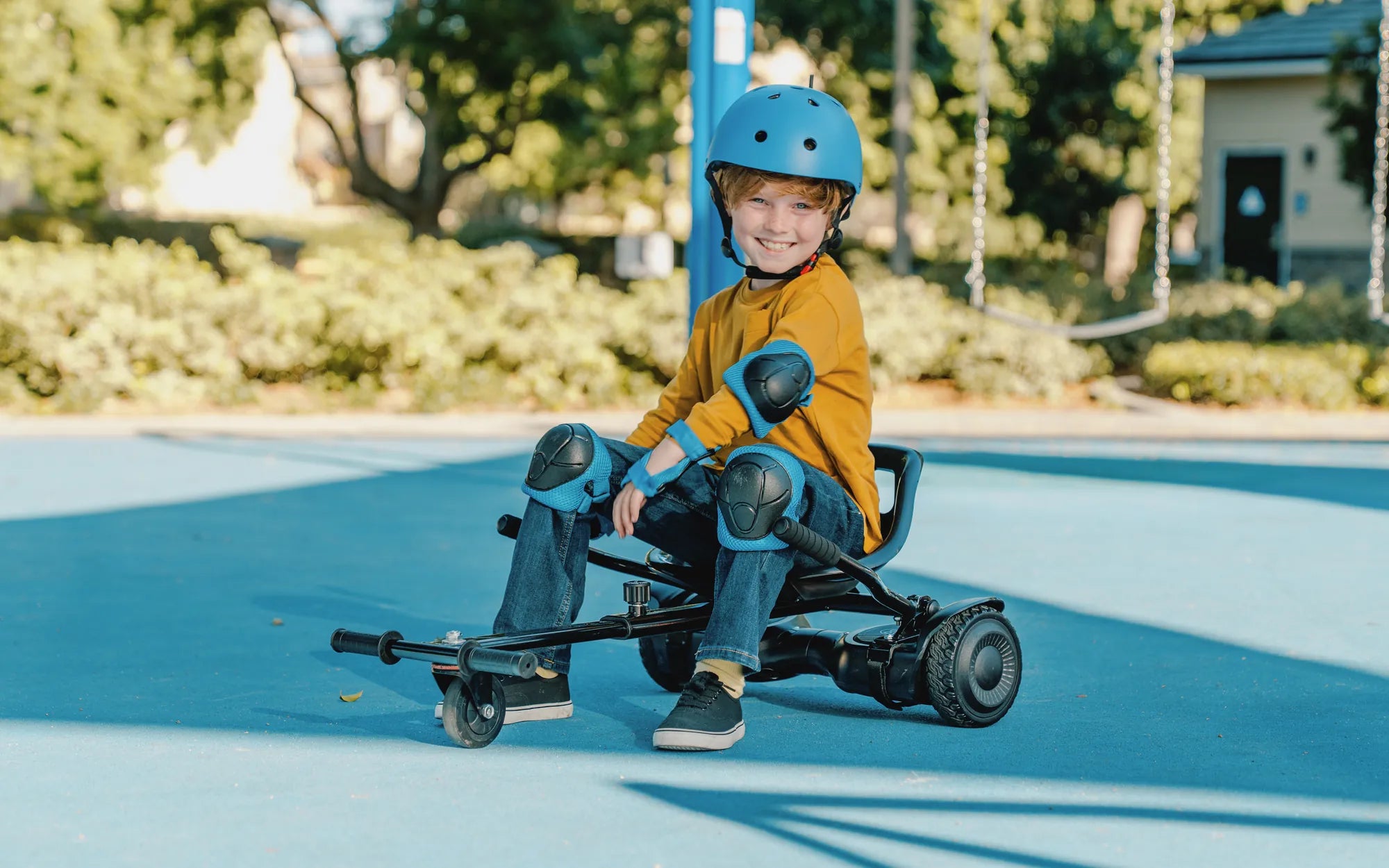
Few things are as frustrating as a hoverboard that won't stop beeping. That incessant noise can drive anyone crazy, but more importantly, it's often a sign that something's wrong with your device. Before you consider tossing it out or resigning yourself to a life of constant beeping, read on to discover the reasons behind this annoying issue and how to resolve it.
Why Is My Hoverboard Beeping Constantly?
A hoverboard beeping constantly is its way of communicating that something isn't right. The beeping serves as an alarm system, alerting you to potential problems that need attention. While the exact meaning can vary between models, there are several common reasons for this behavior.
Low Battery Warning
One of the most frequent causes of constant beeping is a low battery. When your hoverboard's power drops below a certain level, it will typically start beeping to warn you that it needs charging soon. This is a safety feature designed to prevent sudden shutdowns while riding.
Overheating Issues
Hoverboards contain sensitive electronics that can overheat, especially during prolonged use or in hot environments. When internal temperatures rise too high, the device will beep to alert you and may shut down to prevent damage.
Connection Problems
Loose or damaged wiring connections between components can trigger the alarm system. This is particularly common in older models or hoverboards that have endured rough handling.
Sensor Malfunctions
The gyroscopic sensors that help maintain balance can sometimes malfunction, causing the hoverboard to beep continuously as it struggles to interpret movement commands correctly.
Software Glitches
Like any smart device, hoverboards rely on software that can occasionally develop bugs or need updates. These glitches might manifest as constant beeping without an obvious physical cause.
How to Fix a Hoverboard That Won't Stop Beeping
Now that we've identified potential causes, let's explore solutions to silence that annoying beep and get your hoverboard working properly again.
Charge the Battery Fully
Start with the simplest solution: plug in your hoverboard and let it charge completely. Use the original charger if possible, as third-party chargers might not provide the correct voltage. After a full charge, test if the beeping persists.
Cool Down the Device
If overheating is suspected, turn off the hoverboard and let it rest in a cool, shaded area for at least 30 minutes. Avoid using it in direct sunlight or on hot surfaces, and consider shorter riding sessions to prevent future overheating.
Check and Secure Connections
For those comfortable with basic electronics, carefully inspect the internal wiring (after ensuring the device is powered off). Look for loose plugs, frayed wires, or obvious damage. Gently reconnect any loose components, but avoid forcing connections that don't fit properly.
Reset the Hoverboard
Many models have a reset function that can clear minor software issues. Consult your manual for specific instructions, but the process typically involves holding down the power button for an extended period or using a small reset button on the underside.
Update the Firmware
Some advanced hoverboards allow firmware updates via Bluetooth or USB connection. Check the manufacturer's website or app for available updates that might resolve beeping issues.
Preventing Future Beeping Problems
While fixing current issues is important, taking preventive measures can help avoid constant beeping in the future.
Proper Charging Habits
Always use the correct charger and avoid overcharging. Unplug the hoverboard once it reaches full charge, and try to maintain the battery between 20-80% for optimal lifespan.
Regular Maintenance
Clean your hoverboard regularly, especially around the wheels and charging port. Check for loose screws or parts that might affect internal components. Store it in a dry, temperature-controlled environment when not in use.
Weight and Surface Considerations
Respect the weight limits specified for your model, as overloading can strain the motors and battery. Also, avoid extremely rough terrain that could damage internal components or sensors.
Professional Servicing
For persistent issues or if you're uncomfortable with DIY repairs, seek professional help from authorized service centers. They can diagnose and fix problems that might be difficult to identify at home.
When to Consider Replacement
While most beeping issues are fixable, there are times when replacement might be the more practical option. If your hoverboard is very old, has been in an accident, or requires expensive repairs that approach the cost of a new unit, upgrading might be the smarter choice.
That relentless beeping doesn't have to spell the end for your hoverboard. With the right troubleshooting approach and proper care, you can silence the alarm and get back to smooth, quiet rides. Remember that addressing beeping issues promptly not only restores peace but also ensures your safety while enjoying this fun mode of transportation.
Self-Balance Electric Scooter for Kids: The Ultimate Guide for Parents
How Does a Hoverboard Move: The Science Behind Self-Balancing Scooters